

What's New
The latest versions of VK for Android continue to improve performance, stability, messaging, media features, and the overall user experience. Updates may also introduce improvements to video playback, community content, notifications, and account security.
Key Features
-
Connect with friends and contacts
-
Send private messages and make voice or video calls
-
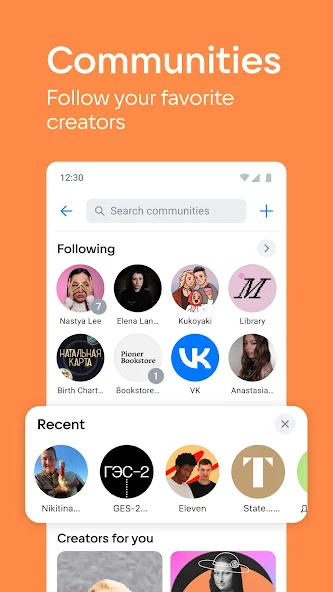
Join communities and follow public pages
-
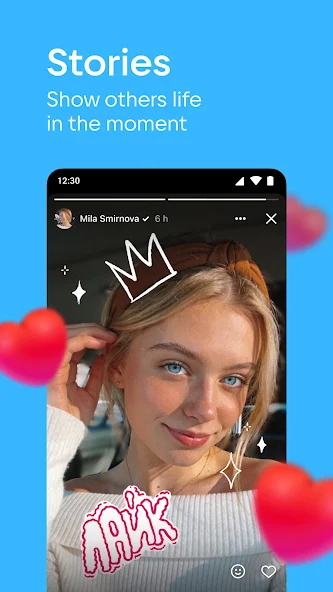
Share photos, videos, stories, and posts
-
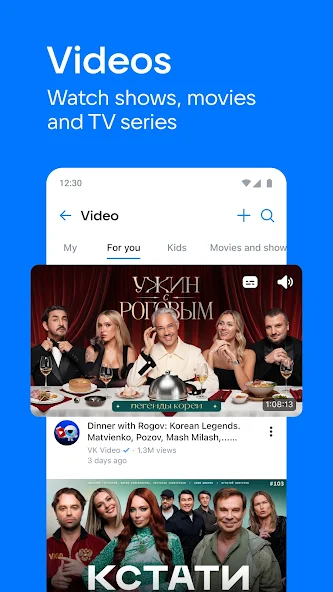
Watch videos and discover trending content
-
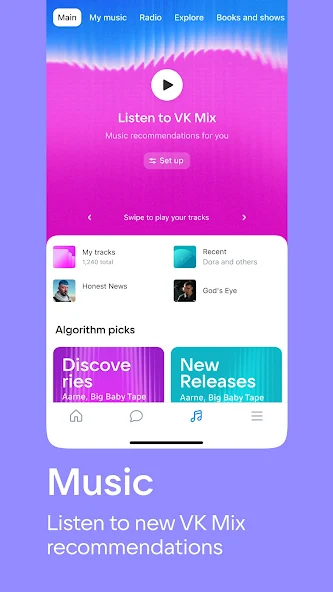
Listen to music and create playlists
-
Receive notifications for messages, comments, and updates
-
Search for people, communities, music, and videos
-
Customize your profile and privacy settings
-
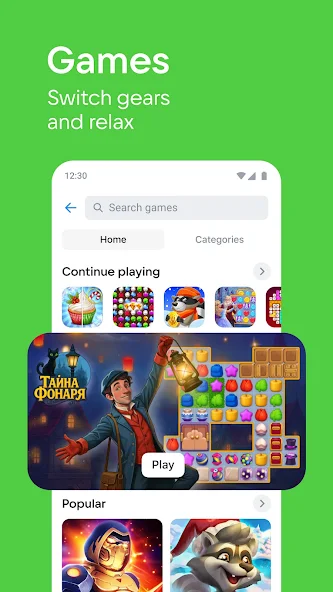
Support for multiple types of content in the VK ecosystem
User Interface
VK for Android uses a modern social-media interface with easy access to messages, news feeds, communities, videos, music, and user profiles. The navigation is designed for touchscreens, making it simple to switch between different sections and interact with posts and media.
Installation and Setup
Download the VK for Android APK from a trusted source and install it on your Android device. If you are installing an APK manually, Android may require permission to install applications from unknown sources.
After installation, open VK and sign in with your VK account or create a new account. Follow the on-screen instructions to configure notifications, privacy options, and other account settings.
How to Use
Open VK and sign in to your account. From the main interface, you can browse your news feed, communicate with friends, join communities, watch videos, listen to music, and publish your own content.
Use the search function to find people, groups, communities, videos, or other content. The profile and settings sections allow you to manage personal information, notifications, privacy, and account preferences.
FAQ
Is VK for Android free?
Yes. VK for Android is available as a free application, although some content or services may have their own conditions.
Can I use VK without an account?
Many features require you to sign in to a VK account. Some public content may be accessible without logging in.
Does VK for Android support messaging?
Yes. You can exchange messages with other VK users and use supported voice and video communication features.
Can I watch videos on VK for Android?
Yes. The app provides access to videos shared by users, communities, and other VK content creators.
Can I listen to music with VK for Android?
Yes. VK includes music-related features, although availability and access to certain content may vary by account and region.
Alternatives
Popular alternatives to VK for Android include Telegram, Facebook, Instagram, X, and other social networking and messaging applications. The best choice depends on the communities, contacts, and content you want to access.
Pricing
VK for Android is free to download and use. Certain services, subscriptions, or premium content may be subject to additional charges.
System Requirements
-
Android 6.0 or later
-
Internet connection
-
Sufficient free storage space
-
A compatible Android smartphone or tablet
Pros
-
Large Russian-speaking social network
-
Messaging, communities, videos, music, and social features in one app
-
Easy-to-use mobile interface
-
Extensive content discovery options
-
Regular updates and feature improvements
Cons
-
Some features and content may vary by region
-
The app can require significant storage and network resources
-
Some content may require an account or additional subscription
-
Privacy and notification settings may require customization
Conclusion
VK for Android provides a comprehensive social networking experience for users who want messaging, communities, media, music, and content discovery in one mobile application. It is particularly useful for people who actively use the VK ecosystem and Russian-language online communities.