360 Total Security for Windows is a free antivirus and security suite that provides real-time protection against viruses, malware, ransomware, phishing, and other online threats. It also includes system cleanup and optimization tools for managing junk files, startup items, and other areas of Windows.
Key Features
-
Real-Time Protection – Detects and blocks malware and other threats while you use your PC.
-
Virus Scanning – Scan the system for viruses, Trojans, ransomware, and other malicious software.
-
Multiple Antivirus Engines – Uses several detection engines to improve malware detection capabilities.
-
System Cleanup – Removes temporary files, browser caches, junk files, and other unnecessary data.
-
Speedup – Manages startup items and system services to help improve boot and system performance.
-
Browser Protection – Helps prevent unauthorized changes to browser settings, homepages, and search engines.
-
Sandbox – Provides an isolated environment for running potentially untrusted applications.
-
Privacy Protection – Removes browsing history and other activity traces.
-
Data Shredder – Securely deletes sensitive files to make recovery more difficult.
-
Patch Up – Helps identify and install available security updates.
-
Disk Analyzer – Shows which files and folders are using the most disk space.
-
Game Booster – Optimizes selected system resources when launching supported games.
User Interface
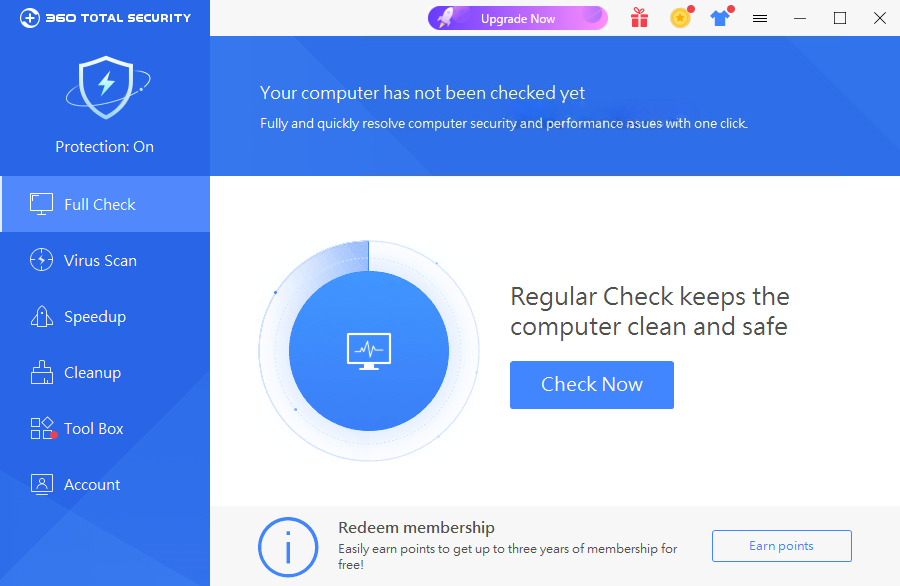
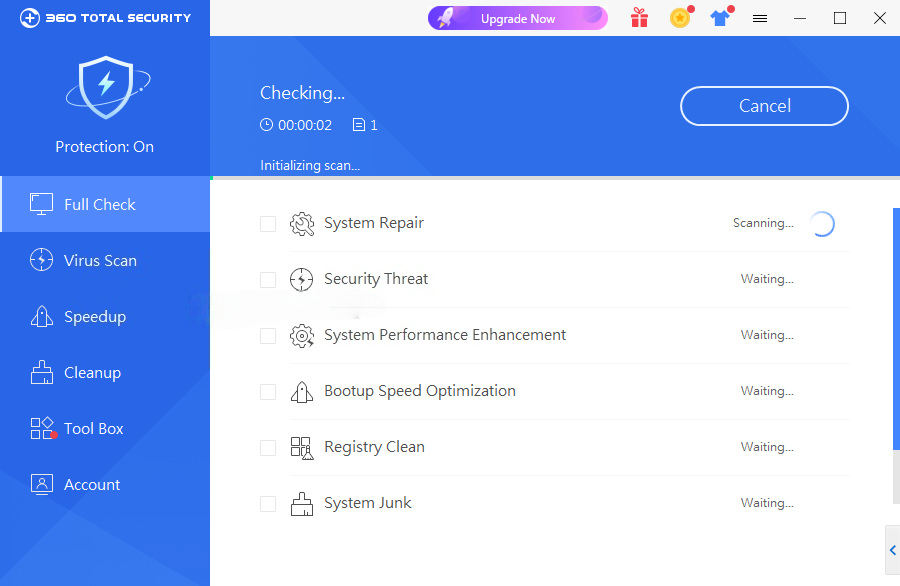
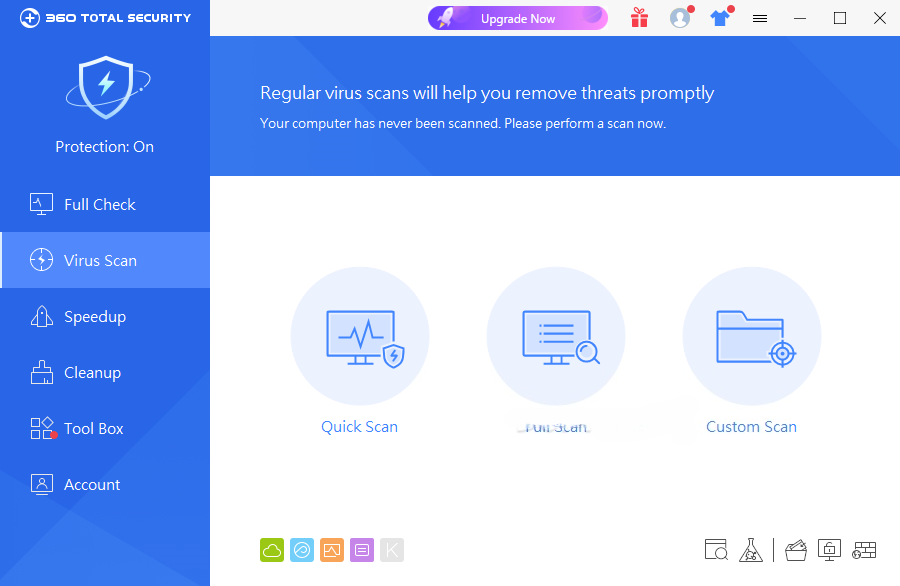
360 Total Security uses a straightforward interface with access to virus scanning, system cleanup, optimization, and protection features from the main dashboard. Most common security and maintenance tasks can be started with a few clicks.
Installation and Setup
Download and install 360 Total Security for Windows, then follow the on-screen instructions to complete the installation. After installation, review the protection and scanning settings and run an initial system scan.
How to Use
-
Open 360 Total Security.
-
Run a full or quick virus scan.
-
Review detected threats and follow the recommended actions.
-
Use Cleanup to remove unnecessary files.
-
Check Speedup to manage startup items and other performance-related settings.
-
Use Patch Up to check for available security updates.
-
Review protection settings and enable additional features when needed.
System Requirements
-
Windows 7, Windows 8/8.1, Windows 10, or Windows 11
-
Internet connection for updates and cloud-based security features
-
Sufficient disk space for installation and virus databases
Pros
-
Free antivirus version available
-
Real-time malware protection
-
Multiple scanning engines
-
Includes system cleanup and optimization tools
-
Sandbox and privacy protection features
-
Easy-to-use interface
Cons
-
Includes many features beyond basic antivirus protection
-
Some system optimization tools may not be necessary for every user
-
Can have a noticeable impact on system resources during scans
Conclusion
360 Total Security for Windows combines antivirus protection with system cleanup, optimization, privacy, and maintenance tools. It is a suitable option for users who want a single application for basic malware protection and common PC maintenance tasks.