Go to Windows platform Display platforms icon
Go to Mac platform Go to Windows platform Go to Android platform
Adobe DNG Converter icon

Adobe DNG Converter

17.2
Adobe
5
1.63 GB size

Convert RAW and DNG files from your camera

Adobe DNG Converter is a program that allows you to convert the .raw and .dng formats of your camera to a more universal and accessible DNG format. These formats are known as "digital negatives", and store all the uncompressed information of any photo you take. As a result, there is a greater dynamic range and a greater possibility of color retouching by software compared to a JPG file, where the image is compressed.

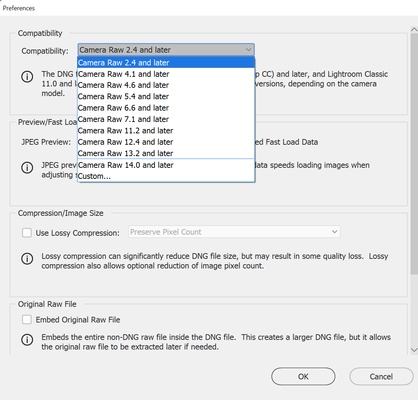
The problem is that sometimes you may be faced with a camera that is too modern or software that is too old. If this is the case, you may not be able to open the photos you have taken with an editor. Fortunately, with Adobe DNG Converter, you can convert them to an older DNG format that is compatible with your software.

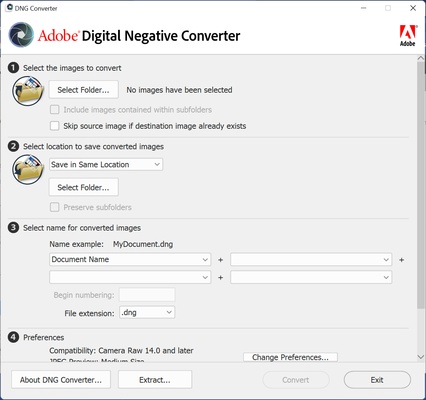
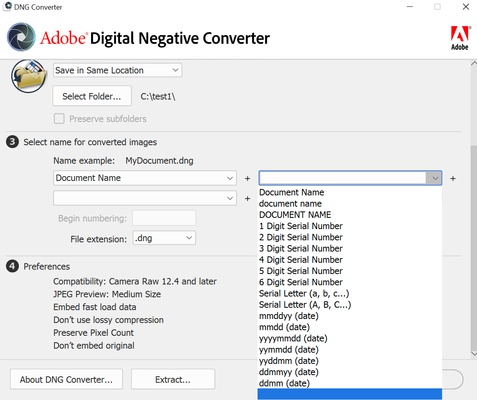
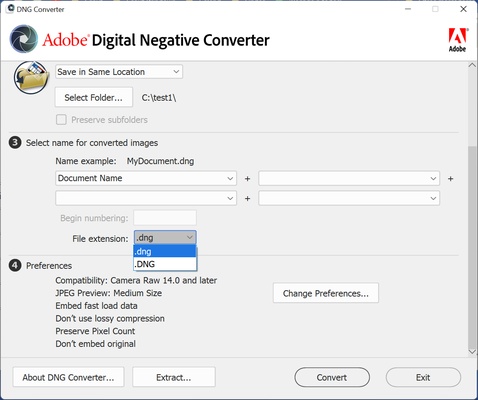
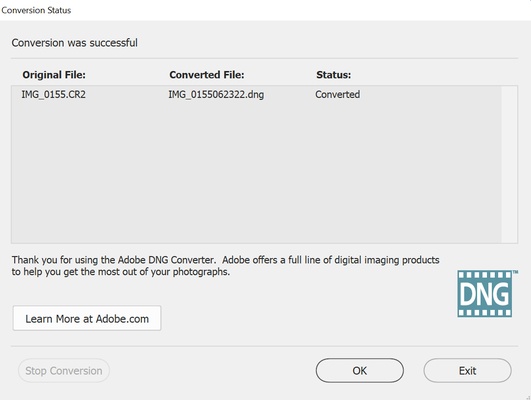
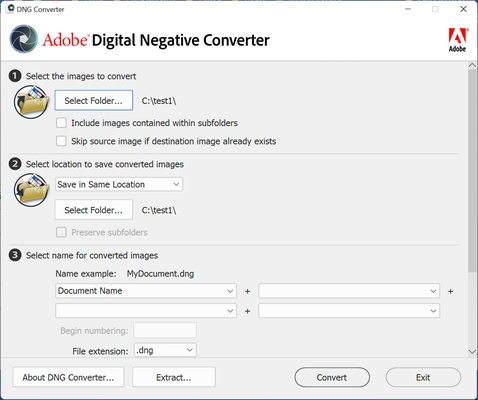
Using Adobe DNG Converter is very simple. First of all, choose the folder in which you have the photos you want to convert. After that, select the DNG format, and the name you want to give to the images. After that, the conversion will start. The resulting photos have no loss in quality, as they are still an uncompressed negative format. It has simply been adapted to make it more compatible.

Adobe DNG Converter includes support for all Camera Raw versions on the market. This tool, included in Photoshop, is the one that allows you to retouch your RAW photos from Adobe's retouching program. Camera Raw also serves as the basis for Lightroom, the world's most widely used photo retouching suite. So if you want to convert between RAW and DNG formats, downloading Adobe DNG Converter is the best way to do it.

Information about Adobe DNG Converter

License Free
Op. System Mac
Category Photo edition
Language English
Author Adobe
permission icon Permissions Not applicable
Date 2026-06-03 01:19:19
Size 1.63 GB
File type DMG

Apps recommended for you

Pixelmator icon
A very complete and easy-to-use image editor
PhotoFlow icon
aferrero2707
Topaz Photo AI 1.6.1 for Mac icon
Maximize Image/Photo Quality on Autopilot!
Capto: Screen Capture and Record icon
Screen capture with image editing and filters
Pichon icon
Icons8 LLC
PhotoScape X 4.3 for Mac icon
Photo editing software that enables you to fix and enhance photos for Mac
AndreaMosaic icon
Make a mosaic from an image gallery
PhotoPad Pro icon
Touch up and add all sorts of effects to your pics
LinkOptimizer 6.3.7 icon
Reduce InDesign link size, convert image colors, formats and more!
Topaz Photo AI 1.6.1 for Mac icon
Maximize Image/Photo Quality on Autopilot!
PhotoScape X 4.3 for Mac icon
Photo editing software that enables you to fix and enhance photos for Mac
FireAlpaca 2.16.0 for Mac icon
Professional Free Painting Software and Affordable Art Tool for Everyone!
Jumpshare 3.5.2 for Mac icon
Share unlimited files, screenshots, screencasts, and more with your team!
jAlbum 39.6 for Mac icon
Create amazing web photo and video galleries with jAlbum!
Ai Image Enlarger icon
AI Image Enlarger
Image Tricks icon
An image editor that uses the Mac graphics engine
PhotoScape X 4.3 for Mac icon
Photo editing software that enables you to fix and enhance photos for Mac
Ultimaker Cura icon
Use CAD and STL files for 3D printing
Internxt Drive icon
Internxt
123 Watermark Maker for Mac icon
Free bulk Photo Watermark Maker for Mac
Darktable icon
An incredibly powerful photo processing tool
XnResize icon
XnSoft
Wacom Tablet Driver icon
Use your Wacom tablet with your Mac
Xee icon
Xee
Lightweight and convenient image viewer