

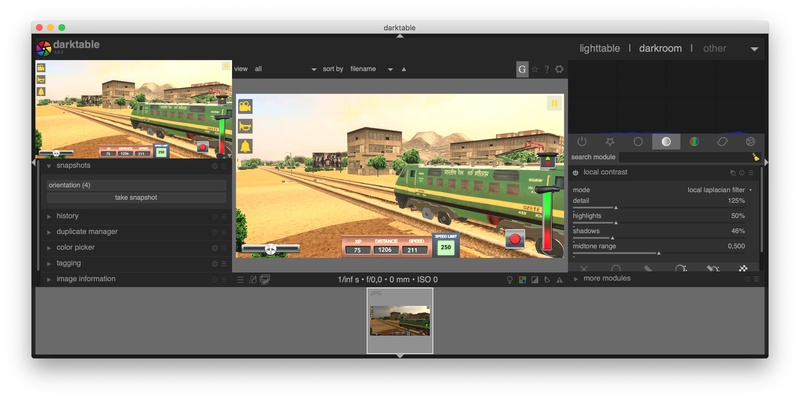
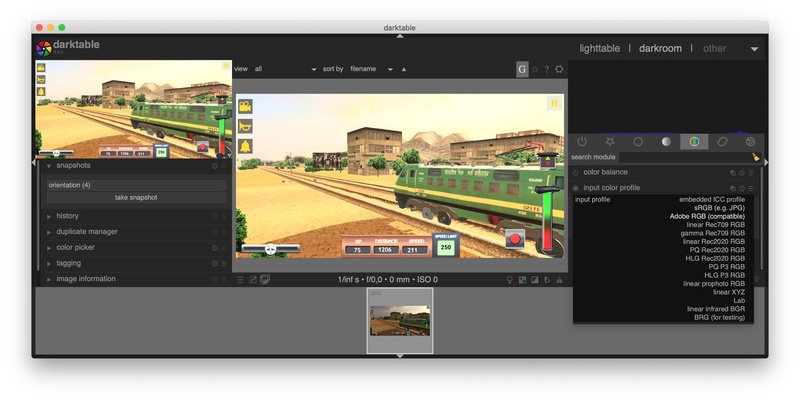
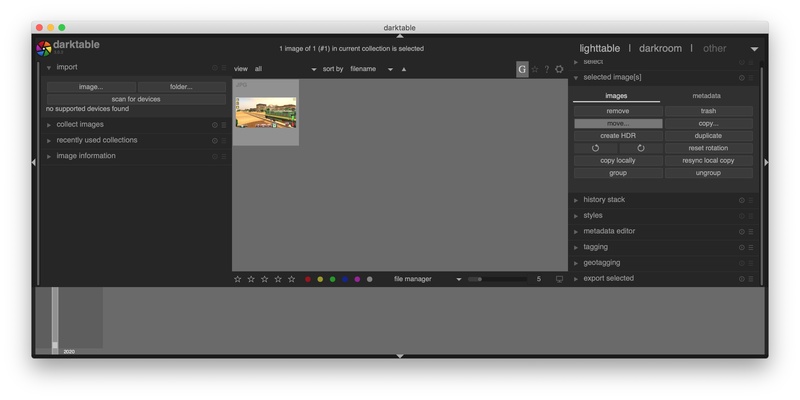
Darktable is a photo processing program that offers endless features and details to help you edit your photos with professional results. The tool offers a digital darkroom feature that gives you a non-destructive way to edit your RAW files, letting you recover the original with a simple click. The program is compatible with over 400 camera models and its huge number of features will help you edit your images in detail and with great quality.
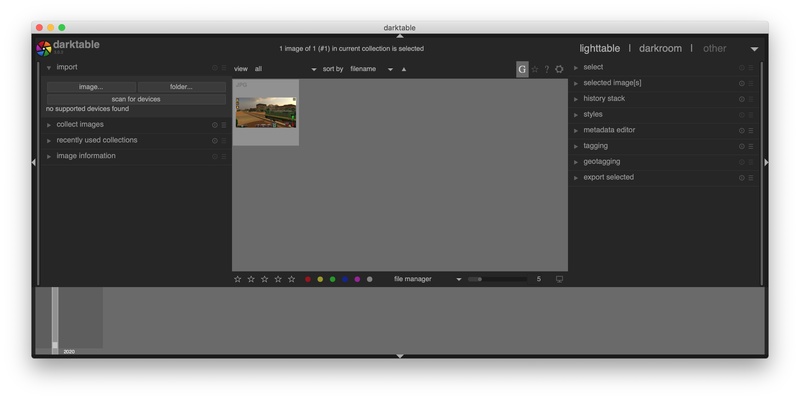
One of the most attractive features you'll notices right from the get-go is its importation system. Darktable lets you open your images from your PC's gallery or directly from your camera's memory. Before importing the files, you can see thumbnail previews of the pictures and choose which ones you want to work with. It also gives you a few custom import options, letting you import them one by one, create slideshows, and more options.
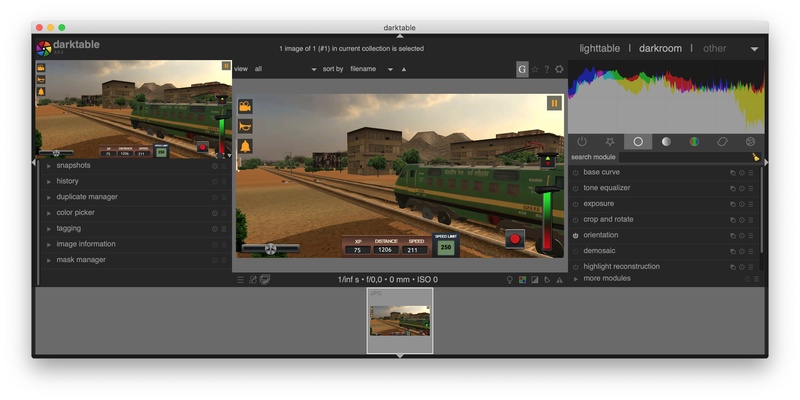
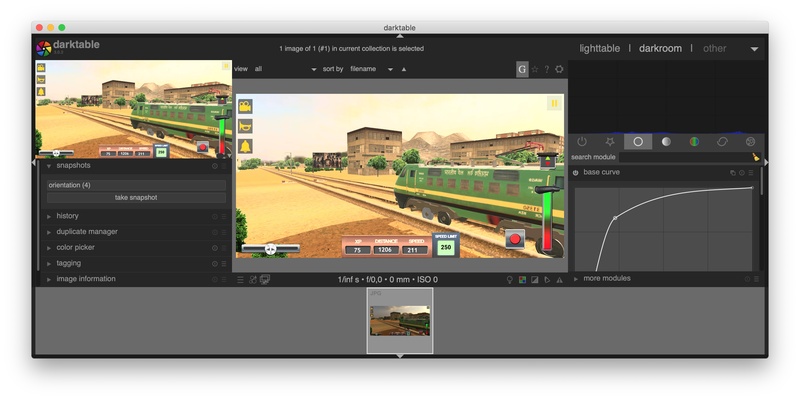
To work with your negatives, you have to go to the darkroom, where you can access endless options to give your image a completely professional touch. All the features are divided into various panels. In the left side menu, you'll find the tools related to information about the photo. From there, you can apply tags that will help you catalog the images, along with the details about the photo, like aperture and exposure. On the other hand, you can find all the editing options on the right side menu. The great thing about using Darktable is that it offers a history of all the changes made to help you find the exact change that you don't like or delete everything you've done to start over from scratch, for example.
In short, Darktable offers a ton of useful tools and features that make it an excellent option for working with your images. Download the program and discover the endless options that are sure to make your life much easier. Apply all the changes using keyboard shortcuts and work on your 4K or 5K monitor thanks to the great compatibility the program offers. Enjoy this profession tool and work with your negatives in the most convenient way possible.