Go to Windows platform Display platforms icon
Go to Mac platform Go to Windows platform Go to Android platform
Shapr3D icon

Shapr3D

5.440.0.5599
Shapr3D
0
1.02 GB size

Create and edit 3D designs

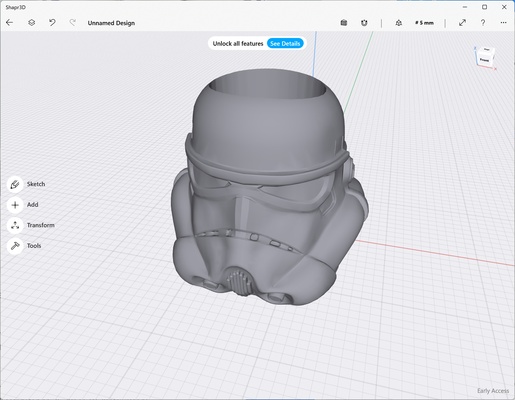
Shapr3D is a 3D editing program that allows us to create and edit all kinds of three-dimensional designs from our computer. This CAD design program allows you to create from small and simple figures to complex industrial designs.

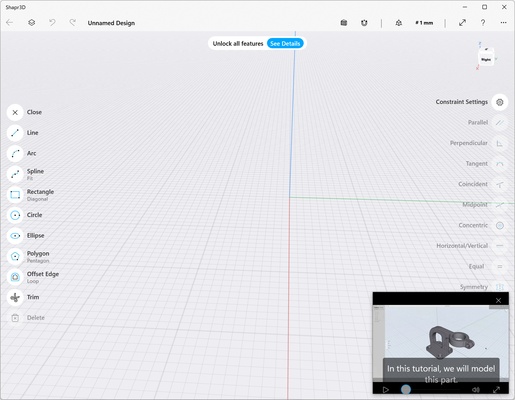
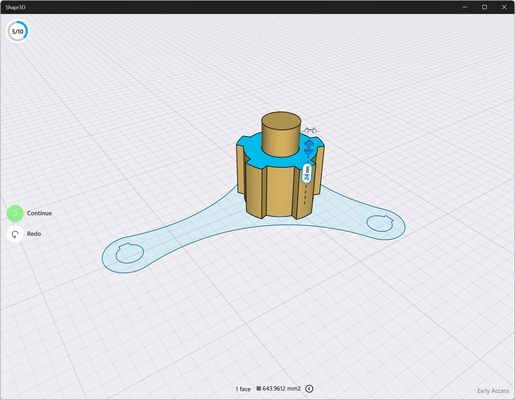
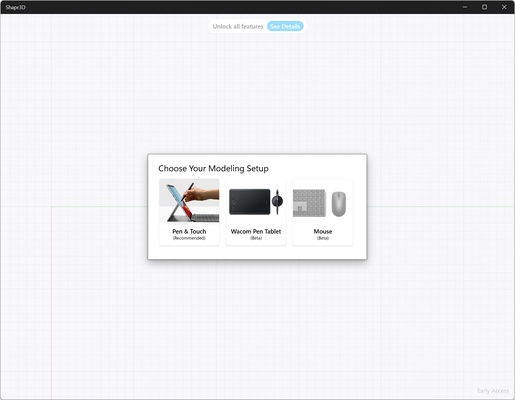
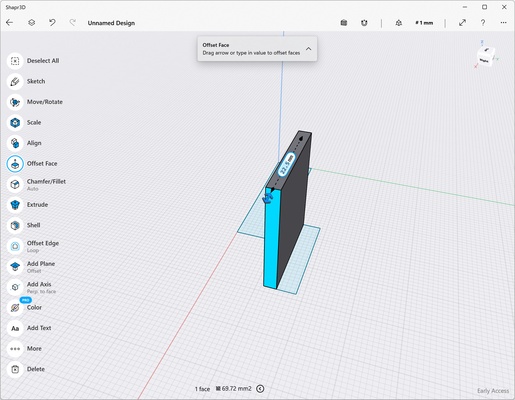
An excellent advantage offered by Shapr3D over other programs is that it allows us to create 3D designs from 2D drawings. To draw, we can use a mouse, a tablet or a touch screen. After creating the 2D design, we only have to "stretch" it upwards and we will have a volume with different colors, being able to lengthen it the distance we want, create curves and much more.

The interface of Shapr3D is very intuitive and simple. We have a tutorial at the beginning with ten basic tasks that allow us to quickly familiarize ourselves with the program. However, using it is very simple, since moving through all the planes, rotating or changing the view is done very quickly.

At Shapr3D we can import designs in SLDPRT, STL, STEP, IGES, X_T, 2D DWG, 2D DXF, JPG and PNG formats. As for exporting, the supported formats are: X_T, STEP, STL, OBJ, 2D DXF, 2D DWG, IGES, 3MF and SVG. Thanks to this, we can create quick and easy designs and then continue in more complex programs such as AutoCAD, Solidworks, NX, Catia, Solid Edge, Fusion360, Rhino3D, Onshape and Sketchup.

Therefore, if you are looking for a program to create 3D designs, do not hesitate to download Shapr3D.

Information about Shapr3D

License Free
Op. System Mac
Category Photo edition
Language English
Author Shapr3D
permission icon Permissions Not applicable
Date 2026-06-03 01:19:34
Size 1.02 GB
File type DMG

Apps recommended for you

Seashore icon
The Seashore Project
Tonfotos icon
Intuitive photo and video archive manager and viewer
Blender icon
Free 3D Model application to create 3D images
Image Tricks icon
An image editor that uses the Mac graphics engine
TechSmith Capture icon
Take screenshots or record onscreen action and share it
Pixelmator icon
A very complete and easy-to-use image editor
123 Watermark Maker for Mac icon
Free bulk Photo Watermark Maker for Mac
LinkOptimizer 6.3.7 icon
Reduce InDesign link size, convert image colors, formats and more!
Topaz Photo AI 1.6.1 for Mac icon
Maximize Image/Photo Quality on Autopilot!
PhotoScape X 4.3 for Mac icon
Photo editing software that enables you to fix and enhance photos for Mac
FireAlpaca 2.16.0 for Mac icon
Professional Free Painting Software and Affordable Art Tool for Everyone!
Jumpshare 3.5.2 for Mac icon
Share unlimited files, screenshots, screencasts, and more with your team!
jAlbum 39.6 for Mac icon
Create amazing web photo and video galleries with jAlbum!
Ai Image Enlarger icon
AI Image Enlarger
Image Tricks icon
An image editor that uses the Mac graphics engine
Adobe Camera Raw icon
Now you can work with your photos in RAW format
Rebelle icon
Escape Motions
Sweet Home 3D icon
Design in 2D and automatically transform them in 3D
CSV Duplicate Remover icon
Identify and remove duplicates from CSV files
Ai Image Enlarger icon
AI Image Enlarger
Hugin icon
Panoramic photos, also on Mac
Abrosoft FantaMorph icon
Create animated transitions between images