

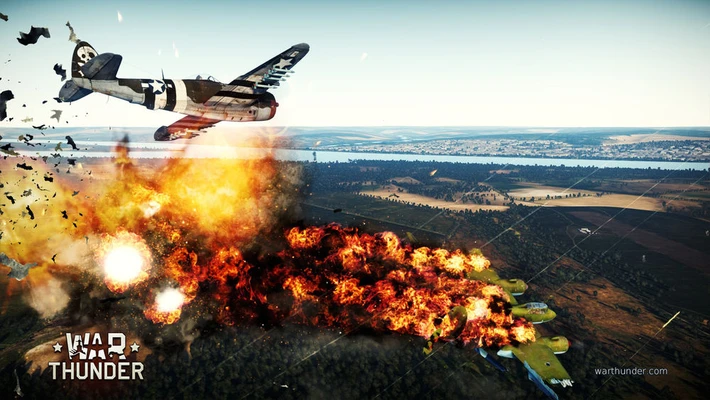
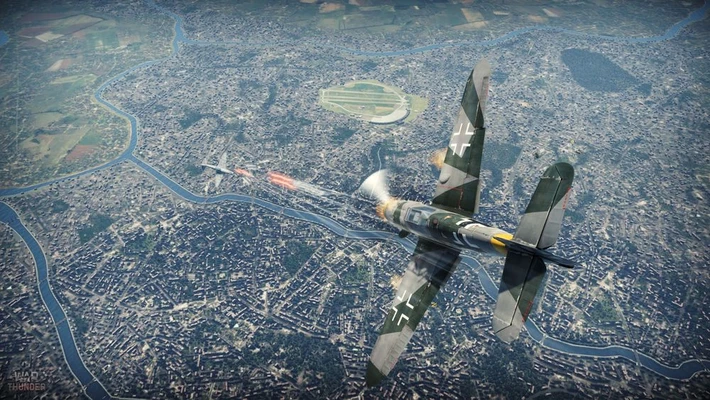
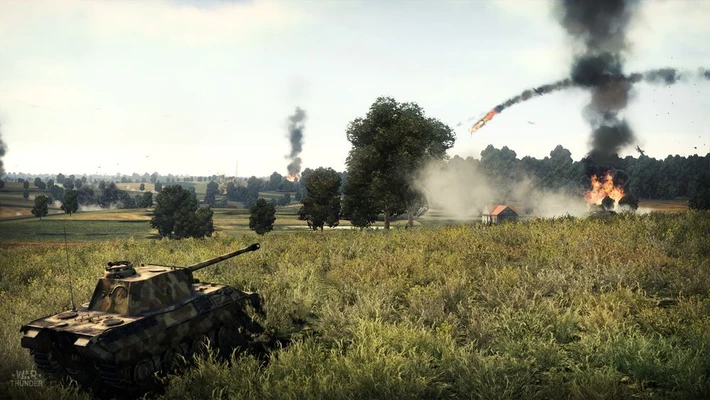
War Thunder is a free-to-play cross-platform military combat game for Mac featuring aircraft, tanks, helicopters, and naval vessels. Players can take part in large-scale battles across land, air, and sea with a wide range of historically inspired combat vehicles.
What's New
Recent updates include new vehicles, maps, missions, gameplay improvements, balance changes, and seasonal events.
Key Features
- Large-scale multiplayer battles
- Aircraft, tanks, helicopters, and naval vessels
- Land, air, and naval combat
- Arcade, Realistic, and Simulator battle modes
- PvP and PvE content
- Cross-platform multiplayer
- Vehicle research and progression
- Vehicle customization and upgrades
- Regular content updates
User Interface
War Thunder features a straightforward interface for selecting vehicles, managing upgrades, choosing battle modes, and joining matches. The main hangar provides quick access to vehicle research, customization, and game settings.
Installation and Setup
- Download and install War Thunder for Mac.
- Launch the game.
- Create or sign in to your account.
- Download the required game files.
- Select your starting vehicles.
- Enter a battle to begin playing.
How to Use
- Select a vehicle and battle mode.
- Choose Arcade, Realistic, or Simulator Battles.
- Join a multiplayer match.
- Complete objectives and participate in combat.
- Earn research points and in-game currency.
- Research and unlock new vehicles.
- Upgrade and customize your vehicles.
FAQ
Is War Thunder for Mac free to play?
Yes. War Thunder is free to play with optional in-game purchases.
Does War Thunder support cross-platform play?
Yes. The game supports cross-platform multiplayer on supported platforms.
What vehicles are available in War Thunder?
Players can use aircraft, tanks, helicopters, and naval vessels from different historical periods.
Does War Thunder have single-player content?
Yes. The game includes PvE content and single-player missions in addition to multiplayer battles.
Can I play War Thunder on Mac?
Yes. War Thunder provides a Mac version for supported macOS systems.
Alternatives
World of Tanks – Multiplayer tank combat focused on armored warfare.
World of Warships – Naval combat game featuring large-scale multiplayer battles.
Enlisted – Squad-based multiplayer shooter set in historical military conflicts.
Pricing
War Thunder is free to play. Optional purchases are available for premium vehicles, currency, and other in-game content.
System Requirements
- macOS-compatible Mac
- 64-bit processor
- At least 4 GB RAM
- Compatible graphics hardware
- At least 15 GB of available storage
- Broadband internet connection
Pros
- Free to play
- Large selection of military vehicles
- Land, air, and naval combat
- Multiple battle modes
- Cross-platform multiplayer
- Regular updates
- Detailed combat mechanics
Cons
- Steep learning curve
- Long progression system
- Optional purchases can speed up progression
- Large game updates may require additional storage
- Performance varies between Mac hardware
Conclusion
War Thunder is a free-to-play military combat game that combines air, land, and naval warfare. Its wide range of vehicles, multiple battle modes, cross-platform multiplayer, and regular content updates make it a solid choice for Mac users interested in large-scale military combat.