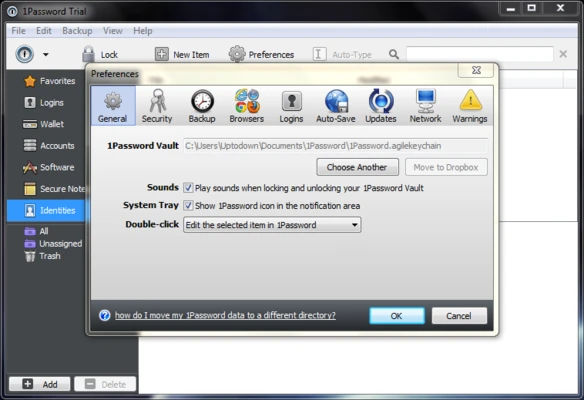
1Password is a powerful password manager and secure digital vault for Windows. It helps users create, store, and manage strong passwords, secure notes, credit cards, and other sensitive information.
With encrypted storage and browser integration, 1Password allows users to securely autofill login details, generate unique passwords, and access their data across multiple devices.
Features
- Secure encrypted vault for passwords, notes, and documents
- Generate strong and unique passwords automatically
- Autofill login credentials and online forms
- Cross-platform synchronization across Windows, macOS, iOS, and Android
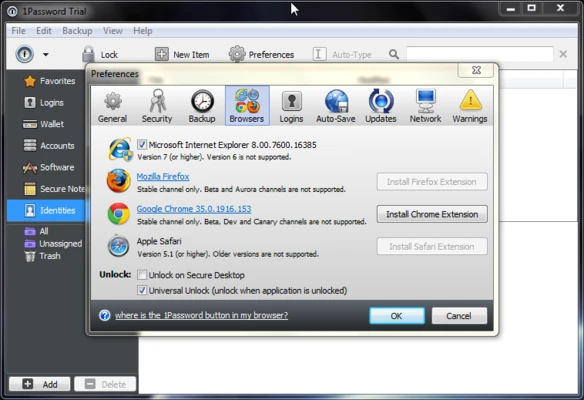
- Browser extensions for Chrome, Firefox, Edge, Safari, and Brave
- Watchtower security alerts for weak or compromised passwords
- Two-factor authentication (2FA) support
- Secure password and credential sharing
- Travel Mode for protecting sensitive data while traveling
- Multiple vaults for organizing personal and team information
How to Use
- Install 1Password on your Windows PC
- Create or sign in to your 1Password account
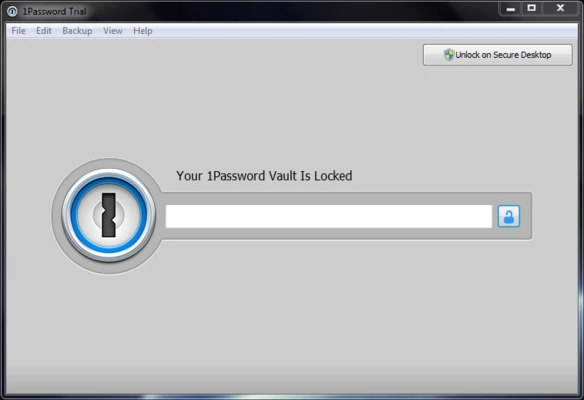
- Set up your master password
- Add passwords, notes, and secure information to your vault
- Install browser extensions for automatic login and autofill
- Use the password generator to create stronger passwords
System Requirements
- Windows 10 or Windows 11
- Internet connection for account setup and synchronization
- Compatible browsers: Chrome, Firefox, Edge, Safari, and Brave
PROS
- Strong encryption and security features
- Excellent cross-platform support
- Powerful password generator
- Convenient browser integration
- Supports secure sharing and team management
CONS
- No free plan for individual users
- Requires remembering the master password
- Subscription-based pricing
Note
30 days trial version.