


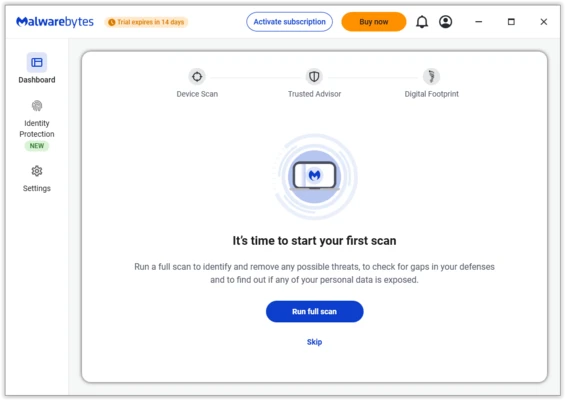
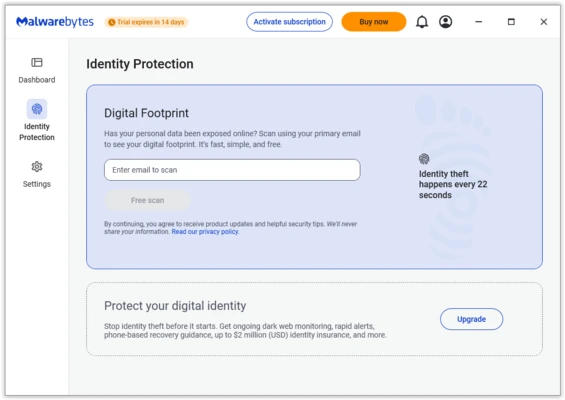
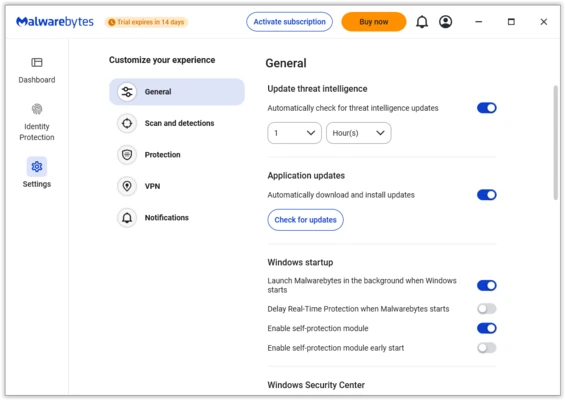
Malwarebytes is a powerful anti-malware and cybersecurity software designed to detect and remove viruses, ransomware, spyware, adware, and other online threats.
Unlike traditional antivirus programs, Malwarebytes uses advanced behavior-based detection, AI technology, and heuristic analysis to identify new and emerging threats. It provides malware scanning, web protection, ransomware defense, and real-time security features for Windows, macOS, Android, and iOS devices.
The software can work as a standalone security solution or run alongside other antivirus programs for additional protection.
Features and Highlights
Advanced Malware Detection
Detects and removes viruses, spyware, ransomware, adware, and potentially unwanted programs (PUPs).
Real-Time Protection
Blocks malware, malicious websites, exploits, and online threats before they can damage your system.
Ransomware Protection
Provides additional security against ransomware attacks that attempt to encrypt personal files.
Web Protection
Blocks phishing websites, scam pages, and malicious online content.
Exploit Protection
Protects against vulnerabilities commonly used by hackers to attack applications and browsers.
Scheduled Scans
Allows users to automatically run malware scans at selected times.
Lightweight Performance
Designed to run efficiently without causing significant system slowdowns.
Browser Guard
Blocks malicious websites, trackers, and unwanted advertisements for safer browsing.
Free vs Premium Version
Malwarebytes Free
- Manual malware scanning
- Threat detection and removal
- Basic security cleanup
Malwarebytes Premium
- Real-time protection
- Automatic threat blocking
- Ransomware protection
- Scheduled scans
- Web protection
- Advanced security features
The Premium version provides continuous protection, while the Free version is mainly designed for manual malware detection and removal.
How to Use
- Install Malwarebytes on your computer.
- Update the malware database.
- Select Quick Scan or Advanced Scan.
- Review detected threats.
- Quarantine or remove unwanted files.
Premium users can enable real-time protection and automatic security features from the settings menu.
System Requirements
- Operating System: Windows 7, 8, 8.1, 10, 11
- Processor: 1 GHz or faster
- RAM: 2 GB (32-bit) / 4 GB (64-bit)
- Storage: 250 MB free space
- Internet connection required for updates
Pricing
Free Version
- Malware scanning
- Threat removal
- Basic cleanup tools
Premium Version
- Real-time protection
- Ransomware defense
- Web protection
- Automatic updates
Premium plans are available with monthly or yearly subscriptions.
PROS
- Excellent malware detection rate
- Lightweight system performance
- Easy-to-use interface
- Works with other antivirus software
- Strong ransomware and exploit protection
CONS
- Free version lacks real-time protection
- Premium features require a subscription
- Some false positives may occur
Alternatives
Bitdefender Internet Security – Full antivirus suite with advanced threat protection.
Norton 360 – Security package with antivirus, VPN, and privacy tools.
Avast Free Antivirus – Free antivirus solution with basic malware protection.
Kaspersky Premium – Comprehensive security software with strong malware detection.
Conclusion
Malwarebytes is a reliable anti-malware solution for Windows users who need advanced threat detection and malware removal. Its lightweight design, powerful scanning engine, and compatibility with other antivirus programs make it a useful security tool for protecting personal computers from modern cyber threats.