

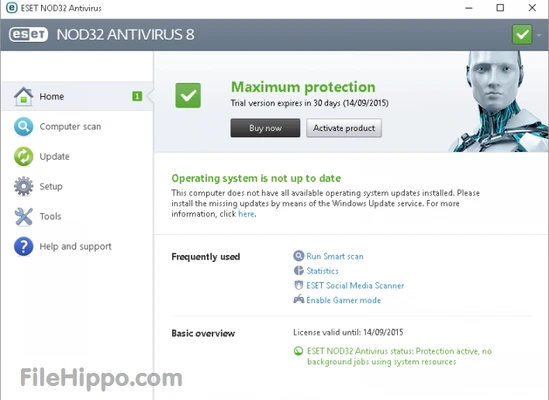
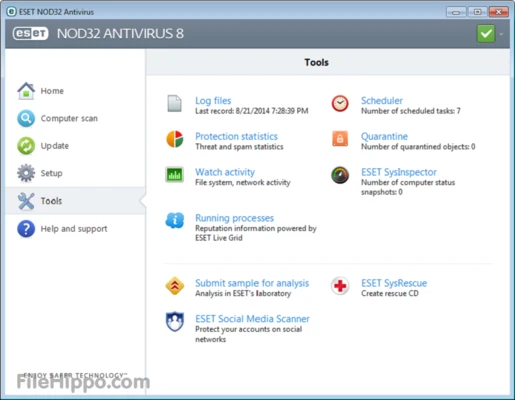
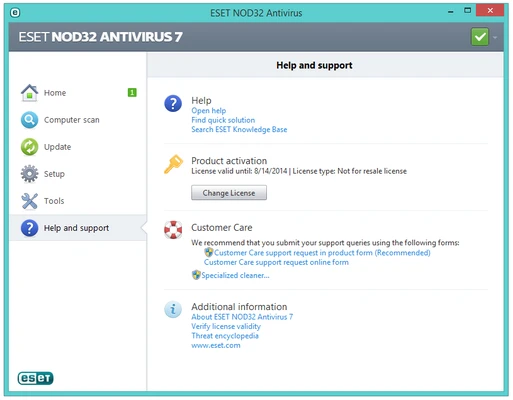
ESET NOD32 Antivirus (64-bit) is a highly efficient, comprehensive security utility engineered to protect Windows and macOS computers from a wide array of online threats. Renowned globally for its award-winning malware detection engine, this entry-level workstation security suite focuses heavily on delivering robust real-time threat mitigation without exhausting system memory or interrupting hardware performance.
Operating smoothly as a quiet background service, it provides rock-solid defense mechanics optimized explicitly for modern 64-bit system architectures.
Overview and Key Features
-
Multi-Layered Anti-Malware Matrix: Employs advanced machine learning, cloud-powered scanning, and high-tier heuristic algorithms to instantly isolate and eliminate viruses, rootkits, worms, and spyware.
-
Proactive Ransomware Shield: Includes a specialized behavioral monitoring module that blocks unauthorized encryption requests to safeguard your high-value local directories from being locked by attackers.
-
Advanced Anti-Phishing Module: Prevents identity theft by proactively blocking fraudulent web pages and fake websites attempting to steal credentials, account passwords, or bank details.
-
System Exploitation Prevention: Houses a dedicated Exploit Blocker alongside an Advanced Memory Scanner to defeat complex memory-injection attacks designed specifically to evade traditional antivirus software.
-
Intelligent Cloud Reputation Database: Accelerates file scanning speed by checking file parameters against a secure global reputation whitelist, filtering out safe background signatures to reduce scan duration.
-
Interactive Device Control: Monitors external connection points and hardware peripherals to prevent unauthorized data copying or suspicious file movement via external USB storage drives.
-
Optimization-Safe Gamer Mode: Switches instantly to a silent operational profile when full-screen applications or video games are active, suppressing notification banners and delaying non-critical product alerts.
-
Centralized ESET HOME Hub: Pairs cleanly with a centralized online platform, allowing web administrators to quickly track device protection logs, push product upgrades, and manage subscription variables.
How to Use
-
Clean out any legacy antivirus packages from your computer system before executing the application binary.
-
Run the offline or web installation setup payload and complete the configuration wizard instructions.
-
Synchronize your active desktop deployment by signing into your existing ESET HOME digital account portal or inputting your unique license validation string.
-
Access the main software dashboard control menu and navigate to the update module to download the latest malware definition databases.
-
Initiate a full computer scan immediately to map the storage directory structures, evaluate local dependencies, and eliminate pre-existing system anomalies.
-
Check your real-time tracking settings inside the configuration menu to ensure background detection shields remain permanently active.
-
Access the Advanced Settings panel to adjust scheduling properties, exclude dedicated development folders from scan engines, or customize systemic quarantine triggers.
System Requirements
-
Operating System Compatibility: Microsoft Windows 11, Windows 10, or supported macOS platforms.
-
Architecture Nuance: Fully optimized for 64-bit computing structures; some active features are restricted when deployed over Windows on ARM architectures.
-
Hardware Profile: Requires a standard processing chip along with stable internet connectivity to sync automated 24/7 definition updates.