


1Password is a secure password manager for Windows that helps you store passwords, credit cards, secure notes, and other sensitive information in one encrypted vault. It can generate strong passwords, autofill login forms, and keep your credentials synchronized across multiple devices.
Designed for both personal and business use, 1Password supports Windows, macOS, Android, iPhone, and all major web browsers, making it easy to access your passwords wherever you work.
Key Features
- Securely store passwords, credit cards, identities, notes, and documents.
- Generate strong, unique passwords for every account.
- Autofill usernames, passwords, and online forms.
- Sync data across Windows, macOS, iOS, Android, and browser extensions.
- Watchtower monitors weak, reused, and compromised passwords.
- Store and autofill two-factor authentication (2FA) codes.
- Share passwords securely with family members or team members.
- Travel Mode temporarily removes sensitive vaults from your devices.
- Supports multiple vaults for personal and work accounts.
- End-to-end encryption keeps your data protected.
User Interface
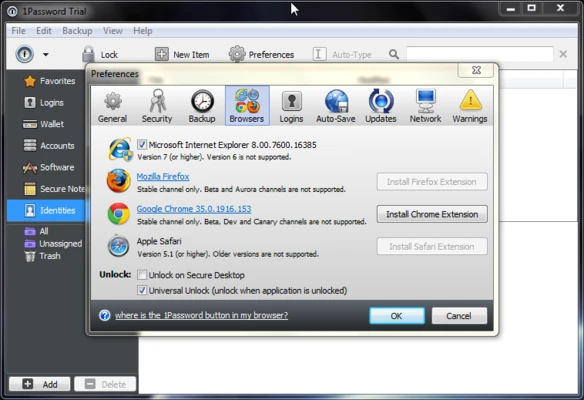
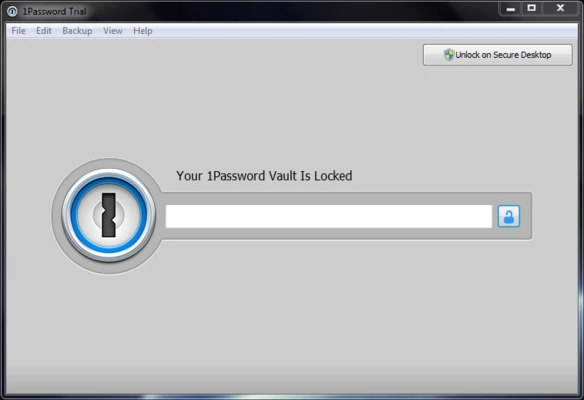
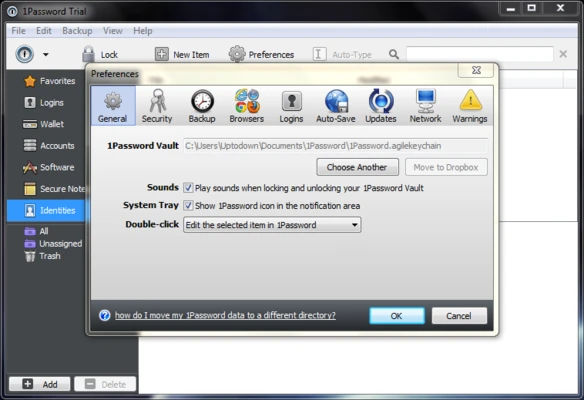
1Password features a clean and modern interface with categories for Logins, Credit Cards, Secure Notes, Identities, and Documents. Built-in search makes it easy to find stored items, while browser extensions provide quick access and autofill without leaving your browser.
How to Use
- Install and launch 1Password.
- Sign in or create a 1Password account.
- Create your Master Password.
- Import existing passwords or add new items manually.
- Install the browser extension for autofill.
- Use Watchtower to review your password security.
Pricing
1Password is subscription-based and offers several plans:
- Individual – $2.99/month (billed annually)
- Families – $4.99/month (up to 5 members)
- Teams Starter Pack – $3.99/user/month
- Business – $7.99/user/month
A 30-day free trial is available for new users.
System Requirements
- Windows 10 or Windows 11 (64-bit)
- Internet connection for syncing and account setup
- Chrome, Edge, Firefox, Brave, or other supported browsers (optional)
Pros
- Strong end-to-end encryption
- Excellent password generator and autofill
- Cross-platform synchronization
- Built-in password security monitoring
- Supports secure password sharing
- Easy-to-use interface
Cons
- No permanent free plan
- Subscription required
- Master Password cannot be recovered if lost
Conclusion
1Password is one of the best password managers available for Windows. It combines strong security, reliable synchronization, and an easy-to-use interface, making it suitable for both individual users and businesses. With features like Watchtower, password sharing, and built-in 2FA support, it offers everything needed to manage passwords and sensitive information securely.