360 Total Security is a free antivirus and PC security suite for Windows that provides protection against viruses, malware, ransomware, phishing, and other common threats. It also includes system cleanup, performance optimization, privacy protection, and several maintenance tools for everyday PC management.
Key Features
-
Real-Time Protection: Monitors the system for viruses, malware, and other potential threats.
-
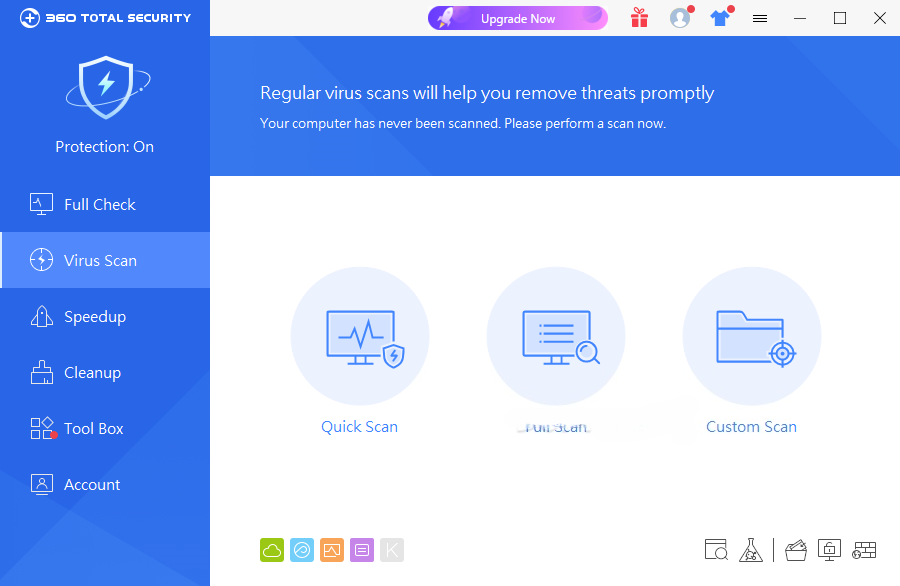
Virus Scanning: Provides quick, full, and custom scanning options using multiple security engines.
-
System Cleanup: Removes temporary files, browser caches, junk data, and other unnecessary files.
-
Speedup: Helps manage startup items, services, and background processes that can affect system performance.
-
Browser Protection: Helps prevent unauthorized changes to the browser homepage and search engine.
-
Sandbox: Provides an isolated environment for running potentially untrusted applications.
-
Patch Up: Checks for available security updates and patches for supported software.
-
Privacy Cleaner: Removes browser history, application traces, and other activity records.
-
Data Shredder: Securely deletes selected files to make normal file recovery more difficult.
-
Disk Analyzer: Shows which files and folders are using the most disk space.
-
Driver Updater: Helps identify and update supported device drivers and provides backup options.
-
Scheduled Cleanup: Automatically performs selected cleanup tasks on a regular schedule.
-
Game Booster: Applies selected performance settings when supported games are launched.
-
Document Protection: Provides additional monitoring and backup-related protection for important documents.
-
System Maintenance: Includes tools such as registry cleanup, system backup cleanup, and disk space management.
User Interface
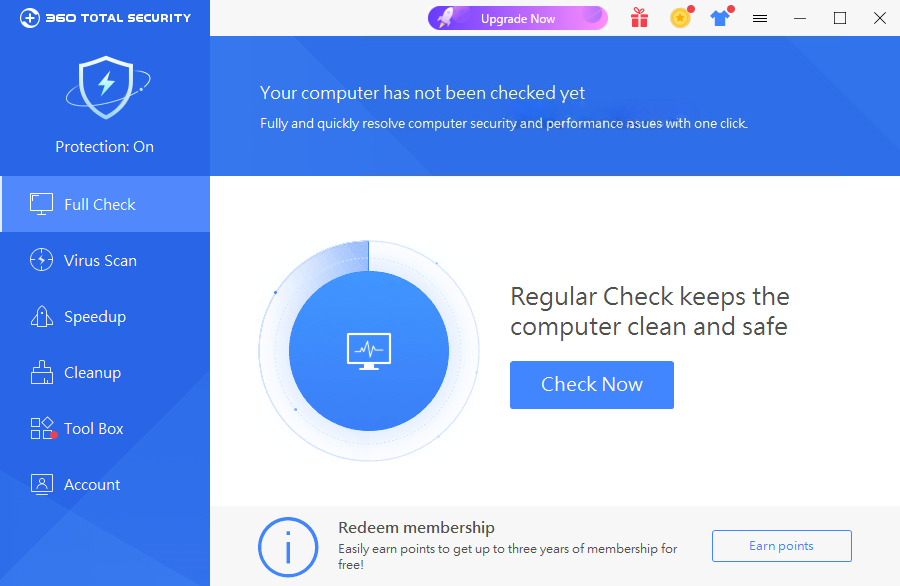
360 Total Security uses a modern dashboard that groups its main functions into areas such as scanning, speed optimization, cleanup, and protection. The one-click Full Check feature makes it easy for beginners to scan the PC and review recommended actions.
Advanced utilities are available through the additional tools section, giving experienced users more control over system maintenance and security settings.
Installation and Setup
Install 360 Total Security on a supported Windows PC and follow the on-screen instructions. After installation, launch the program and perform an initial system scan.
Review the available protection, cleanup, and optimization settings before enabling optional features or automatic maintenance tasks.
How to Use
-
Launch 360 Total Security and open the main dashboard.
-
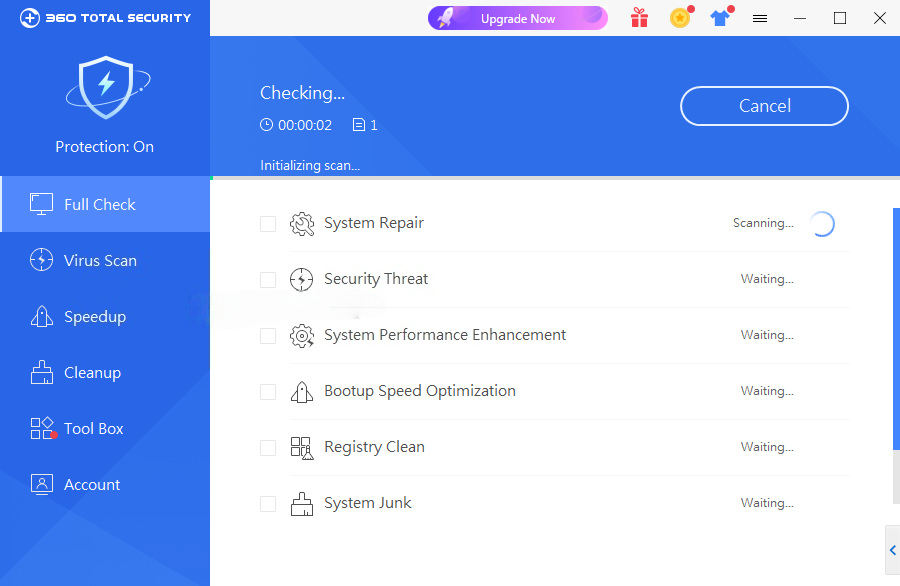
Run Full Check to scan the system for security and maintenance issues.
-
Review the detected items before applying recommended fixes.
-
Use Virus Scan for quick, full, or custom malware scans.
-
Open Cleanup to remove unnecessary files and free disk space.
-
Use Speedup to review startup programs and other performance-related items.
-
Enable Sandbox when you need to test a potentially untrusted application.
-
Use Privacy Cleaner, Data Shredder, and other tools as needed.
-
Check Patch Up regularly for available security updates.
System Requirements
-
Windows 7, 8, 8.1, 10, or 11
-
1 GHz processor or faster
-
1 GB RAM or more
-
At least 1 GB of free disk space recommended
-
Internet connection for security updates and cloud-based features
Pros
-
Free antivirus and security suite
-
Multiple scanning and protection options
-
Includes system cleanup and optimization tools
-
Sandbox for isolating selected applications
-
Privacy and secure deletion utilities
-
Patch and driver management tools
-
Easy-to-use interface
Cons
-
Can use noticeable system resources during scans and maintenance tasks
-
Includes many utilities that may be unnecessary for users who only need basic antivirus protection
-
Some advanced features require a premium plan
-
Optimization and cleanup results can vary depending on the system
Conclusion
360 Total Security combines antivirus protection with a broad collection of Windows maintenance and privacy tools. In addition to malware scanning and real-time protection, it provides cleanup, startup management, browser protection, sandboxing, patch management, and other utilities from a single interface.
The free edition is suitable for users who want basic antivirus protection together with PC maintenance features. However, users who prefer a lightweight antivirus with fewer additional tools may find the feature set more extensive than necessary.