
Go to Windows platform Display platforms icon
Go to Windows platform Go to Mac platform Go to Android platform
AIMP icon

AIMP

5.40 Build 2673
Artem Izmaylov
4.5
21.8 MB size

Excellent choice for audio playback

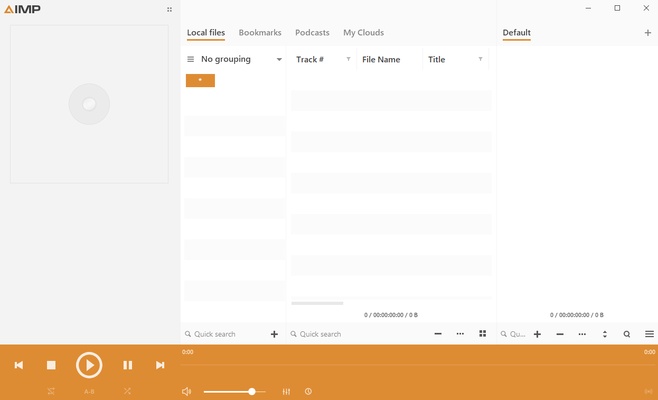
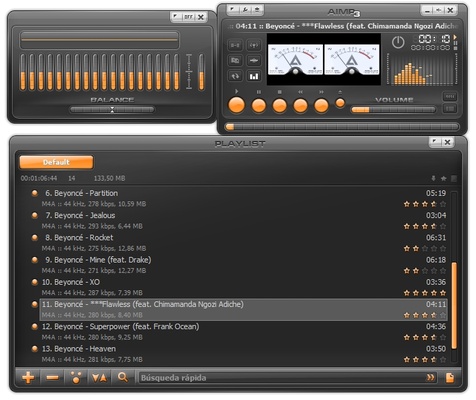
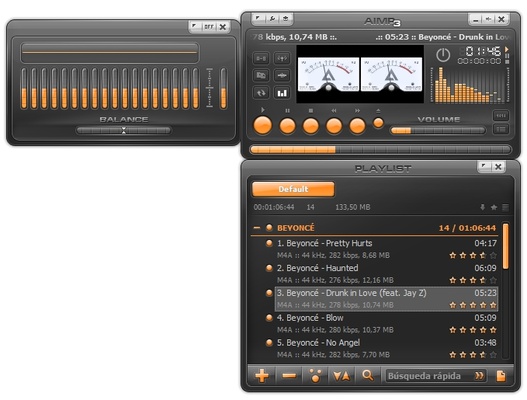
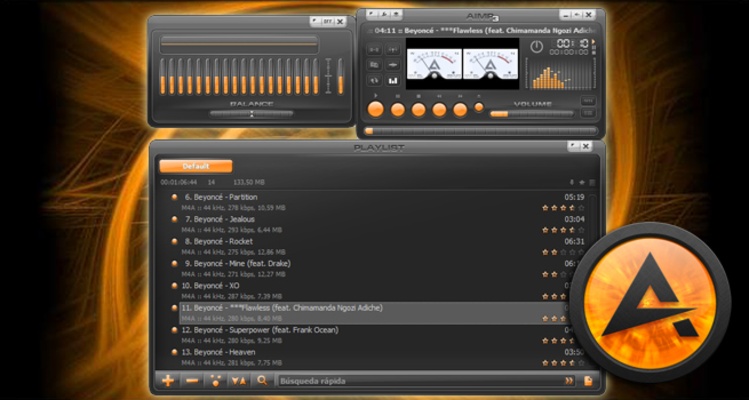
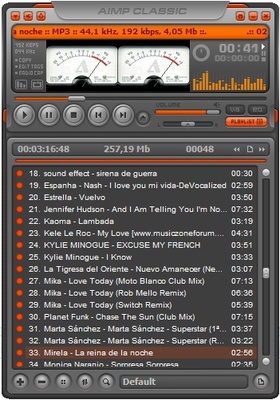
AIMP is a free audio player that lets you open any audio file directly on your PC. With its fully customizable interface, this tool will help you listen to music offline and with maximum clarity without resorting to other paid programs.

Free skins for AIMP

One key aspect of AIMP compared to other audio players for Windows is related to the program interface's numerous customization options. You can quickly and easily download and install a wide variety of free skins for AIMP, as they are available on platforms such as DeviantArt. As a result, selecting a theme that matches your visual and aesthetic tastes will only take you a few moments.

Support for multiple audio formats

Besides being a lightweight player, AIMP offers full compatibility with a large number of audio formats, such as MP3, FLAC, AAC, APE, OPUS, and WAV. This software also allows you to use multiple advanced options, such as tag editing and DSP support, that will dramatically improve sound quality. As a bonus, you can also download the Android version to link all your music on your smartphone too.

A powerful built-in equalizer

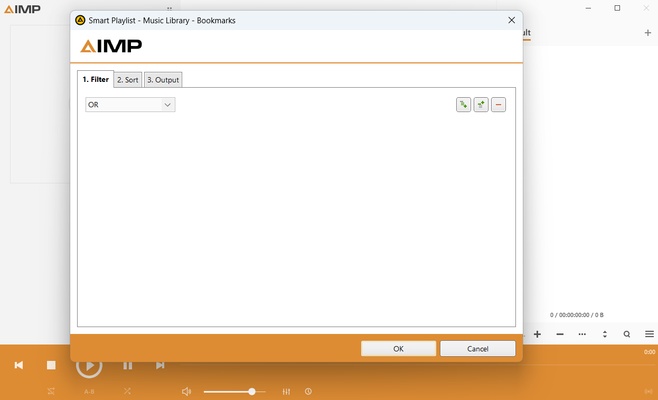
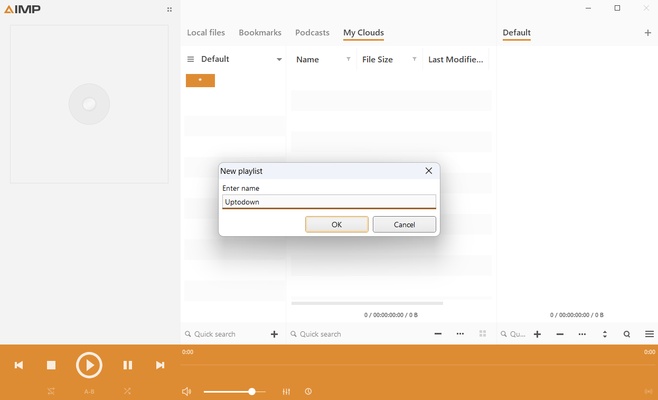
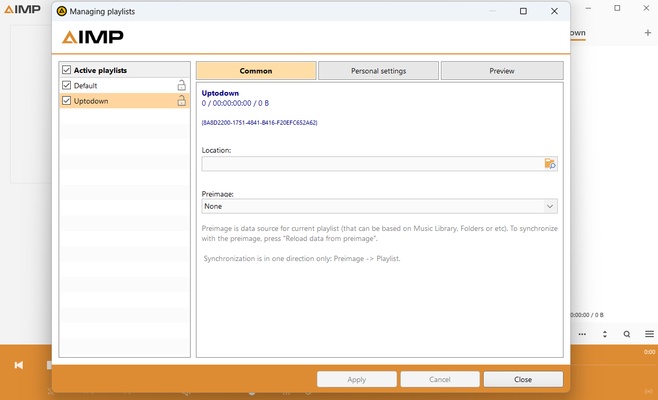
Another thing to consider with AIMP is the 20-band graphic equalizer that allows you to adjust the sound to your liking within the tool. In addition, you can also intuitively use specific functions to adjust the volume or playback speed. All in all, support for M3U, M3U8, XSPF, and PLS playlists will make managing and organizing your music easier.

Download AIMP for Windows and enjoy this excellent, fully customizable PC audio player that allows you to listen to music regardless of the format of your audio files.

Frequent questions

Can I watch videos on AIMP?

No, you cannot watch videos on AIMP, even with plugins. This program is designed to play sound only, so watching videos is not an option.

Can I use AIMP offline?

Yes, you can use AIMP offline because the files it plays are the ones it finds on your PC, so you don't need an Internet connection in order to use it.

Can I use AIMP to download music?

No, you cannot use AIMP to download music. AIMP plugins, however, allow you to stream videos on other platforms, although you can't download either the audio or the video itself.

Are there ads on AIMP?

No, there are no ads on AIMP, neither on the program itself nor when playing your music, since it's an offline program designed to play local files.

Information about AIMP

License Free
Op. System Windows
Category Audio
Language English 11 more
Author Artem Izmaylov
permission icon Permissions Not applicable
Date 2026-06-02
Size 21.8 MB
File type EXE

Apps recommended for you

iTop Easy Desktop icon
Organize and optimize your Windows desktop
Reverberate icon
Reverberate for Windows is a high-quality audio plugin that adds realistic reverb effects to music and sound recordings.
Groove Music icon
Play all your music on Windows
Ashampoo Music Studio icon
Music software to edit, convert and mix audio files
VUPlayer icon
VUPlayer for Windows is a lightweight media player that supports a wide range of audio and video formats for smooth playback.
Karaoke 5 icon
Sing and have fun with your friends
Wavepad icon
Full featured audio editor for free
Text File Editor icon
JMMG Communications
Ocenaudio icon
Ocenaudio is a user-friendly audio editing software that offers powerful features for recording, editing, and analyzing audio files with ease.
TIDAL Desktop icon
Listen to high-fidelity music and manage your playlists with TIDAL Desktop for Windows, the premium streaming service offering lossless audio and exclusive content.
MP4 Player icon
MP4 Player is a simple media player that allows users to play MP4 video files with ease and high-quality playback.
ProgDVB icon
ProgDVB for Windows is a versatile software that allows users to watch and record satellite, cable, and IPTV broadcasts on their PC.
ASIO4ALL icon
ASIO4ALL for Windows is a universal audio driver that improves sound quality and reduces latency for audio applications on systems without native ASIO support.
Pianoteq icon
Create realistic piano sounds and virtual instruments with Pianoteq for Windows, the advanced physically modeled piano software for musicians and producers.
Balabolka Portable icon
Convert text to speech effortlessly with Balabolka Portable for Windows, the lightweight text-to-speech software with support for multiple voice engines and audio formats.
Deezer Desktop icon
Deezer Desktop for Windows is a music streaming app that lets users listen to millions of tracks, create playlists, and enjoy personalized music recommendations.
Syncplay icon
Watch videos at the same time with your friends
AuraMix-DeeJay icon
AuraMix for Windows
eSound icon
Listen to your favorite music with this streaming platform
Apple Devices icon
Manage and update your Apple devices
MusicBee icon
Manage and play your entire music collection
Karaoke Mugen icon
Enjoy the best karaoke on your PC
MP4 Player icon
MP4 Player is a simple media player that allows users to play MP4 video files with ease and high-quality playback.
GoldWave icon
Audio player, editor and converter, all together