

Ashampoo Music Studio is the Swiss Army knife for your music. It offers a comprehensive set of tools for easy editing, producing, trimming, mixing and organizing of music and audio files.
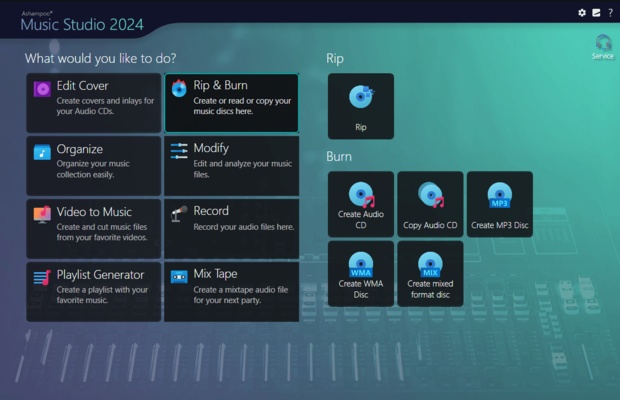
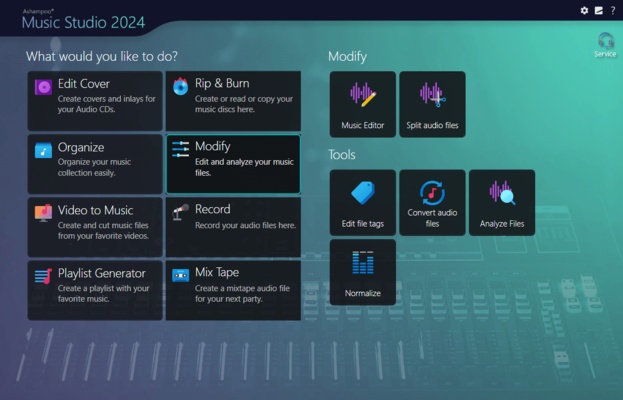
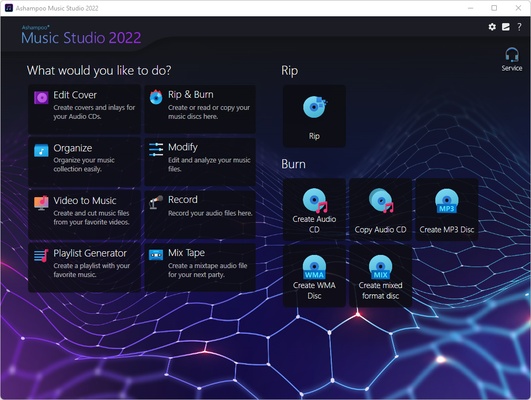
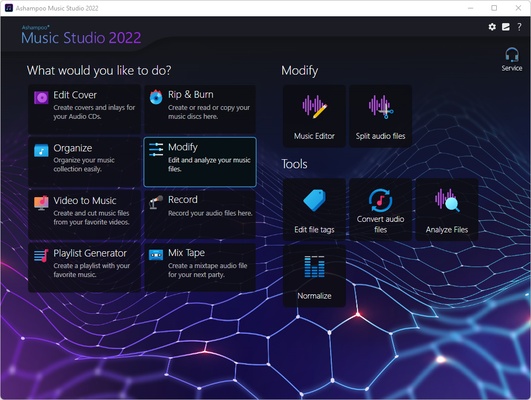
With the powerful features of Ashampoo Music Studio, you'll get the best out of your music collection! Eight handy modules cover pretty much everything music lovers need on a computer. Whether you want to edit, burn, or cut your favorite songs–with Ashampoo Music Studio, you can do it quickly and easily. Record Spotify, Deezer, Amazon Music, and much more! Convert to other compatible formats, create mix tapes for the next party or playlists for any audio device! Bring order to your music collection, print covers, rip CDs, and much more!
Record apps like Spotify, Deezer and Amazon Music without interruption
Targeted app recording instead of just “All you can hear”
Context menu for quick feature access
Instant split tracks into three segments
Tag editor now supports 18 different tag types
Assign multiple images per track
Easy and logical track repositioning
Feature groups for better clarity
Significantly enhanced performance in various program sections
Record individual apps instead of just “All you can hear”!
More flexible and focused than ever: That's the new Ashampoo Music Studio! Our ultimate music software recognizes all apps and processes that generate sounds on your PC and simply lets you pick what gets recorded e.g., Spotify, in outstanding quality, naturally! Even programs launched while Music Studio is already running will be detected. And don't worry about background noise: Ashampoo Music Studio only records the apps you select and ignores everything else.
New, robust recording mode
Ashampoo Music Studio is your local helper with every recording! Even if your mic's battery fails, you accidentally unplug a cable, or your audio device briefly loses connection, the recording will not be interrupted. All available audio devices are constantly monitored and instantly recordable. Where many other programs give up, Ashampoo Music Studio stays on the ball and continues recordings even in the event of sudden technical issues!
Reach your goal faster!
Every click counts when you want to make a recording, so menus have been heavily streamlined. All relevant settings are accessible through a single page so you can start recording straight away. This includes audio source, quality, format, and output location. It's all there and instantly accessible. This lets you focus on what matters: Creating the perfect recording!
Looping previews
You can now select not only portions inside but also across tracks and have them playback continuously. This makes your life a lot easier e.g., when you're stitching parts together, because you can now instantly hear the changes as they're happening.
More details and easier handling with title bars
Each track now has a dedicated title bar to help you to keep them apart and to make dragging and rearranging them easier. Mixing and editing tracks has just become a lot more intuitive!
It's all about context
Use the right-click context menu for instant feature access and save time–or rely on the enhanced tool bar. The choice is yours.
Splitting made easy
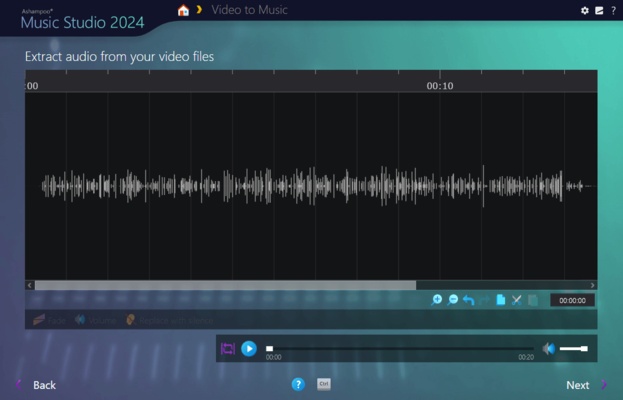
Splitting tracks at the current marker position is nice but with Ashampoo Music Studio, you can use selections to instantly split tracks into three parts based on the start and end of each selection. This is especially handy when you want to apply the equalizer only to the middle part.
More tags for your tracks
Tags enrich your songs with details such as artist, genre, etc. Ashampoo Music Studio supports 18 different types of tags for even more meaningful metadata - a treat for perfectionists and genuine music lovers!
There can only be one? Not anymore!
There's more to music artwork than just a cover photo. Booklet, band photo, or back of the sleeve, you can now add multiple photos to your songs.
It's only logical
Features are now logically grouped in the editor with availability based upon context. This means, when you're editing multiple tracks at once, we'll only enable features that apply in that setting so you'll be visually less distracted and will achieve your goal faster!
Small things matter too
You can now use smart positioning to rearrange tracks with high precision e.g., to smoothly blend tracks together. You can also apply tags by category or convert between audio formats without losing existing tags. Details matter, and Ashampoo Music Studio respects that!