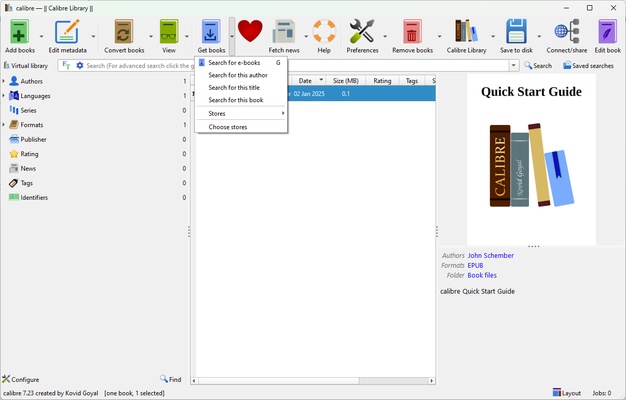
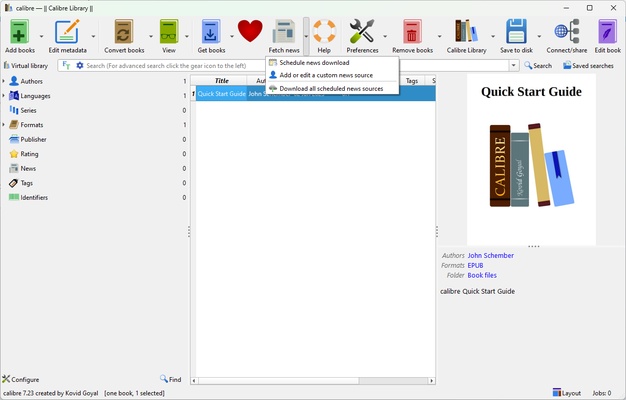
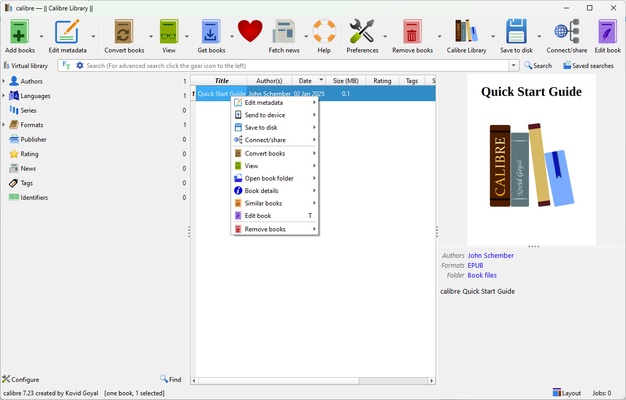
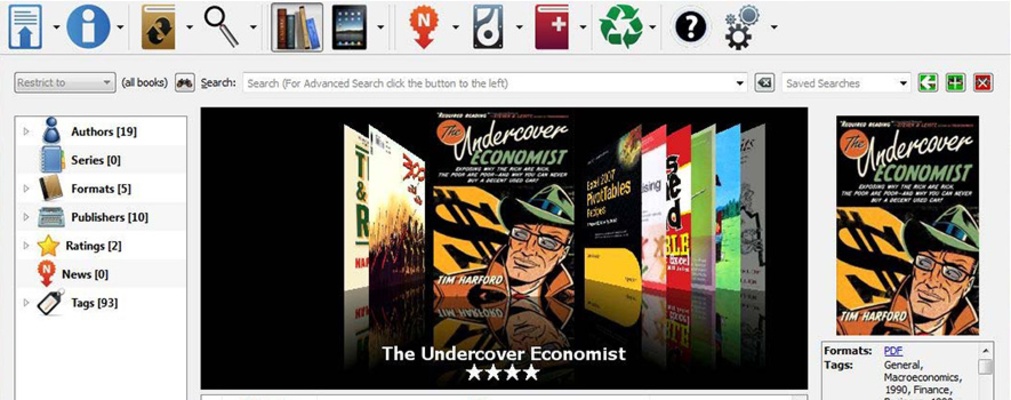
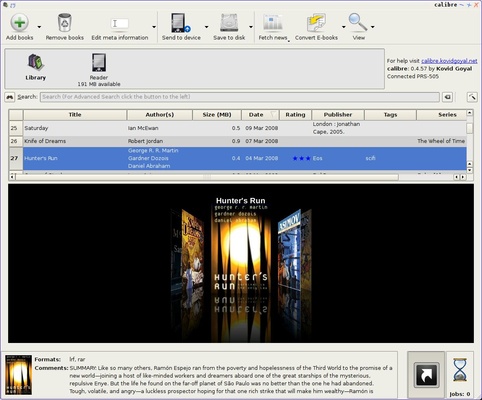
Calibre is a powerful solution for managing, organizing and converting e-books. This tool stands out for its built-in reader hassle-free format conversions and its ability to handle large e-book collections, making it an indispensable ally for any digital reading fan.
Efficient organization for large collections
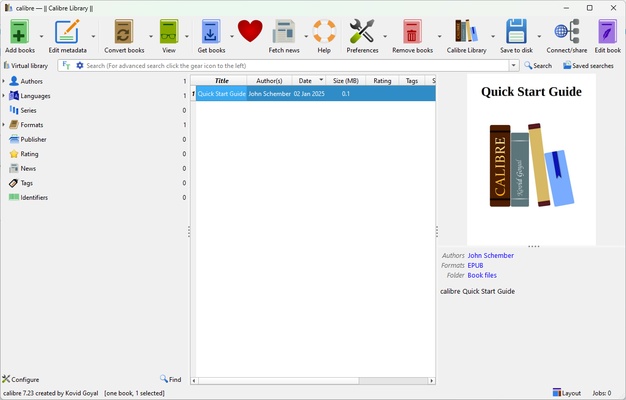
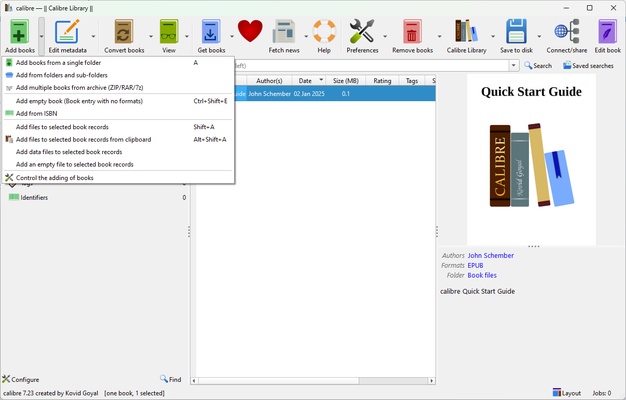
With Calibre, managing large e-book libraries becomes a simple and enjoyable task. The tool allows you to add e-books in multiple formats, such as EPUB, MOBI, PDF, AZW3, TXT and many more, automatically organizing them according to criteria such as title, author, series or tags. You can import files directly from your computer or reading devices, easily syncing your collection without duplicates or clutter. In addition to this, Calibre includes advanced tagging and sorting features, making it easy to find any book in a matter of seconds. You'll also be able to create custom lists, add full metadata and automatically download covers and descriptions from online databases, ensuring that your digital library is always organized and visually appealing.
Unlimited format conversions
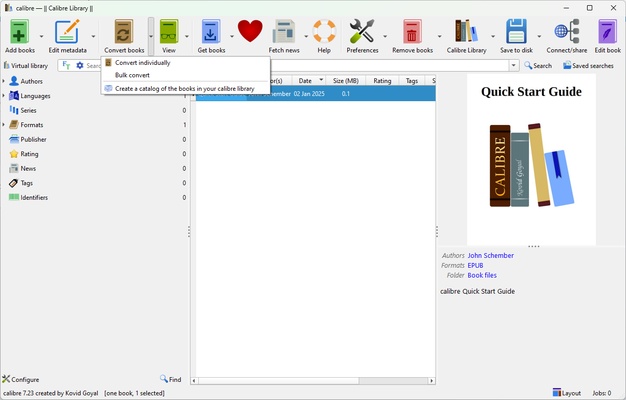
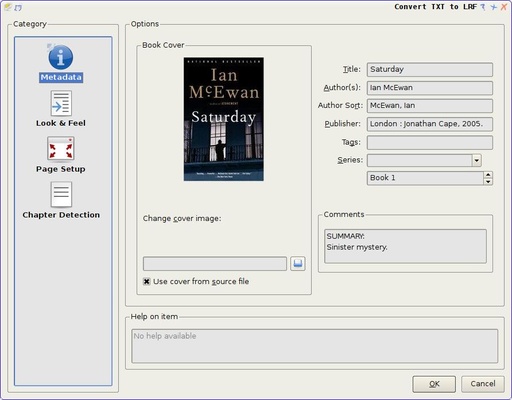
One of the most powerful features of Calibre is that it can convert e-books between a wide variety of formats. This is especially useful when you need to adapt a file to ensure compatibility with a specific device, such as Kindle, Kobo or Nook. The tool not only converts quickly, but it also allows you to customize certain file aspects, such as content structure, fonts and margins. This ensures that you get an optimal result that is tailored to your exact needs. You can even convert documents and text files into e-books, making it easy to create customized content.
Advanced e-book editing
For those who need more in-depth control over their e-books, Calibre includes a full e-book editor that allows you to directly modify the content and structure of the files. You can correct formatting errors, adjust layout styles and even rewrite entire sections. The editor supports both EPUB and AZW3, offering advanced tools such as source code viewing, CSS editing and real-time previews. This makes Calibre an ideal choice for authors, publishers and anyone else who wants to perfect their e-books.
Frequent questions
Is Calibre a free program?
Yes, Calibre is a free and open-source program, so you won't have to pay to use its features.
Where does Calibre store the ebooks?
Calibre stores the ebooks wherever you want. When you start it for the first time, the app will ask you which folder to use. The folder will be solely managed by Calibre, so do not manually add any ebooks to it, as the program will delete them.
Can I add columns to the Calibre interface?
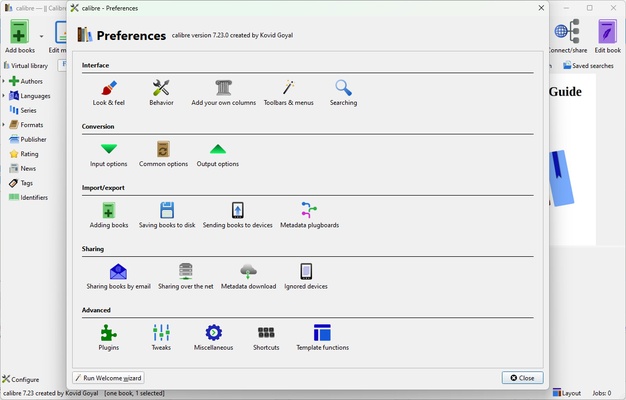
Yes, you can add columns to the Calibre interface whenever you want. You can sort your ebooks by any field you want, such as ISBN or format.
Can I synchronize my Calibre library across platforms?
Yes, you can synchronize your Calibre library across platforms, provided you use a BookFusion Calibre Plugin. Alternatively, you can manually export the data from your device and import it into another device that also has Calibre installed.