

DesktopOK Free Download for Windows (2026 Latest Version)
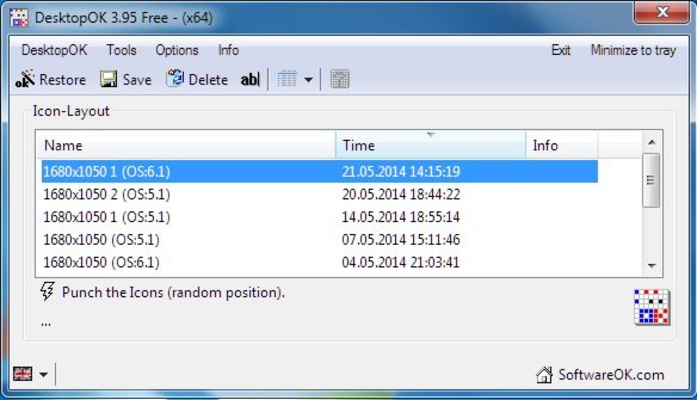
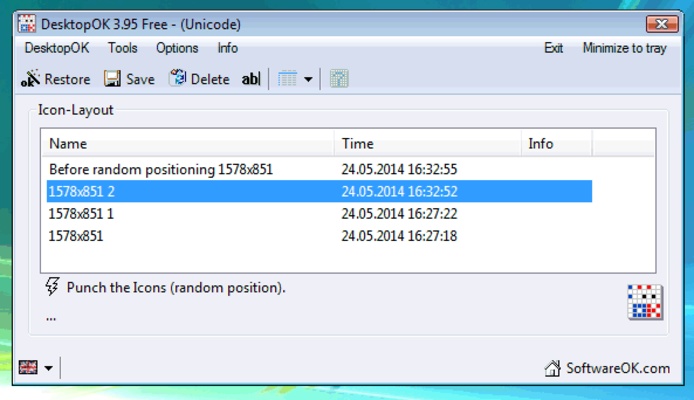
DesktopOK is a lightweight and free desktop utility for Windows that lets you easily save, manage, and restore the positions of your desktop icons. Perfect for users with multiple monitors, frequent resolution changes, or anyone tired of rearranging icons after system restarts.
With DesktopOK, you can keep your desktop organized and maintain your preferred layout effortlessly. It’s a must-have tool for gamers, designers, developers, and power users who value a clean and efficient workspace.
Key Features
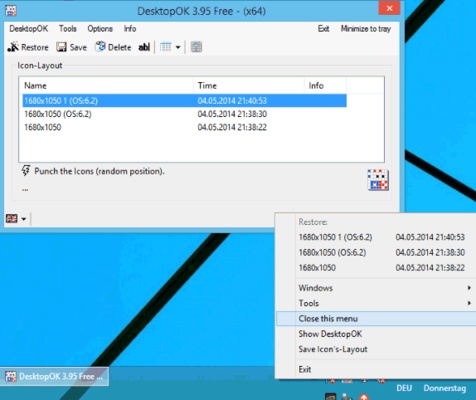
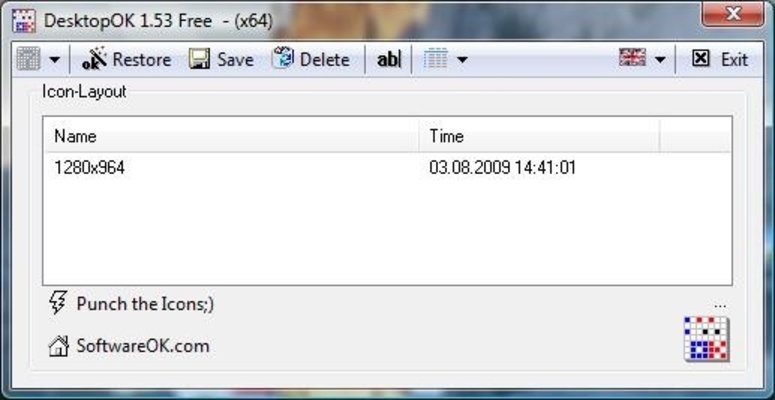
Save & Restore Icon Layouts
- Save multiple desktop layouts for different scenarios or projects.
- Restore your preferred icon arrangement with just one click.
- Keep your workflow consistent even after changing screen resolution or display setup.
Automatic Icon Layout Backups
- Schedule automatic backups of your icon positions at regular intervals.
- Options to save icon layouts during system startup, shutdown, or manually.
Multi-Monitor Support
- Recognizes different screen resolutions and monitor configurations.
- Saves and restores icon positions individually for each display setup.
Custom Layout Profiles
- Create and manage multiple layouts for different tasks or user preferences.
- Rename, edit, or delete saved layouts easily.
Portable & Lightweight
- No installation required—run directly from a USB drive.
- Leaves no unnecessary registry entries.
System Tray Integration
- Minimizes to the system tray for quick access and background operation.
- Hotkey support for faster layout management.
Extra Tools
- Auto-hide desktop icons to reduce clutter.
- Export and import saved layouts for backup or transfer.
- Start minimized for a cleaner, distraction-free experience.
Use Cases
- Gamers who frequently change screen resolutions.
- Designers and developers working with multi-monitor setups.
- Users who want to maintain a specific desktop organization.
- IT professionals managing multiple desktop environments.
How to Use DesktopOK
- Launch DesktopOK on your Windows PC.
- Customize settings according to your preferences.
- Save your desktop icon layout with a single click.
- Restore saved layouts anytime icons get rearranged.
- Set up automatic layout backups for added convenience.
- Configure multi-monitor support if you have multiple displays.
- Use hotkeys to quickly restore layouts without opening the main program.
System Requirements
- Windows 11, 10, 8, 7 (32-bit & 64-bit)
- Minimum 1 GHz processor
- At least 512 MB RAM
- 10 MB free disk space
- Administrator rights for installation
PROS
- Saves and restores desktop icon positions efficiently
- Lightweight, portable, and easy to use
- Automatic icon layout backups
- Multi-monitor support
- Free to use without registration or subscriptions
CONS
- Basic user interface design
- Limited advanced customization options
- No cloud backup support
- May not work perfectly on all resolutions
- Documentation and guides are minimal
Conclusion
DesktopOK is an essential free tool for Windows users who want to keep their desktop organized and consistent. Its lightweight design, multi-monitor support, and automatic backup features make it ideal for gamers, designers, and IT professionals alike. Say goodbye to messy desktops and restore your icon layouts with just one click!