


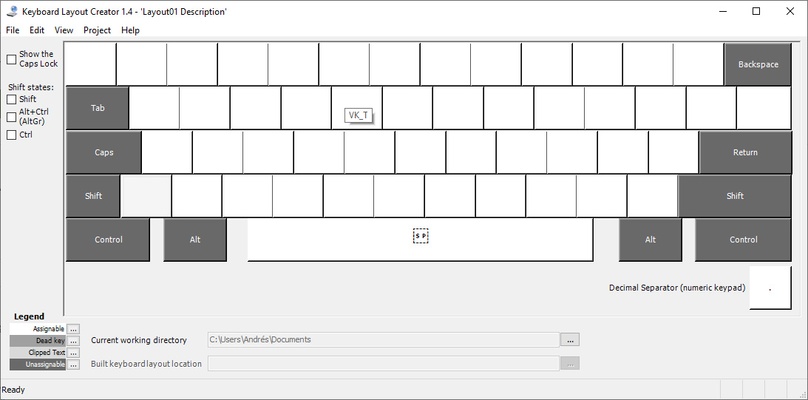
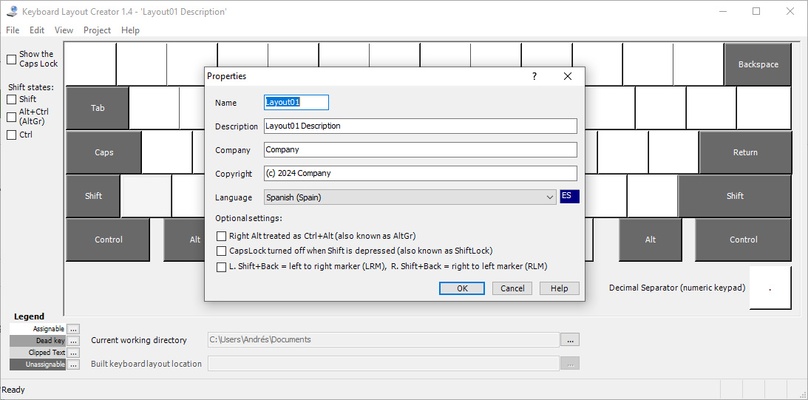
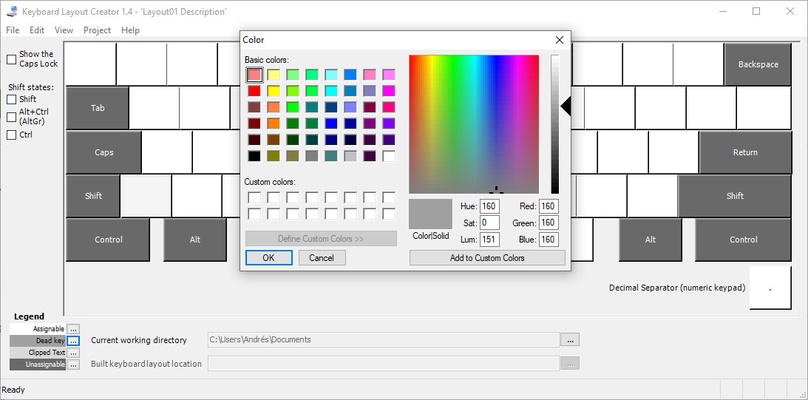
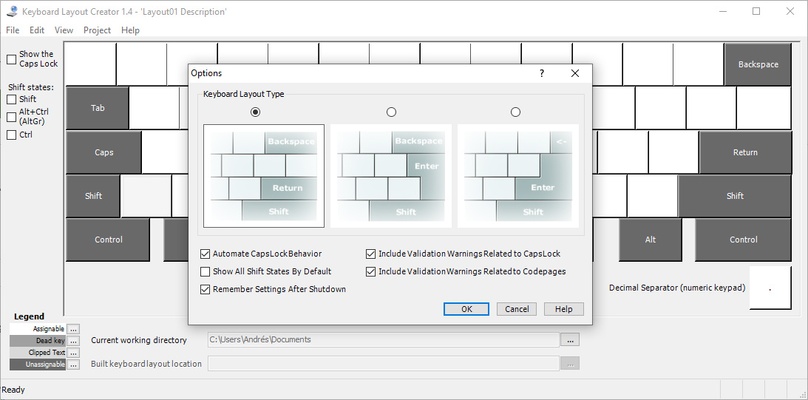
Microsoft Keyboard Layout Creator is a program developed by Microsoft that allows you to conveniently redefine the entire keyboard layout. This way, not only can you adapt your keyboard to a language that isn't officially supported by Windows, but you can also create quick shortcuts for any ASCII symbol that you use regularly.
Remap your keyboard in seconds
Using MSKLC is very simple; your keyboard will be displayed on-screen as soon as you open the program, and all you have to do to instantly redefine a key is press it. You can make a maximum of four characters appear with each keystroke. It is important to note, however, that you won't be able to redefine the modifier keys (such as CTRL, SHIFT or ALT) but you can redefine the space bar. You can also redefine any key + SHIFT or + ALT.
Compatible with various versions of Windows
Microsoft Keyboard Layout Creator is compatible with Windows 10, Windows XP, Windows 2000, Windows 2000 Service Pack 2, Windows 2000 Service Pack 3 and Windows Server 2003. For the app to work correctly, you'll also need to have Microsoft .NET Framework v1.0 or v1.1 installed. Finally, it should be noted that MSKLC does not work on Windows 95, Windows 98 or Windows M.
Save your favorite layouts
One of the most useful features of Microsoft Keyboard Layout Creator is that, once you have remapped a few keys, you can save the layout. This way, you can have different layouts that you can load and change any time you like. For example, you can use a specific layout when working with a text editing program, using some specific symbols and shortcuts. Once you have finished using this program, all you have to do is load your usual layout. You can save all your layouts in .KLC format and, even better, you can easily share them with other users.
Use your keyboard the way you want
Download MSKLC and start getting the most out of your keyboard. Thanks to this simple program, you can customize any key however you like. This way you can create typing shortcuts or adapt the keyboard to languages that aren't normally supported by Microsoft.