

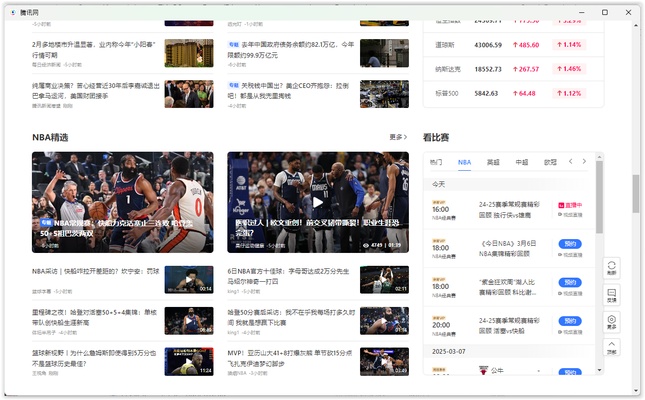
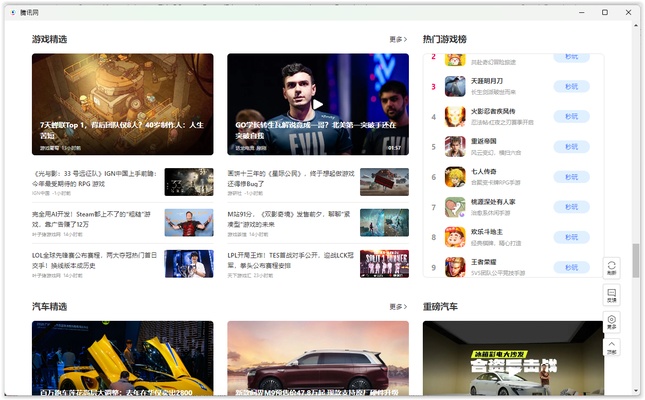
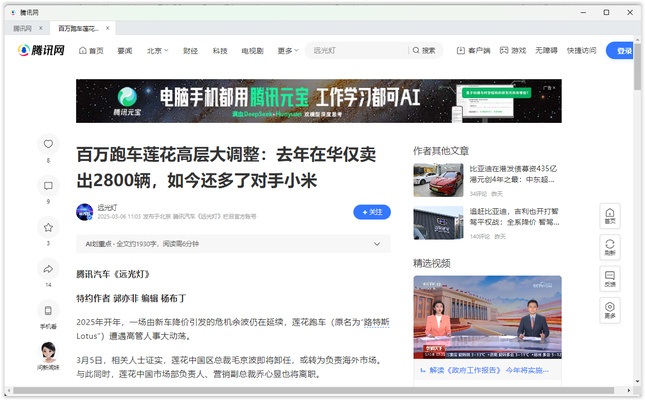
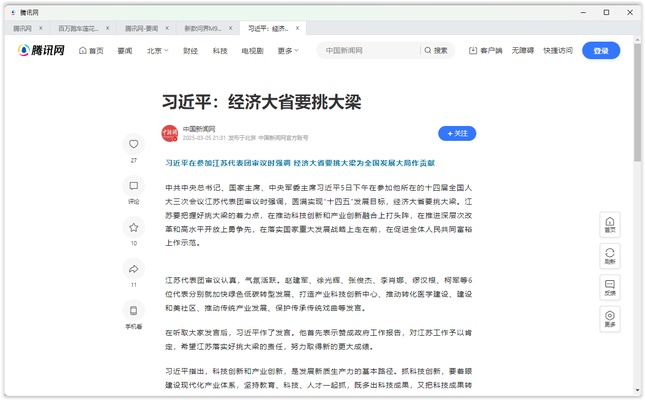
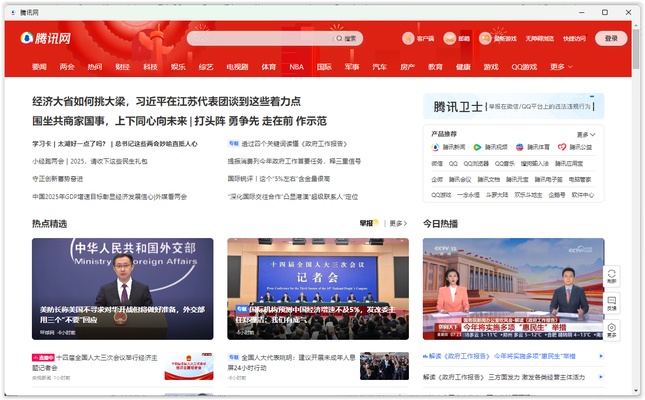

QQ News is a news platform developed by Tencent where you will find news coverage on a wide range of topics, such as politics, economics, sports, technology, and entertainment. This tool has a very comfortable interface designed to help you navigate through the news in the easiest way possible. In addition, it also includes a useful recommendation system powered by AI that will show you certain information based on your interests. Download QQ News for free to catch up on the latest news in China and the rest of the world through articles, videos, expert commentary, and interactive forums.
Get the latest news in real time
One of the main advantages of QQ News is that it constantly updates the news it offers, allowing you to access the latest information in real time. In addition, this platform sources content from respected media outlets, so you will always have access to all kinds of up-to-the-minute updates. Thanks to the frequency of these updates, you can follow your favorite topics of interest with the knowledge that you will always have all the latest information.
News coverage on a wide variety of categories
This platform divides all of its content into different categories, including politics, economics, culture, entertainment, technology, and more. Thanks to this, you can focus on the information you're interested in without having to search high and low for what you want to read. On the other hand, QQ News also offers special sections dedicated to global trends, so you can follow the latest global news or a specific topic of interest more easily.
Smart recommendations
QQ News uses artificial intelligence when showing you the news to make sure you always see the content that's most relevant to you. Basically, the algorithm will learn about your interests based on what you read, then use this information to show you related content you might be interested in.
Live broadcasts and informative videos
In addition to written articles, QQ News features live broadcasts of conferences, political events, sports, and other special occasions that you can watch at any time. It also has a video section with news summaries, interviews, and detailed analyses of the most important news, so you can learn about the latest current events in a visual way.