

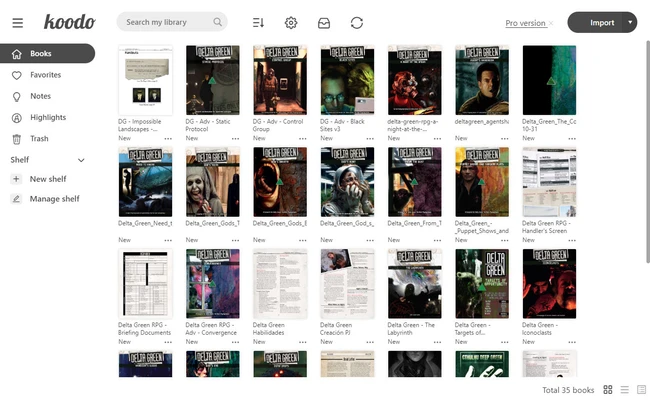
Koodo Reader is a free and open-source cross-platform e-book reader that allows you to read and organize your e-books in a single library. The app focuses on simplicity and ease of use, providing a clean reading experience for different types of digital content.
Compatible with all your books
Koodo Reader supports a wide range of e-book and document formats, including EPUB, PDF, MOBI, AZW, TXT, FB2, CBR, CBZ, CBT, MD, DOCX, HTML, XML, and MHTML. This allows you to open traditional e-books, comics, and various text-based documents in the same application.
Sync with other devices
Koodo Reader is available on Windows, Mac, Linux, Android, iOS, and the web, allowing you to access your library across different devices. You can start reading on your PC and continue from the same position on another device. The app also supports synchronization through services such as OneDrive, Google Drive, Dropbox, MEGA, pCloud, Aliyun Drive, and Box.
Discover its AI tools
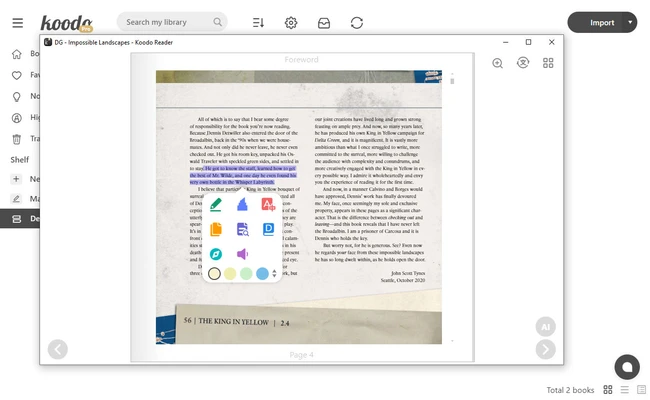
Koodo Reader includes several AI-powered features. Its AI translation tool can translate books and documents into other languages, while the AI summary feature can generate summaries from selected text. These tools can be useful when working with lengthy documents or content in unfamiliar languages.
Unlock all features with the PRO version
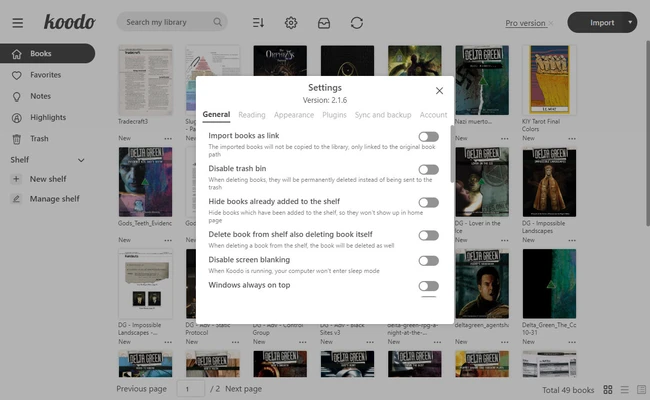
Koodo Reader is available as a free version, while some AI features and advanced synchronization options require a PRO account. A seven-day free trial is available for users who want to try the additional features before subscribing.
An e-book reader for everyday reading
Koodo Reader provides broad format support, cross-platform access, synchronization, and additional reading tools in a single application. It is suitable for users who want to manage and read different types of e-books and documents across multiple devices.