


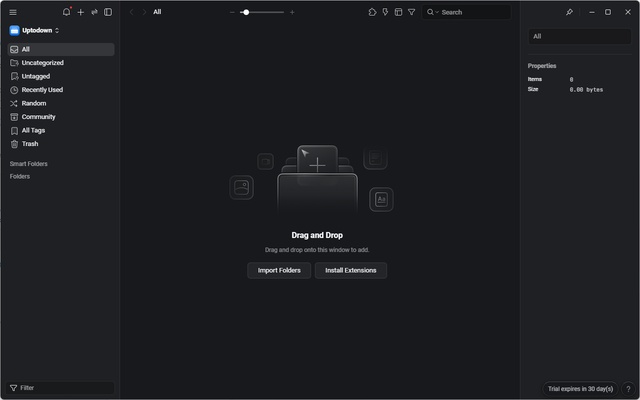
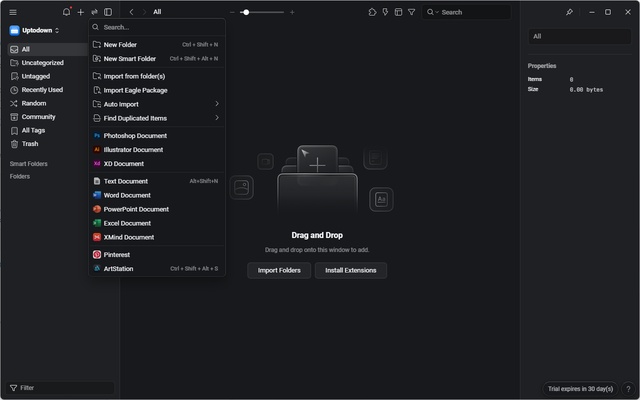
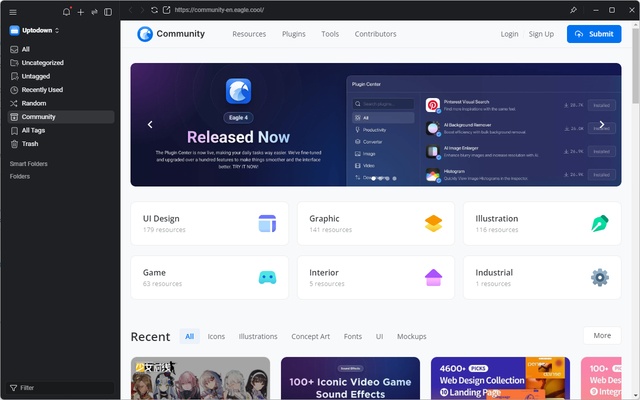
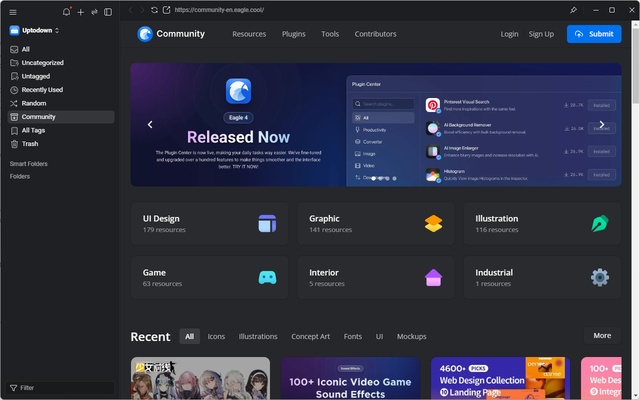
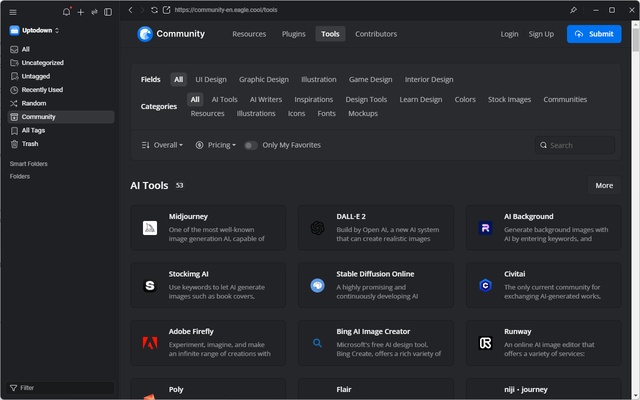
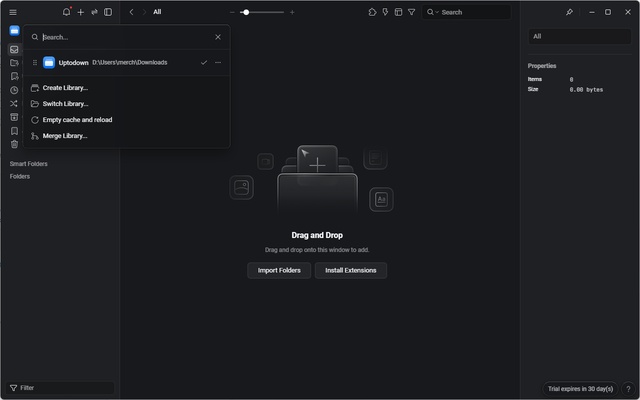
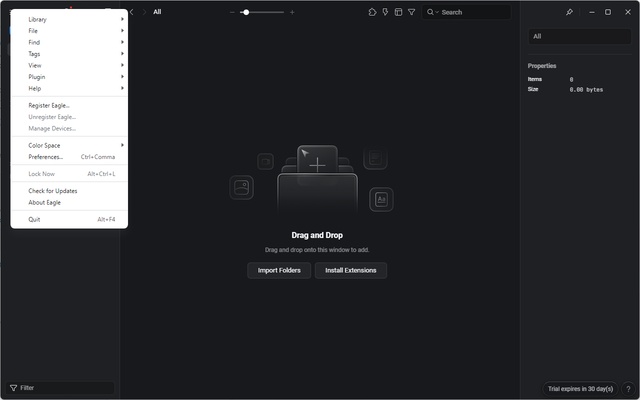
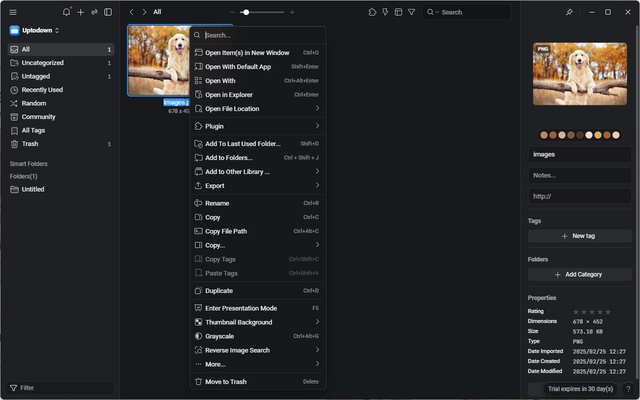
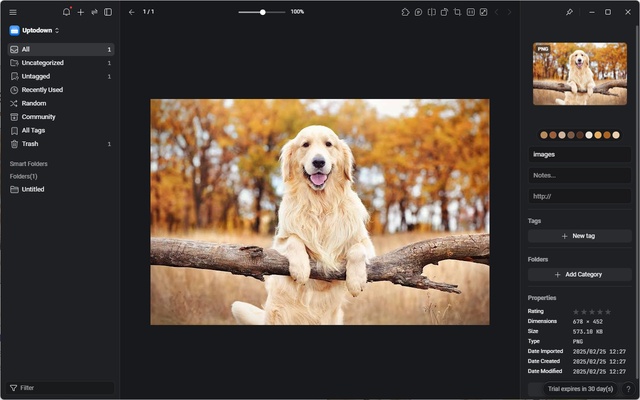
Eagle is powerful software for Windows designed specifically for creative professionals looking to quickly manage, organize and access their visual assets. This tool stands out for its ability to sort images, illustrations, videos, fonts and other files via an intuitive and highly customizable interface. With advanced categorization, tagging, filtering and search functions, Eagle is a great ally for designers, photographers, digital artists and anyone who works with large volumes of graphic content. Fluid and fast file management ensures a streamlined experience, while the tool's compatibility with various formats and platforms make it a versatile solution for any creative workflow. Download Eagle for free and optimize the way you manage your digital assets.
Efficient organization with smart folders and custom categories
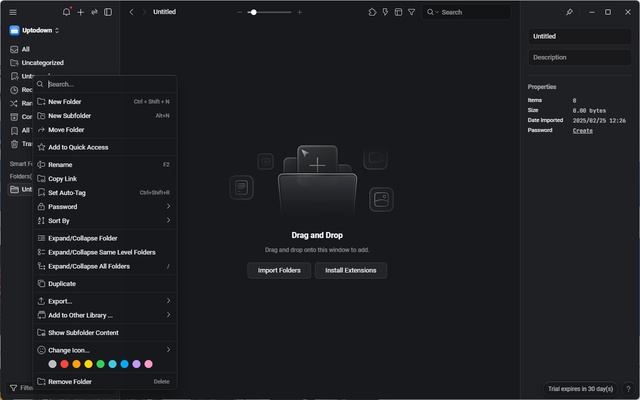
Eagle allows you to organize visual files through a flexible structure based on smart folders and custom categories. You can create specific collections for different projects, assign tags to each file and set automatic rules to classify content dynamically. This modular structure makes it easy to find and access what you need without wasting any time navigating between multiple folders on the operating system. What's more, smart folders allow items to be automatically grouped according to set criteria, such as tags, colors or formats, offering complete control over your digital assets.
Quick and advanced searches with precise filters
Eagle's powerful search function allows you to locate files instantly thanks to its advanced system of filters and keywords. You can search by file name, tags, content type, predominant colors or even by metadata like resolutions or image sizes. This level of customization avoids the time-consuming process of browsing folders manually, ensuring efficient navigation tailored to the user's needs. Searches are smooth and optimized to handle large volumes of files without affecting performance.
Compatibility with a host of image, video and font formats
Eagle not only supports images in common formats like JPEG, PNG, GIF, BMP and SVG, but is also compatible with video files such as MP4, MOV and AVI, as well as TTF and OTF fonts. This tool's versatility makes it ideal for graphic designers, video editors and developers looking to manage different types of assets in one place. You can even preview files without having to open external apps, speeding up the process of selecting and editing resources.
Smart tags and advanced metadata management
Eagle's advanced tagging system facilitates file classification through custom tags that you can assign manually or via automatic rules. You can also add extra information to each file, including descriptions, notes or related links, improving asset management and optimizing collaborative workflows. Using multiple tags for the same file avoids content duplication and improves resource accessibility in complex projects.
Color labeling and advanced chromatic organization
Eagle allows you to organize images by their predominant colors, which is ideal for designers working with specific color palettes. Automatic color detection groups similar images, helping you to create moodboards and visual references based on shades. This feature is also useful for illustrators and digital artists looking for inspiration or aiming to maintain consistency in their graphic projects.