Go to Windows platform Display platforms icon
Go to Windows platform Go to Mac platform Go to Android platform
TiddlyDesktop icon

TiddlyDesktop

0.0.20
TiddlyWiki
0
168.29 MB size

The most convenient way to work with a local TiddlyWiki

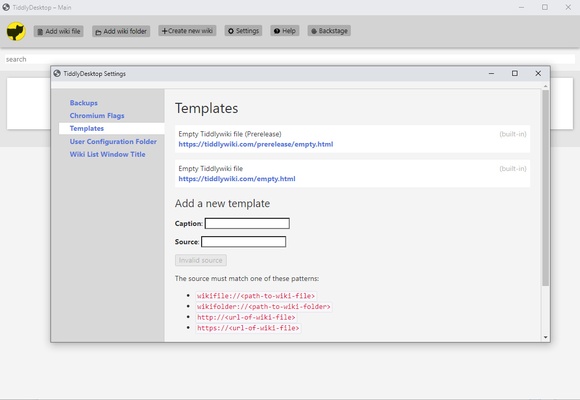
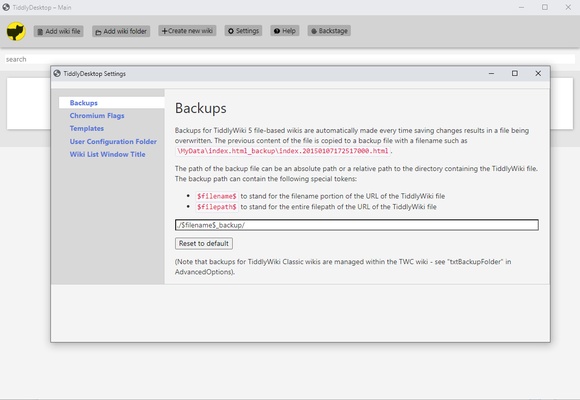
TiddlyDesktop is software that allows you to comfortably work with any TiddlyWiki file stored locally. The program is compatible with both TiddlyWikiClassic and TiddlyWiki Version 5 files. Any changes you make to the pages will automatically be saved.

No installation required and very easy to use

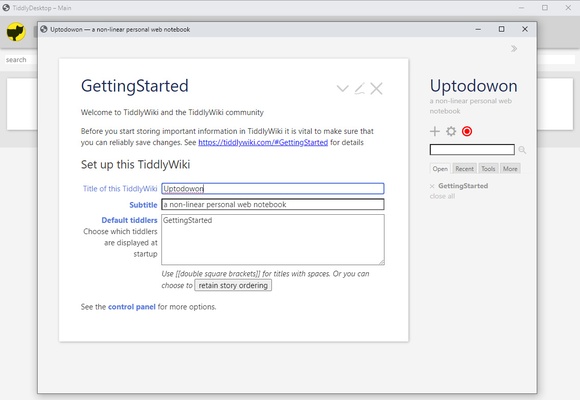
To start using TiddlyDesktop, all you have to do is unzip the compressed file in a new folder and double-click on the executable called "nw.exe". And that's it. The program will open in a new window after a few seconds. From this new window you can open any TiddlyWiki file available on your hard disk or, if you prefer, create a new file.

Manage any Wiki file

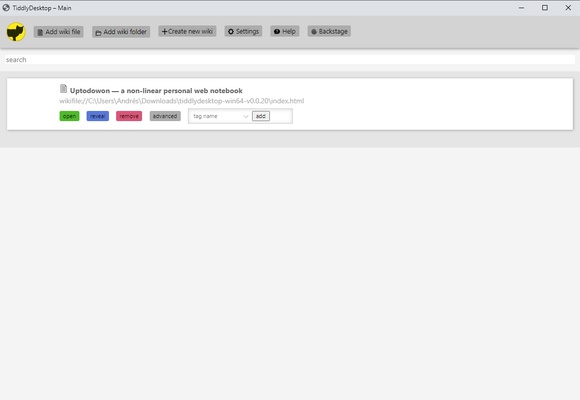
From TiddlyDesktop's main tab you can easily manage everything related to your TiddlyWiki file. You can edit the General Information of your Wiki and, more importantly, create new Tiddlers, all from this tab. Tiddlers are the different sections of the Wiki and are stored in a single, independent HTML, which contains all the text and metadata you have added.

Tutorials and tips

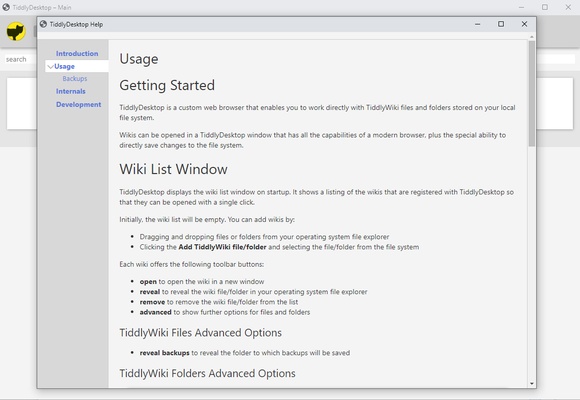
Within the program itself you will find a series of tutorials to help you learn how to use all the facets of TiddlyDesktop. It is not particularly difficult to use, but it does have many more features than it may seem at first glance, so it can be very helpful to take a look at this section.

A convenient way to manage your TiddlyWiki

Download TiddlyDesktop if you regularly work with Wikis and documents of this type. The app is useful for both those who manage large online Wikis and those who simply want to use a non-linear writing or scheduling tool. Thanks to this program, you can implement any changes from your desktop.

Information about TiddlyDesktop

License Free
Op. System Windows
Category Personal
Language English 47 more
Author TiddlyWiki
permission icon Permissions Not applicable
Date 2026-06-02
Size 168.29 MB
File type ZIP

Apps recommended for you

Right Click Windows Magic icon
Customize and enhance your context menu on Windows
Nicepage icon
Nicepage
Microsoft Copilot icon
Microsoft's official AI assistant app for Windows
Ollama icon
Run any LLM locally
Devolutions Hub Personal icon
Devolutions Hub Personal for Windows is a centralized platform that helps users manage passwords, remote connections, and IT credentials securely.
AlomWare Toolbox icon
Complete suite of tools to optimize productivity
3uTools icon
The best way to manage your iOS device
FlexiHub icon
Electronic Team, Inc.
FocusMe icon
FocusMe is a productivity tool that helps users block distractions and improve focus by restricting apps and websites.
MuseScore icon
MuseScore (Windows) – Create, play, and print sheet music with ease.
TomTom MyDrive Connect icon
Use and update your TomTom GPS from Windows
Ambie icon
Sounds to boost your concentration in front of the PC
ArsClip icon
Manage your clipboard in a simple way
Workrave icon
Avoid risks at work by planning your rests
GUIPropView icon
NirSoft
C-Organizer icon
A well-designed and practical planner
Devolutions Hub Personal icon
Devolutions Hub Personal for Windows is a centralized platform that helps users manage passwords, remote connections, and IT credentials securely.
MobiKin Doctor icon
MobiKin
LM Studio icon
Discover, download and run LLMs locally
EarthTime icon
What is the time all around the world?
Image Generator AI icon
Create stuning AI-generated image instantly with our powerful AI
MuseScore icon
MuseScore (Windows) – Create, play, and print sheet music with ease.
TodoList icon
Get things done in the simplest way
WizTree Portable icon
Use WizTree without installing a thing