


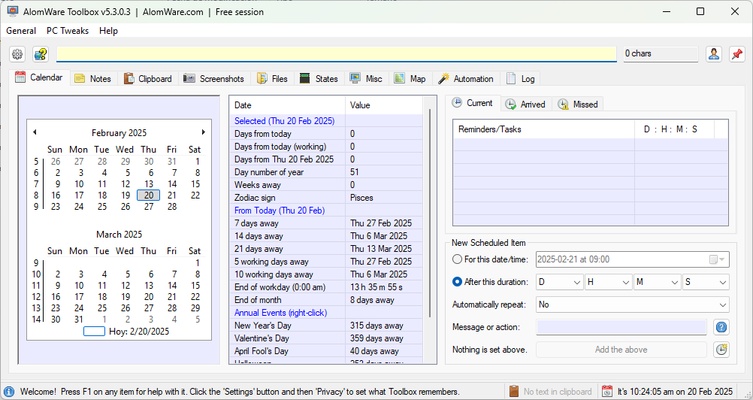
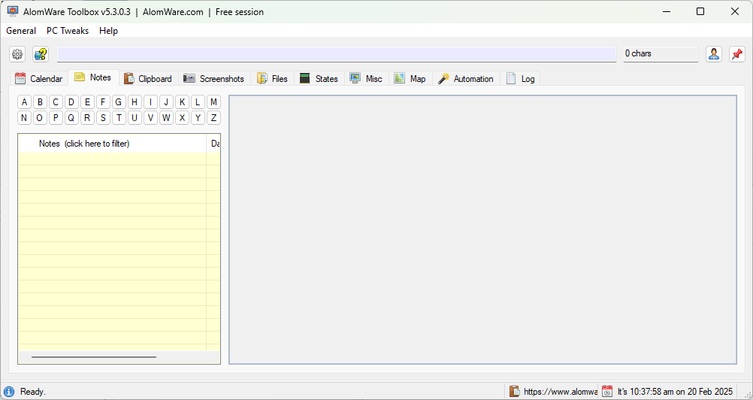
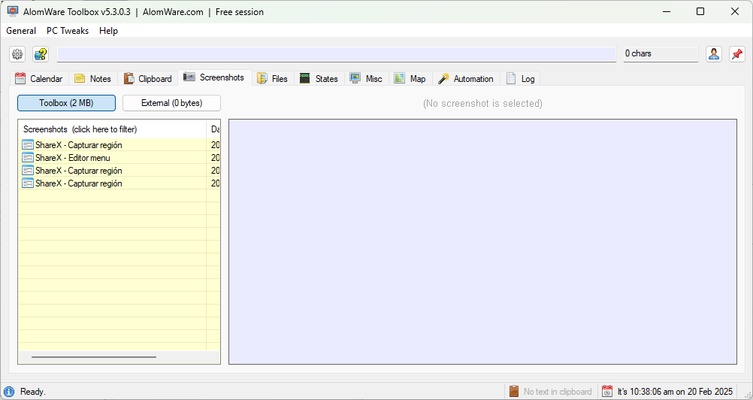
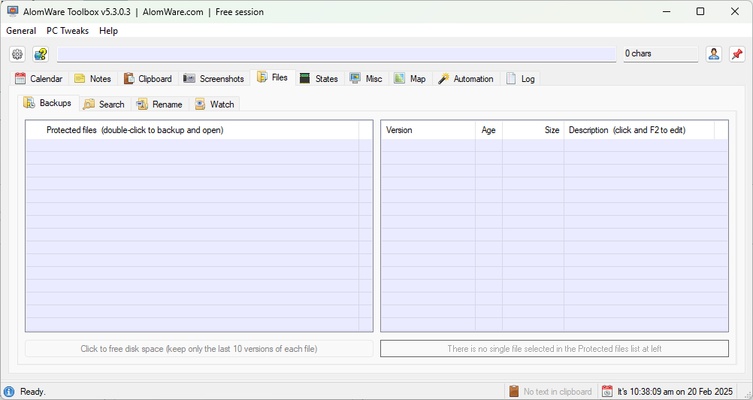
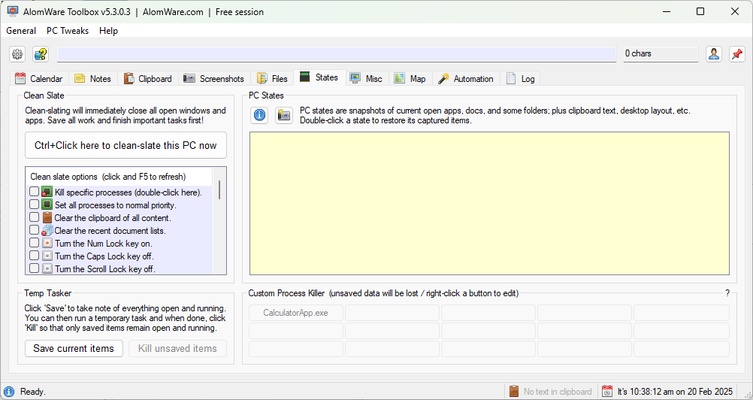
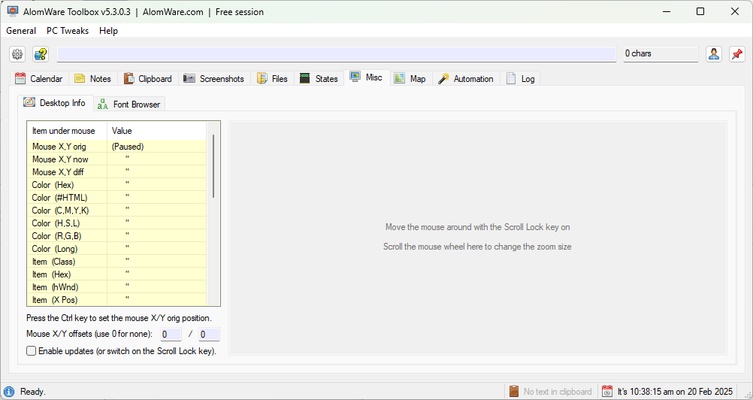
AlomWare Toolbox is a powerful collection of tools designed to automate tasks, manage files and improve efficiency in Windows. This all-in-one app offers a wide range of functions for users looking to optimize their workflow, from window management and clipboard control to automating repetitive tasks. With an intuitive interface and a set of versatile tools, AlomWare Toolbox can boost productivity and reduce the time you spend on manual tasks. Download AlomWare Toolbox for free and improve productivity thanks to all the integrated features.
Advanced automation to save you time and energy
One of AlomWare Toolbox's most outstanding features is its ability to automate actions on Windows through customizable scripts. This allows users to create scripts that can be run with a single click, eliminating the need to repeat tedious tasks manually. From automatic form filling to serial command execution, the tool offers full control over actions on the system, facilitating more efficient workflows. This automation does not require advanced programming skills, opening it up to any user looking to improve productivity.
Advanced clipboard management and optimized text editing
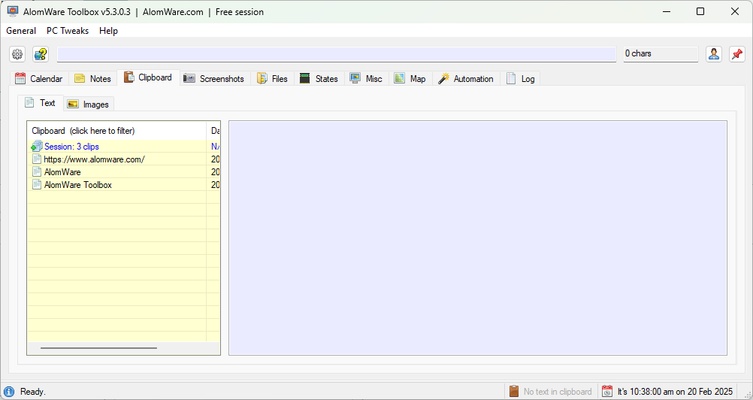
The standard Windows clipboard is limited, but AlomWare Toolbox enhances it with advanced features such as copy history, real-time editing and automatic text transformation. This allows you to retrieve previously copied fragments and make modifications without having to paste them into an external editor. The tool also boasts instant formatting options, such as removing unnecessary spaces, converting uppercase to lowercase and inserting special characters automatically. These functions are especially useful for editors, programmers and anyone that works with large volumes of text.
Full control over windows and open apps
Window management is another of AlomWare Toolbox's strong points, allowing you to organize, minimize, close and resize apps through quick commands. This makes it easier to multitask and improves desktop organization, avoiding a buildup of cluttered windows. You can configure custom rules so that certain apps always open in a specific position or at a specific size. It is also possible to define shortcuts to switch between windows more efficiently, speeding up your work when you have multiple programs open.
Optimizes system performance and frees up resources
AlomWare Toolbox includes tools designed to improve Windows performance by freeing up RAM, shutting down unnecessary processes and optimizing the use of system resources. This comes in especially handy for users experiencing PC slowdowns looking for a quick fix to improve system responsiveness. With just one click, the app can clean up temporary files, stop background services from consuming resources and adjust settings to maximize efficiency. These options help keep the computer running smoothly without the need to constantly reboot.