
Go to Windows platform Display platforms icon
Go to Windows platform Go to Mac platform Go to Android platform
Simple Sticky Notes icon

Simple Sticky Notes

6.7.5
Simnet
5
2.75 MB size

Fill your desktop with reminder notes

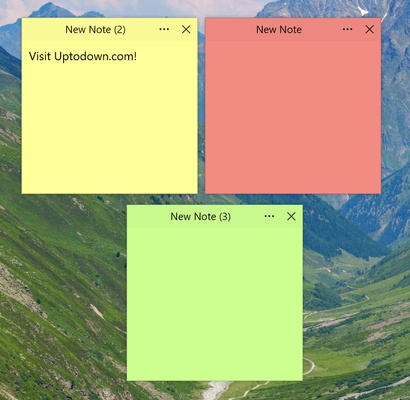
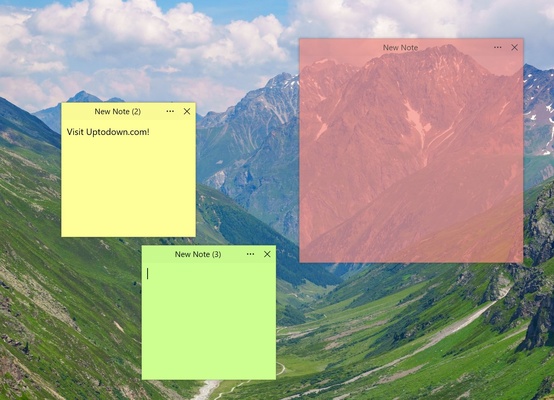
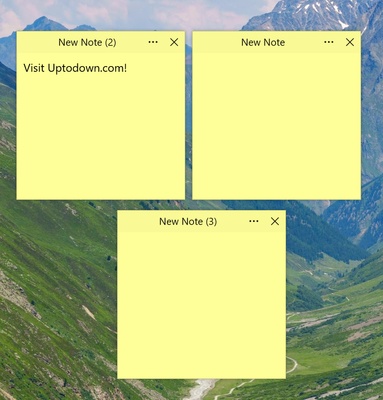
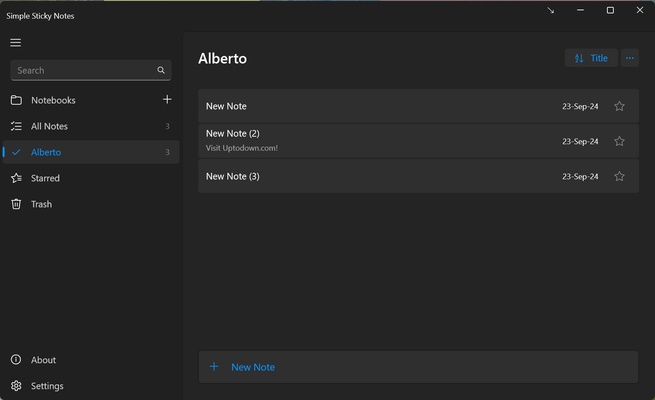
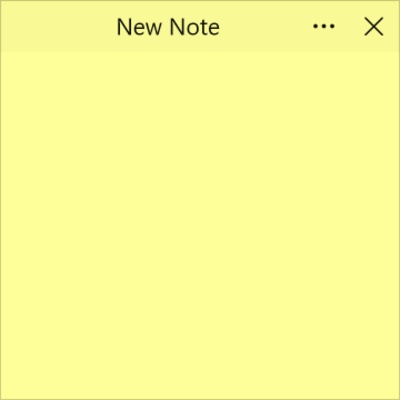
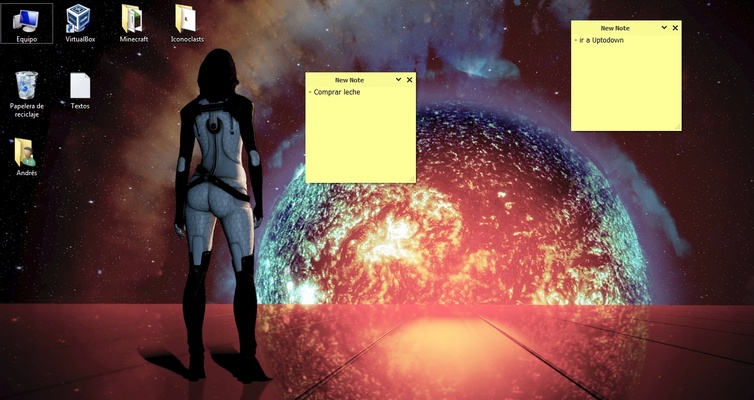
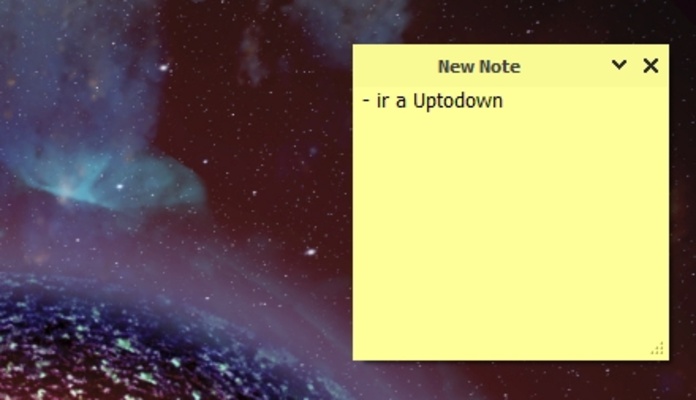
Simple Sticky Notes is a lightweight Windows app for creating notes about tasks, ideas or reminders on the desktop so that you don't forget anything. You can create as many notes as you need, with an appearance similar to sticky notes. If you have too many or lose track, you can go to the notes manager and close the ones you no longer need or the ones with items you have completed.

Create and customize notes

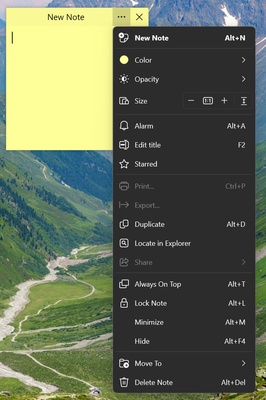
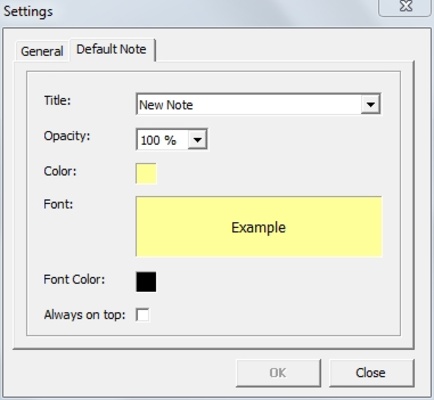
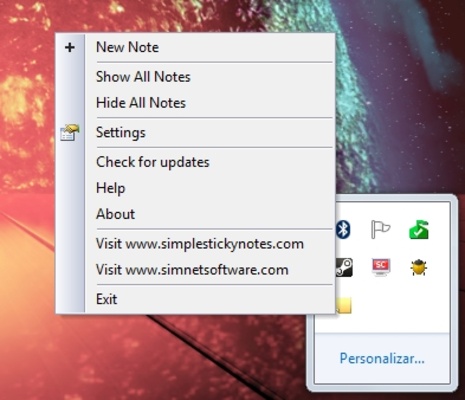
To create a new note, you can click on the options button and go to "New note" or press Alt + N. The note will appear next to the last one you created. You can choose from 14 different colors for your notes, making it easier to visually identify each one without having to read its contents. Edit the title of each note from the settings or by pressing F2.

Adjust the size or transparency

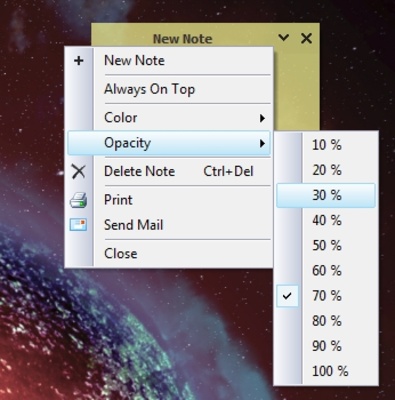
Simple Sticky Notes also allows you to customize other parameters such as the opacity of the note's background, as well as its size. As a result, you can see your wallpaper better, or increase the amount you see of each note without having to scroll with the mouse wheel.

Create alarms so you don't forget anything

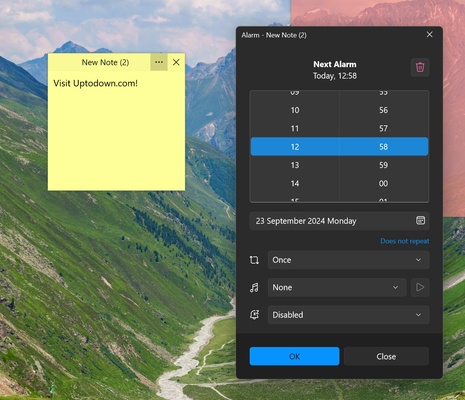
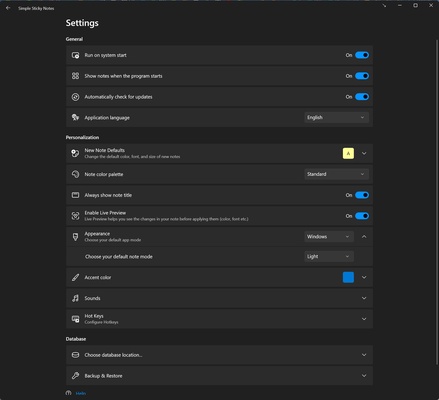
With Simple Sticky Notes you can also create alarms so that the app will notify you about something on the day and time of your choosing. What's more, you can mark a note as a favorite, force it to always be displayed on top of others, or lock it so that it does not move from where you have placed it. You can also hide the app whenever you like, and you can open it via the desktop shortcut or from the start menu. Finally, you can create backup copies of all your notes and restore them whenever you need.

Download Simple Sticky Notes and don't forget anything important in your daily life.

Information about Simple Sticky Notes

License Free
Op. System Windows
Category Personal
Language English
Author Simnet
permission icon Permissions Not applicable
Date 2026-06-02
Size 2.75 MB
File type EXE

Apps recommended for you

EdrawMind icon
Edrawsoft
WizTree Portable icon
Use WizTree without installing a thing
Advanced Diary icon
Full featured personal diary for free
Quick Share (Nearby) icon
Send files quickly from Android to Windows
Desktop Calendar icon
Desktop Calendar for Windows is a simple and customizable calendar app that helps users organize tasks, events, and reminders on their desktop.
Rons WebLynx icon
Bookmark manager for Windows
Microsoft OneNote icon
Take customized notes and sync them on all your devices
Exodus icon
Exodus for Windows is a user-friendly cryptocurrency wallet that supports a wide range of digital currencies with built-in exchange and portfolio tracking features.
FocusMe icon
FocusMe is a productivity tool that helps users block distractions and improve focus by restricting apps and websites.
MuseScore icon
MuseScore (Windows) – Create, play, and print sheet music with ease.
TomTom MyDrive Connect icon
Use and update your TomTom GPS from Windows
Ambie icon
Sounds to boost your concentration in front of the PC
ArsClip icon
Manage your clipboard in a simple way
Workrave icon
Avoid risks at work by planning your rests
GUIPropView icon
NirSoft
C-Organizer icon
A well-designed and practical planner
Rons WebLynx icon
Bookmark manager for Windows
Microsoft To Do icon
Plan your day-to-day with this Microsoft tool
Evernote icon
Evernote for Windows is a note-taking app that helps users organize ideas, tasks, and projects with features like text, images, and file attachments.
ManicTime icon
Analyze the time spent on your computer
OpenRGB icon
Easily customize your PC lighting
Alternate DLL Analyzer icon
Display and extract function names from DLL files
Claude icon
An AI-based chatbot that respects your privacy
EF Process Manager icon
EFSoftware