Go to Windows platform Display platforms icon
Go to Windows platform Go to Mac platform Go to Android platform
ManicTime icon

ManicTime

2025.1.5.0
ManicTime
0
76.57 MB size

Analyze the time spent on your computer

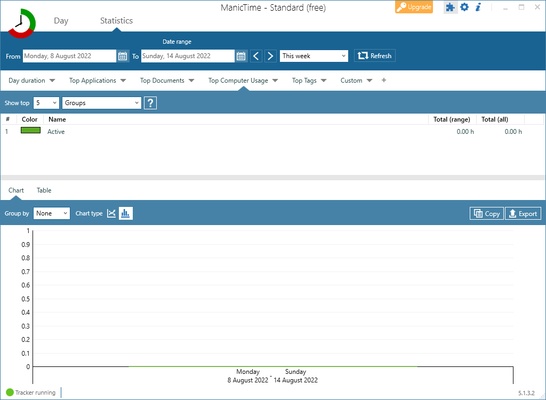
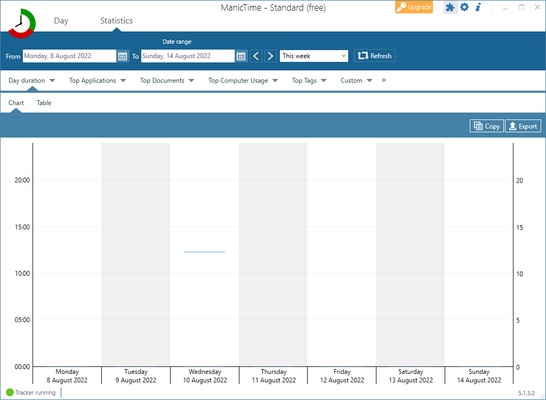
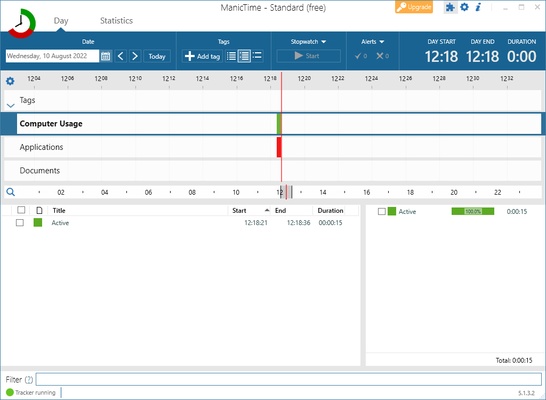
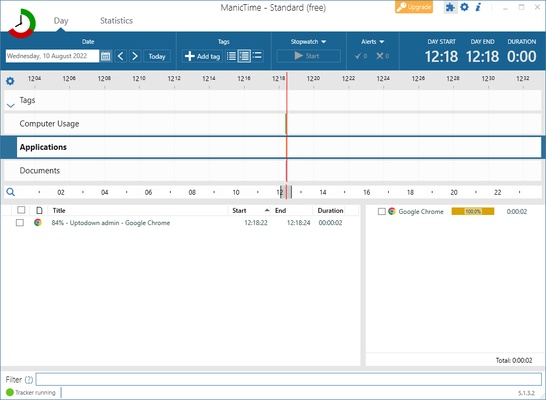
ManicTime is one of the best apps for Windows that allows you to monitor how long you spend on your computer. You can track the total time you spend using your computer each day, and you can also see which apps you use the most.

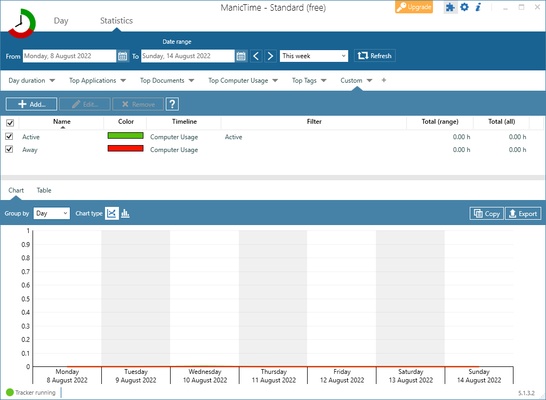
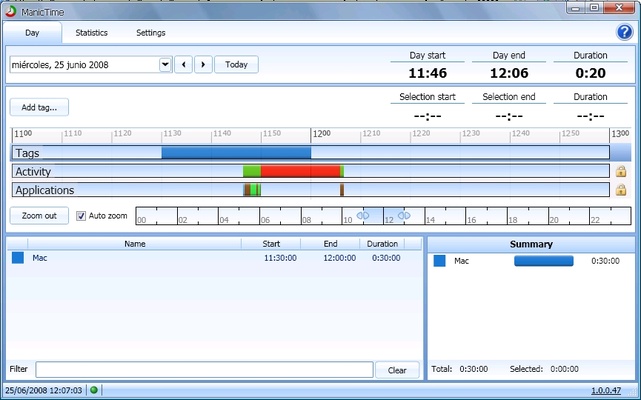
This feature is not only useful on a personal level, but it also lets you find out how much time you spend working, so you can later invoice your employers. You can also check how long you were away on a food break, at what time you started work, and much more. The customizable graphs can be filtered by day, week or month.

The Standard version is free and only lets you use the program locally, as well as restricting other lesser features. Other than that, you can use the program freely for its main objective: to find out which apps you use the most on your computer. You will need to subscribe to the paid version if you want other features, such as syncing your data with your company's servers and accessing them from anywhere.

So, if you are looking for a program to find out how much time you are spending on your computer and on which apps, don't think twice and download ManicTime now.

Information about ManicTime

License Free
Op. System Windows
Category Personal
Language English
Author ManicTime
permission icon Permissions Not applicable
Date 2026-06-02
Size 76.57 MB
File type EXE

Apps recommended for you

Silhouette Studio icon
Design software for Cameo, Portrait and Curio machines
QQ News icon
Get the latest news from China and around the world
Black NotePad icon
WinTools.Info
Kindle icon
The best way to read your Kindle books on a computer
EdrawMind icon
Edrawsoft
Planificotron icon
A simple schedule app
ChatGPT icon
Windows desktop version of ChatGPT
Power Automate icon
Automate tasks and simplify processes
FocusMe icon
FocusMe is a productivity tool that helps users block distractions and improve focus by restricting apps and websites.
MuseScore icon
MuseScore (Windows) – Create, play, and print sheet music with ease.
TomTom MyDrive Connect icon
Use and update your TomTom GPS from Windows
Ambie icon
Sounds to boost your concentration in front of the PC
ArsClip icon
Manage your clipboard in a simple way
Workrave icon
Avoid risks at work by planning your rests
GUIPropView icon
NirSoft
C-Organizer icon
A well-designed and practical planner
Atomic Time Synchronizer icon
Atomic Time Synchronizer for Windows is a tool that ensures your system clock is accurate by synchronizing it with reliable time servers over the internet.
Ambie icon
Sounds to boost your concentration in front of the PC
TodoList icon
Get things done in the simplest way
Microsoft To Do icon
Plan your day-to-day with this Microsoft tool
Tencent Weiyun icon
Reliable cloud storage from Tencent
Advanced Diary icon
Full featured personal diary for free
QQ News icon
Get the latest news from China and around the world
LM Studio icon
Discover, download and run LLMs locally