


Evernote for Windows Download – The Ultimate Note-Taking and Organization Tool
Evernote for Windows is a versatile and powerful note-taking application designed to help you capture, organize, and manage all of your ideas, tasks, and projects in one place. Whether you're taking quick notes during meetings, creating detailed to-do lists, or organizing important documents and images, Evernote makes it easy to keep everything in sync across your devices. With its intuitive interface and robust organizational features, Evernote is the perfect tool for students, professionals, and anyone who wants to stay organized and productive.
With support for multimedia notes, powerful search functionality, and seamless cloud synchronization, Evernote ensures that you can access your notes anytime, anywhere, from any device.
Capture Everything – Text, Photos, and Audio Notes
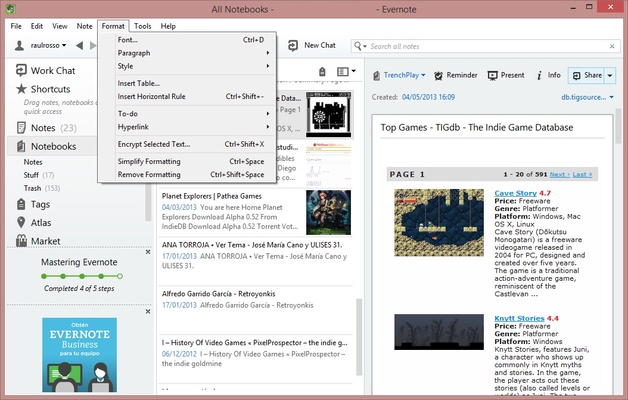
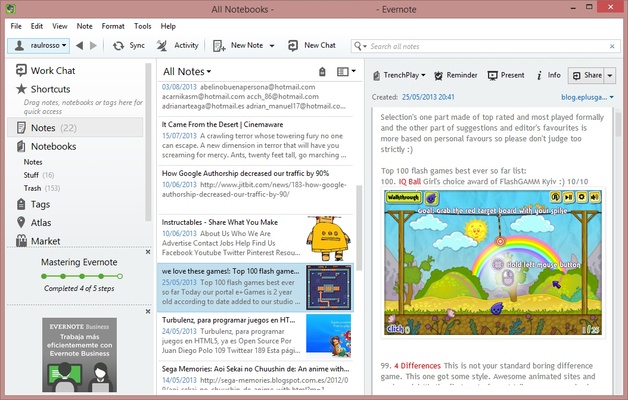
Evernote allows you to easily capture all kinds of information. You can take text-based notes for quick thoughts or longer writing projects, and enhance them with images, audio recordings, and even PDFs. The ability to add attachments like photos and web clippings allows you to save everything from shopping lists and research to important articles and presentations. Whether you’re jotting down quick ideas or saving full-length documents, Evernote has you covered.
Organize Your Notes with Notebooks and Tags
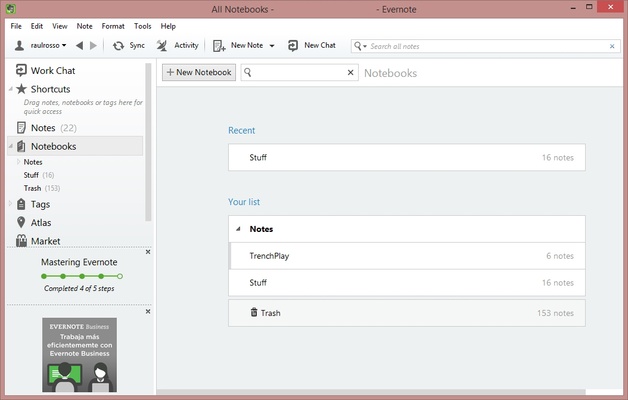
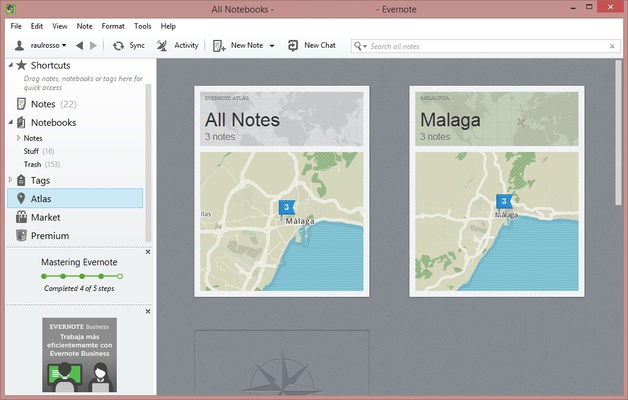
Evernote offers flexible organization options to help you keep your notes in order. You can organize your notes into notebooks for easy access, whether by topic, project, or category. The tagging system lets you label your notes with keywords, making it easy to find specific content later with a quick search. This organizational structure ensures that even large amounts of information remain easy to navigate and manage.
Powerful Search Functionality
With Evernote’s powerful search feature, you can find exactly what you're looking for in seconds. The software indexes all of your notes, including images, PDFs, and handwritten text, to make searching as efficient as possible. This makes it easy to retrieve documents, notes, and ideas without manually browsing through your notebooks, even when you have hundreds or thousands of entries.
Sync Across Devices for Seamless Access
Evernote syncs your notes across all your devices, ensuring that you can access your content no matter where you are. Whether you’re on your desktop at home, your phone during a commute, or your tablet at a meeting, Evernote ensures your notes are always up-to-date and available when you need them. The cloud synchronization ensures that your notes stay consistent, and you never lose track of your ideas.
Share Notes and Collaborate with Others
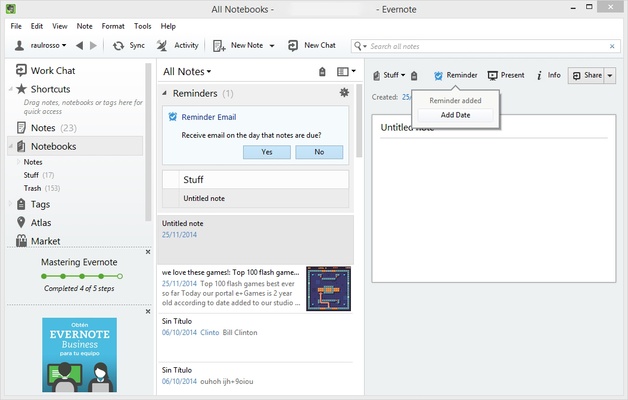
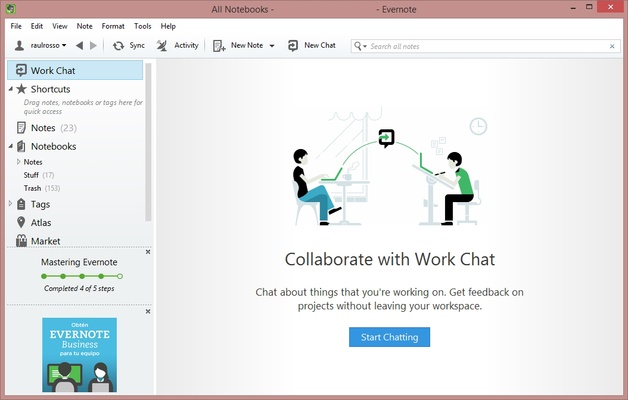
Evernote is designed for collaboration, allowing you to share notes, notebooks, and even entire projects with colleagues, classmates, or friends. Whether you need to work on a project together or share a list of ideas, Evernote makes it easy to collaborate in real-time. You can leave comments, share feedback, and make edits to shared content, making teamwork seamless and efficient.
Final Overview
Evernote for Windows is an essential tool for anyone looking to stay organized and productive. Whether you're a student managing research, a professional organizing projects, or someone looking to keep track of everyday tasks, Evernote provides the features and flexibility you need. With multimedia support, powerful search tools, and cloud synchronization, Evernote ensures that all of your notes are easily accessible and well-organized, helping you stay on top of everything, no matter where you go.