
Go to Windows platform Display platforms icon
Go to Windows platform Go to Mac platform Go to Android platform
HomeBank icon

HomeBank

5.9
HomeBank
0
19.85 MB size

Manage and stay on top of your personal budget

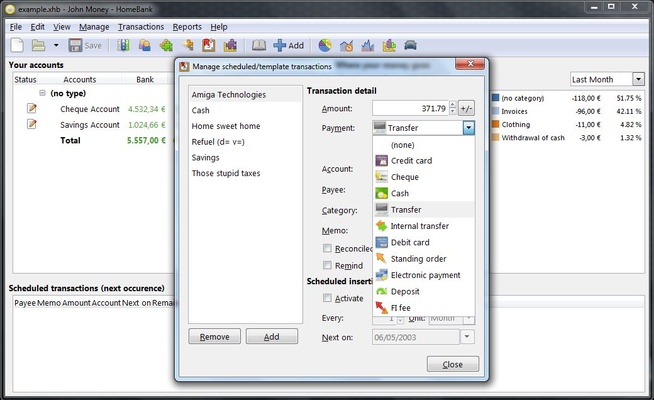
HomeBank is a tool that is designed to help you manage your household budget in order to keep on top of the monthly and yearly expenses that you have but often don't know how to manage properly.

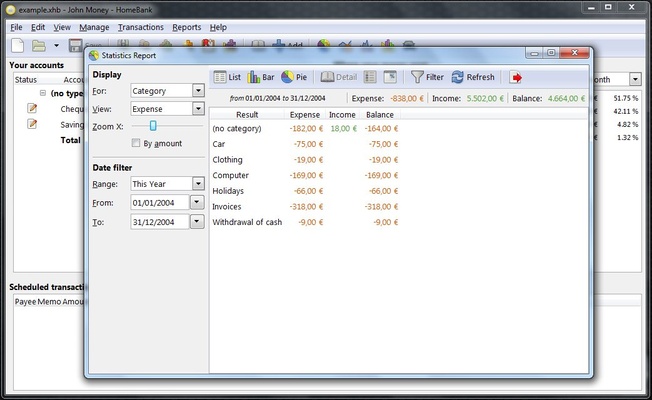
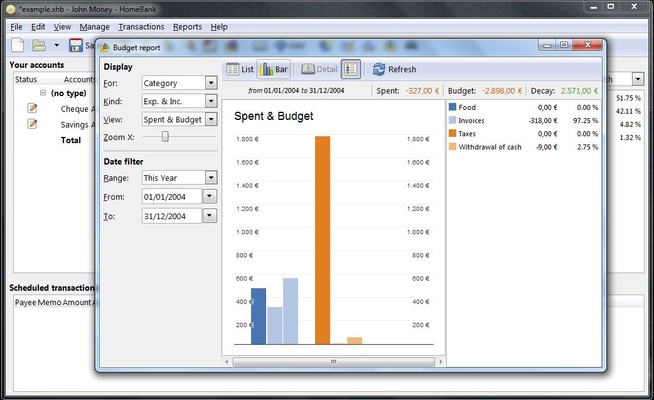
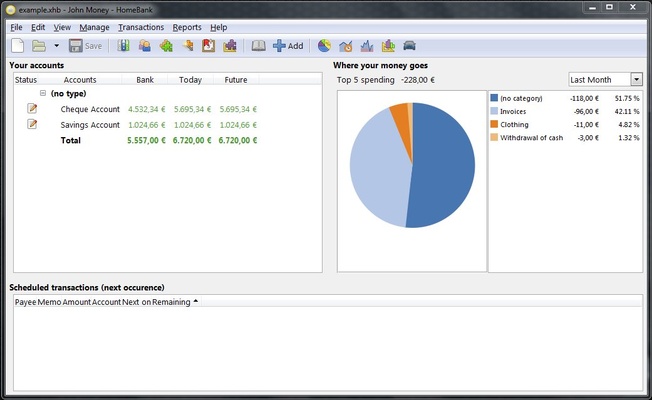
Using its different, very easy-to-use functions, you can enter all of your income and expenses, which you can then visualize with different graphics.

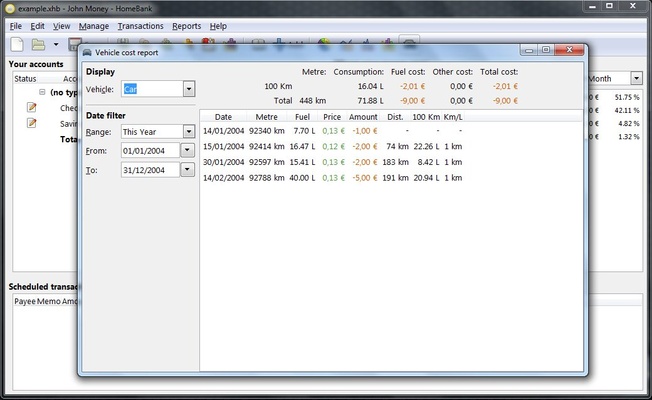
HomeBank can be completely personalized so that you keep track of the money that comes into and leaves your account, paying attention to all of your expenses including gas, car insurance, or gadgets.

After entering all of the information about your accounts, the program will automatically create the graphics so that you have a good idea of how to manage your money each month, color-coding what you earn and what you spend.

HomeBank has different types of accounts including cash, bank accounts, investments and credit card accounts. You just have to set the initial balance and enter the account number and the name of the bank.

In addition, the program allows you to import all of this information using different formats, including QIF, OFX, QFX and CSV.

Information about HomeBank

License Free
Op. System Windows
Category Personal
Language English 20 more
Author HomeBank
permission icon Permissions Not applicable
Date 2026-06-02
Size 19.85 MB
File type EXE

Apps recommended for you

QQ News icon
Get the latest news from China and around the world
Microsoft OneNote icon
Take customized notes and sync them on all your devices
MuseScore icon
MuseScore (Windows) – Create, play, and print sheet music with ease.
FlexiHub icon
Electronic Team, Inc.
Simplenote icon
A straightforward note-taking tool
Wintoys icon
Get the most out of Windows
Cisdem ContactsMate icon
A contact manager for Windows with support for Google and Outlook
EdrawMind icon
Edrawsoft
FocusMe icon
FocusMe is a productivity tool that helps users block distractions and improve focus by restricting apps and websites.
MuseScore icon
MuseScore (Windows) – Create, play, and print sheet music with ease.
TomTom MyDrive Connect icon
Use and update your TomTom GPS from Windows
Ambie icon
Sounds to boost your concentration in front of the PC
ArsClip icon
Manage your clipboard in a simple way
Workrave icon
Avoid risks at work by planning your rests
GUIPropView icon
NirSoft
C-Organizer icon
A well-designed and practical planner
Ollama icon
Run any LLM locally
FlexiHub icon
Electronic Team, Inc.
All My Movies icon
Manage your movies with this useful tool
LM Studio icon
Discover, download and run LLMs locally
FocusMe icon
FocusMe is a productivity tool that helps users block distractions and improve focus by restricting apps and websites.
Douyin icon
The Chinese version of TikTok
WizTree Portable icon
Use WizTree without installing a thing
Perplexity icon
Use AI to answer any question