

Perplexity is the official desktop client of this powerful search engine that, instead of displaying results in the typical way, as for example Google or any other traditional search engine does, processes your queries and offers you the answers in a much more conversational approach. Thanks to its use of LLM (Large Language Models), you can keep asking questions on the same topic naturally, until you're satisfied with the answer.
Register in just a few seconds and start asking questions
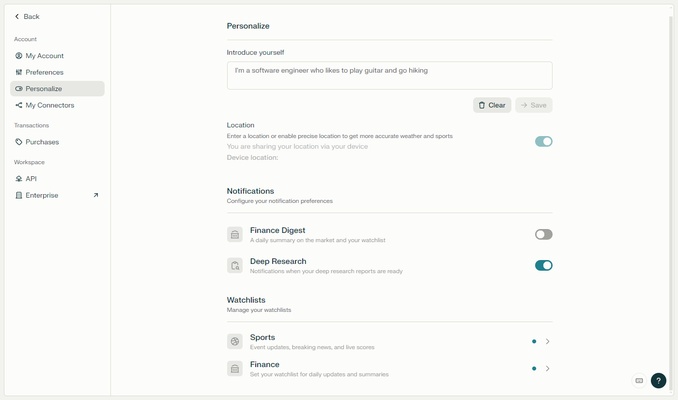
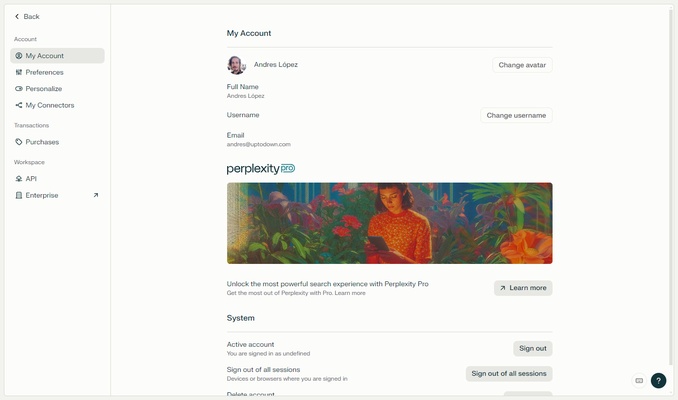
You don't need to register to use Perplexity. You can freely ask questions with just a guest account, but your threads won't be saved without a user profile, which is why registering is recommended. The registration process is quick and easy, as you only need to link your Google or Apple account. Once done, you'll be able to customize your profile and adjust some additional options.
Perplexity Standard or Perplexity Pro, that is the question
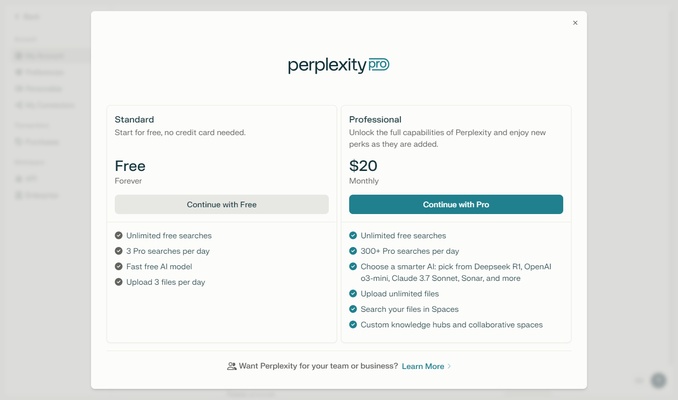
As already mentioned, Perplexity is completely free to use, thanks to its standard version. This version of the program will allow you to carry out an unlimited number of searches, but you'll only be able to upload three files and do three Pro searches per day. On the other hand is the Pro version, which will allow you to do 300 Pro searches a day, upload as many files as you want, and choose between different AI models.
Differences between normal searches and Pro searches
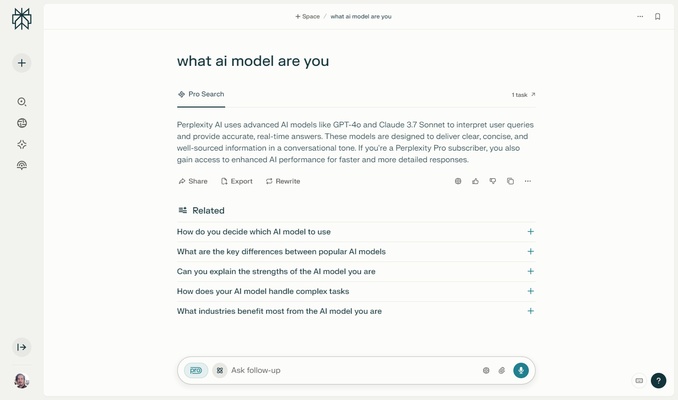
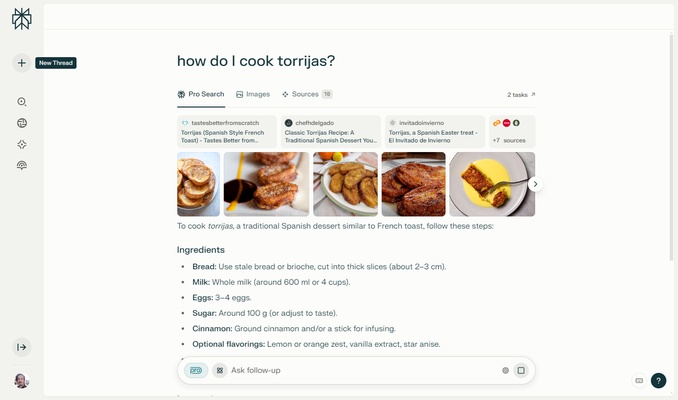
One of the most interesting features of Perplexity is the Pro searches. This type of search will allow you to get much deeper and more complex answers than normal searches. In these cases, instead of seeing the responses straight away, you'll have to wait a few seconds while the AI interactively refines the output. You'll be able to see all the sources used and the reasoning that has been followed to get that answer. After all, Pro searches are primarily for academic or legal purposes.
View your threads at any time
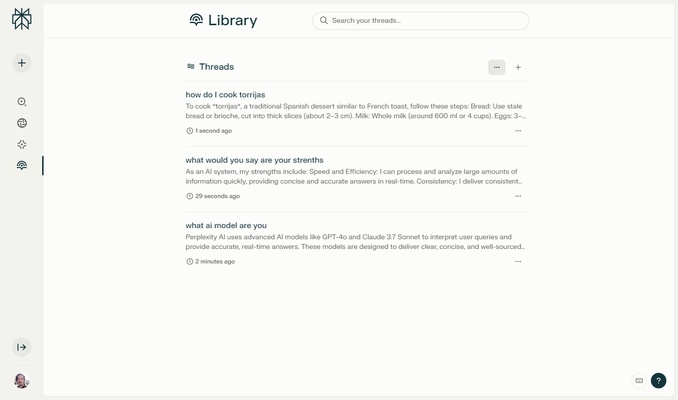
Every time you perform a new search using Perplexity, a thread is created. As you use the app, all these threads will be stored in your history, so you can come back any time to view them. This way, unless you want to delete your thread history yourself, they will always be there to hand, in case you want to take a look at them again. There is even a search box to search through your own threads.
The smartest way to search online
Download Perplexity and discover a different and much more organic and natural way to search the Internet. Thanks to this software, you can get answers to any questions you have throughout the day. You can even ask it about that actor whose name you don't remember who was in that movie a few years ago, and chances are you'll get an answer. And all this through a simple, elegant interface that will be familiar to anyone who has ever used ChatGPT.