Go to Windows platform Display platforms icon
Go to Windows platform Go to Mac platform Go to Android platform
Ultracopier icon

Ultracopier

3.0.0.9
sfxteam
4
30.43 MB size

Substantial improvements for copying files

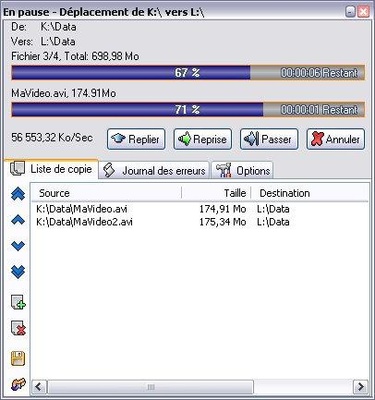
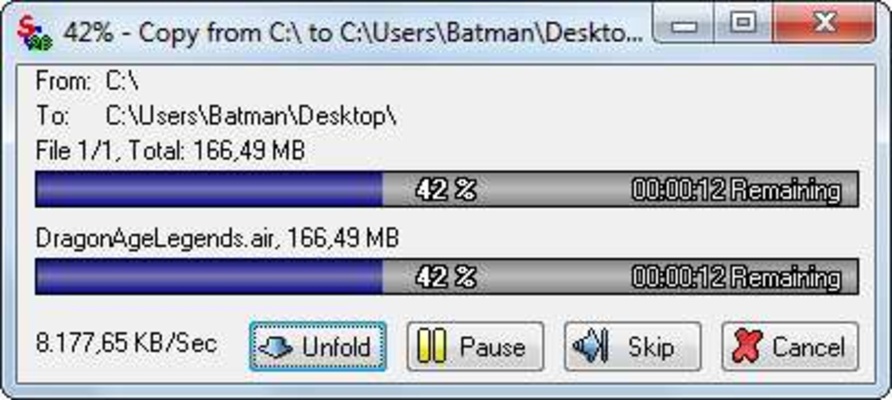
Supercopier is at the same time both a simple and practical tool that gives you many more possibilities at your disposal in the classic file copy window that Windows displays when you try to move documents from one folder to another.

The application will show information such as the file transfer speed and the exact percentage of the transfer. Additionally, it will allow you to pause it at anytime and start again later, just as if it were a download.

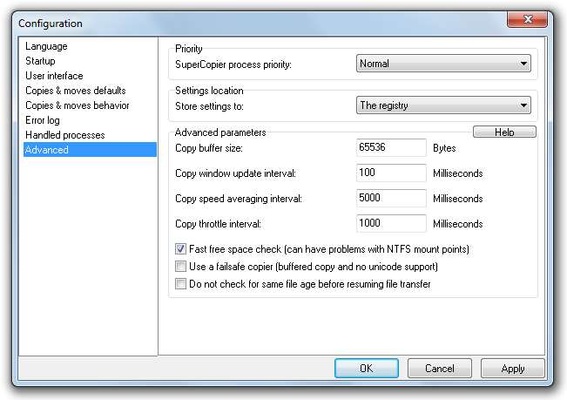
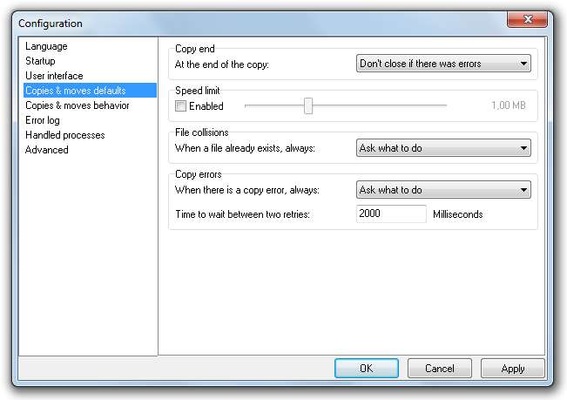
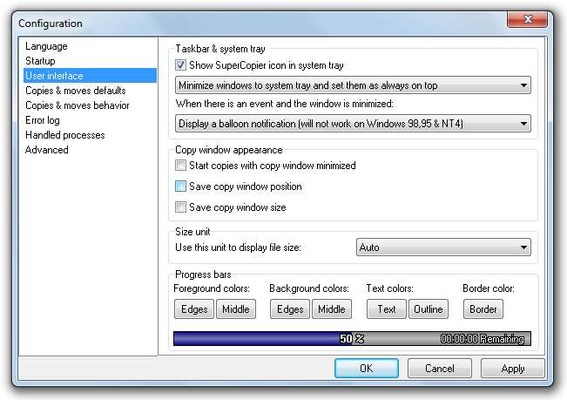
There are more options (which you can access by right clicking on the icon in the toolbar) that allow you to automate different actions, establish priorities of program use, determine if you want to view the file size in kilobytes or megabytes, and start the program when Windows launches.

You can also configure purely aesthetic parameters, like the color of the progress bar, the border color, and even the font and color of the source text.

Supercopier is a very interesting tool that becomes indispensable once you start using it. The improvements it makes for file transfers on Windows are enormous.

Information about Ultracopier

License Free
Op. System Windows
Category Utilities
Language English 1 more
Author sfxteam
permission icon Permissions Not applicable
Date 2026-06-02
Size 30.43 MB
File type EXE

Apps recommended for you

Recover Keys icon
Recover Keys for Windows is a tool that helps users find and back up product keys for installed software quickly and securely.
EaseUS Data Recovery Wizard Free Edition 20.8.0 icon
Free data recovery software for PC to easily and quickly recover deleted
iTop Data Recovery icon
iTop Data Recovery for Windows is a tool that helps users quickly recover deleted or lost files from various storage devices.
Futuremark SystemInfo 5.93.1517 icon
Identify the hardware components and capabilities from your system
Microsoft PC Manager icon
Take care of your PC and improve its performance
Citrix Workspace 26.10.0.31 icon
Access other desktops remotely
Syncthing 2.1.5 (64-bit) icon
Great peer-to-peer and file-synchronization software for your Desktop PC!
PhraseExpress 18.0.86 icon
Finally! Autotext completion for your desktop
KCleaner 4.0.5.0 icon
A quick way to Free space in your Hard Drive
Intel Extreme Tuning Utility (XTU) 10.0.1.248 icon
Monitor your processor's performance and overclock it
iDrive 7.0.1.22 icon
Get 10GB of free storage space for your backups
Argente Utilities 3.1.1.0 icon
Complete tools to maintain and optimize your PC
PhraseExpress 18.0.86 icon
Finally! Autotext completion for your desktop
Privacy Eraser 6.32.0.5620 icon
Protect your privacy by erasing all traces of your activity
Evernote 11.42.3 icon
Notes organize your life, Evernote organizes your notes
Zotero 10.0.8 icon
Your own personal research assistant
R-Studio icon
Recover lost, deleted, and formatted files with R-Studio for Windows, the professional data recovery software for hard drives, SSDs, RAID arrays, and removable devices.
Adobe Acrobat Reader icon
Adobe Acrobat Reader is a free PDF viewer that allows users to open, read, and annotate PDF documents with ease.
Rclone icon
Rclone for Windows is a command-line tool that allows users to manage and synchronize files across cloud storage services and local storage.
Intel Extreme Tuning Utility 10.0.1.188 icon
Performance tuning tool for novice and experienced enthusiasts to overclock!
AutoVer icon
Manage different versions of the same file
SyncFolders icon
Gert-Jan Weerheim
Zettlr icon
Zettlr is an open-source markdown editor designed for academic writing and note-taking, offering powerful tools for research, citation management, and structured content creation.
Ventoy 1.1.17 icon
An open source tool to create bootable USB drive for ISO files