


Syncthing is a free and open-source file synchronization tool for Windows that synchronizes files directly between computers and other supported devices.
Unlike traditional cloud storage services, Syncthing uses a decentralized peer-to-peer approach, so files do not need to be stored on a central cloud server. Connections between devices are encrypted, and only authorized devices can participate in synchronization.
Key Features
-
Peer-to-Peer Sync: Synchronize files directly between connected devices without relying on centralized cloud storage.
-
Encrypted Transfers: Uses TLS encryption to protect data during synchronization.
-
Device Authentication: Each device has a unique identity, and only authorized devices can connect.
-
Cross-Platform: Supports Windows, macOS, Linux, and other platforms.
-
Web Interface: Manage devices, folders, and synchronization settings through a web-based interface.
-
Automatic Synchronization: Automatically keeps selected folders synchronized across connected devices.
-
File Versioning: Can preserve previous versions of files when configured.
-
LAN and Internet Support: Synchronize devices over local networks or the Internet.
User Interface
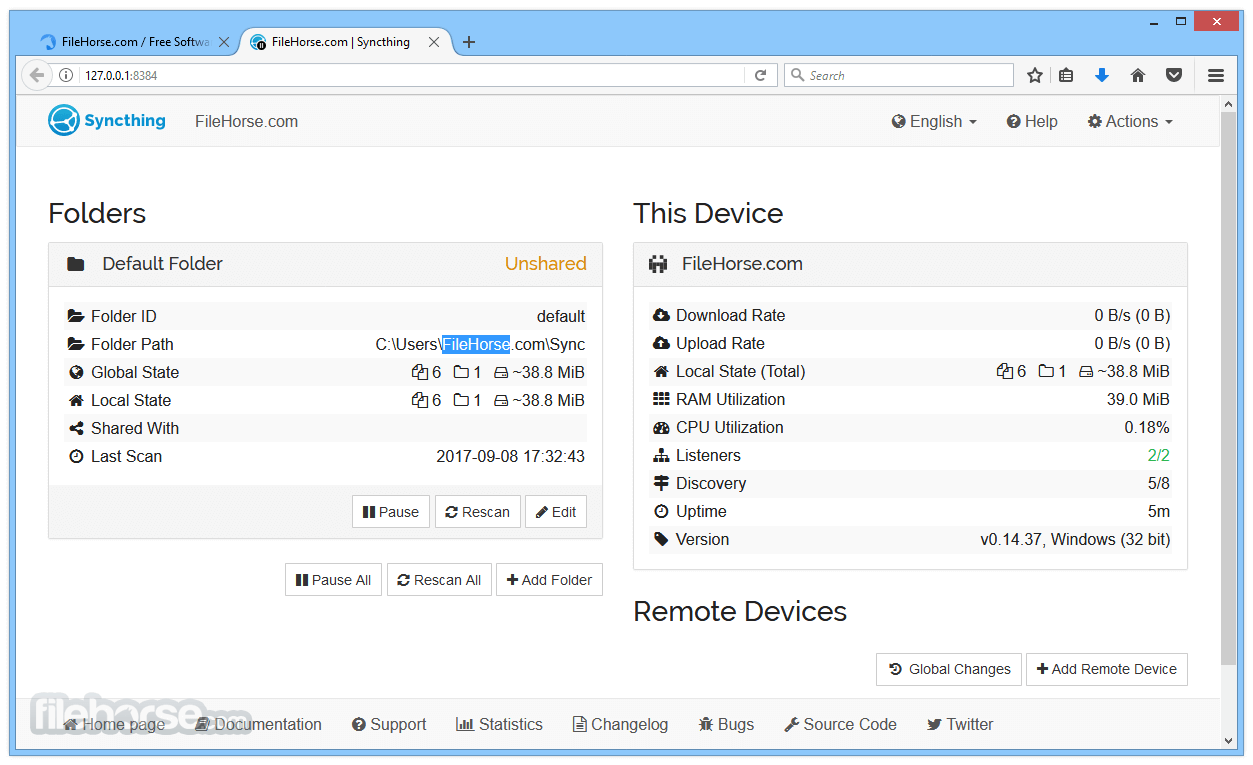
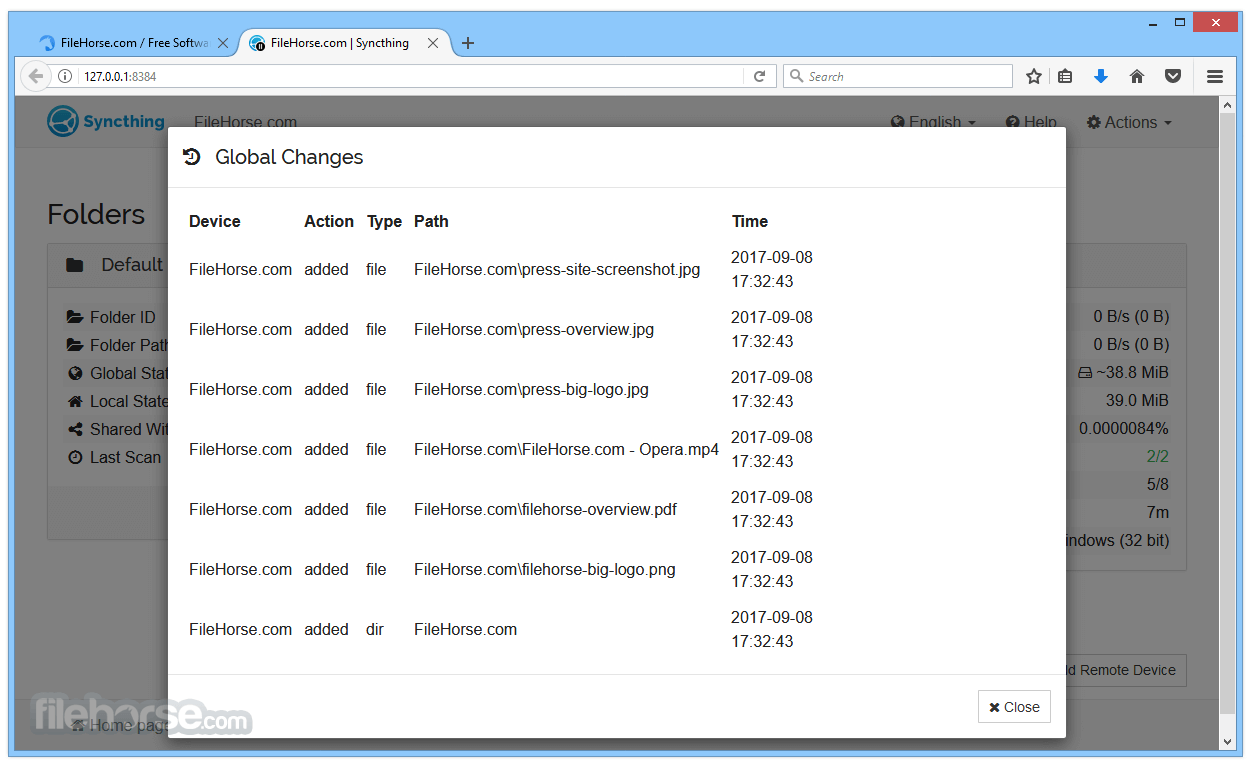
Syncthing uses a web-based interface for managing devices, shared folders, synchronization status, and settings. The interface is functional and provides detailed information about connected devices and synchronization activity.
Installation and Setup
-
Install and launch Syncthing on your Windows PC.
-
Open the web interface.
-
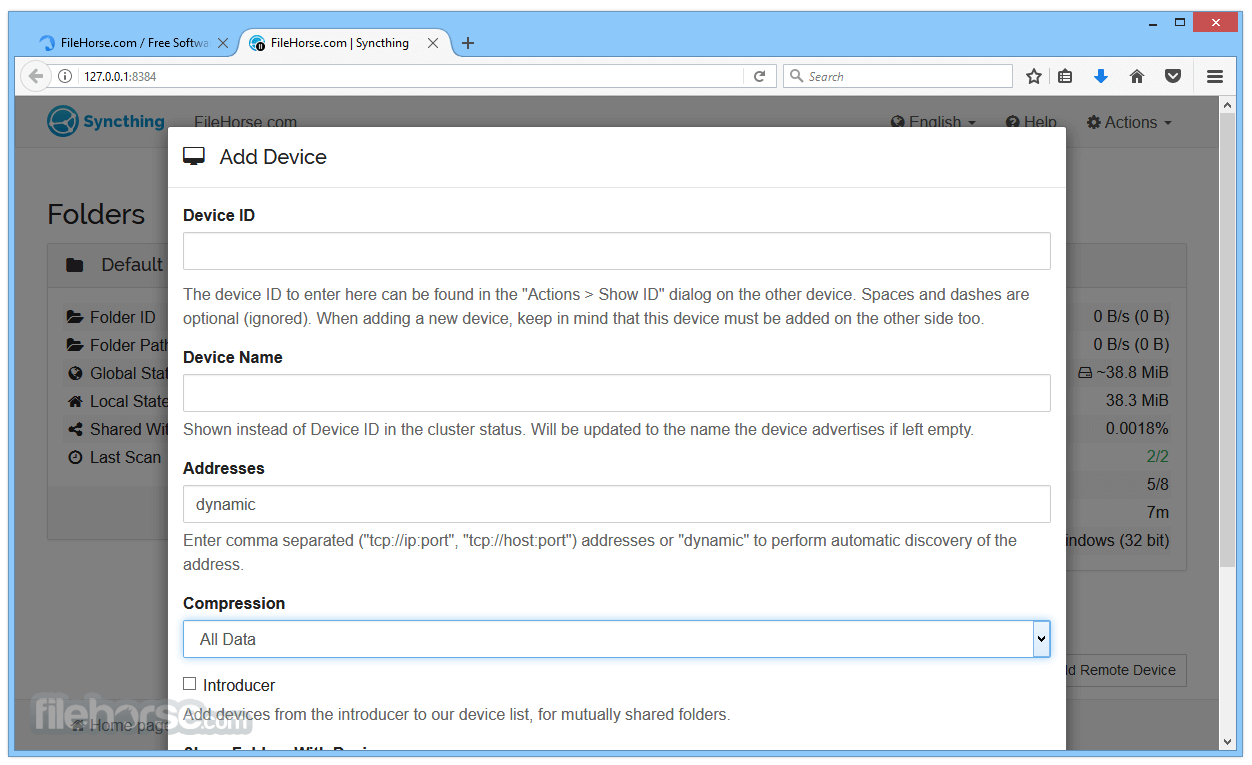
Add another device using its unique device ID.
-
Select a folder to synchronize.
-
Share the folder with the connected device.
-
Start synchronization.
How to Use
Add the devices you want to synchronize, select the folders to share, and authorize the connection on each device. Once configured, Syncthing automatically synchronizes changes between the selected devices.
System Requirements
-
Operating System: Windows 7 or later
-
Processor: 1 GHz or faster
-
RAM: 512 MB minimum
-
Storage: Approximately 50 MB
-
Network: Local network or Internet connection for device synchronization
Pros
-
Free and open-source
-
No centralized cloud storage required
-
Encrypted device communication
-
Cross-platform
-
Automatic synchronization
-
Supports file versioning
Cons
-
Initial setup can be less intuitive for beginners
-
No built-in cloud storage
-
Requires connected devices for synchronization
-
Advanced configuration may require technical knowledge
Conclusion
Syncthing is a reliable choice for users who want private, decentralized file synchronization without depending on a traditional cloud storage provider. Its encryption, device authentication, cross-platform support, and automatic synchronization make it suitable for syncing files between personal computers, servers, and other trusted devices.