Novabench is a benchmark utility for Windows and macOS that measures computer performance across major hardware components. It tests the CPU, GPU, RAM, and storage to generate individual component scores and an overall system score.
Benchmark results can be reviewed and compared online, making Novabench useful for checking system performance, comparing hardware configurations, and measuring performance changes after upgrades.
Key Features
-
CPU Benchmark – Tests processor performance and provides a corresponding score.
-
GPU Benchmark – Measures graphics processing performance.
-
RAM Testing – Evaluates system memory performance.
-
Storage Benchmark – Tests the performance of supported storage devices.
-
Overall System Score – Combines component results into an overall performance score.
-
Detailed Results – Displays individual benchmark results and performance information.
-
Online Comparisons – Compare benchmark results with other systems.
-
Performance Tracking – Run benchmarks again after hardware or system changes to measure performance differences.
-
Cross-Platform – Available for Windows and macOS.
User Interface
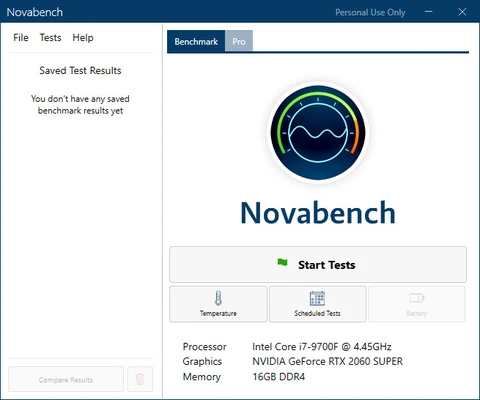
Novabench uses a straightforward interface focused on benchmark testing and results. The main screen provides access to the benchmark process, while completed tests display component scores and overall system performance in an easy-to-read format.
Installation and Setup
Download and install Novabench on your Windows or macOS computer. Follow the installation instructions, then launch the application to begin testing.
How to Use
-
Launch Novabench.
-
Start the benchmark test from the main interface.
-
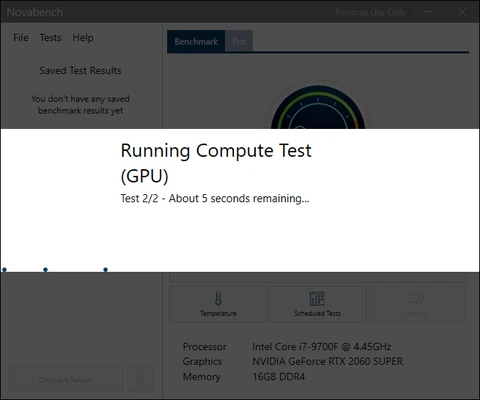
Allow the CPU, GPU, RAM, and storage tests to complete.
-
Review the individual component scores and overall system score.
-
Compare the results with previous tests or available online results.
-
Run the benchmark again after upgrading hardware or changing system settings to measure performance differences.
Pros
-
Simple benchmarking process
-
Tests major hardware components
-
Provides individual and overall scores
-
Online result comparison
-
Available for Windows and macOS
-
Easy-to-understand results
Cons
-
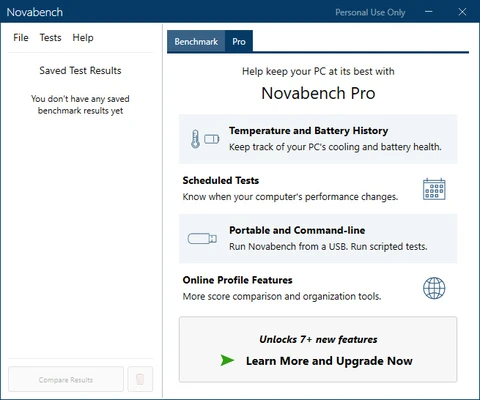
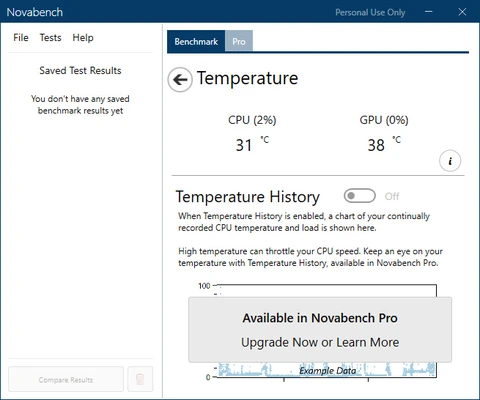
Advanced features are limited in the free version
-
Primarily focused on benchmarking rather than detailed hardware monitoring
Conclusion
Novabench provides a simple way to benchmark the main components of a Windows or macOS computer. By testing the CPU, GPU, RAM, and storage and combining the results into an overall score, it can help users evaluate system performance and compare results before and after hardware or configuration changes.