

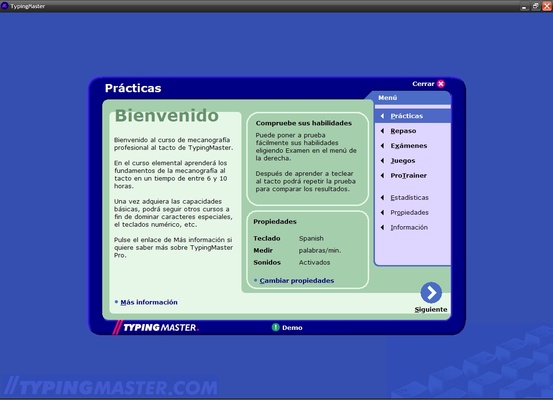
TypingMaster is a Windows tool designed to improve users' typing skills by helping them increase their typing speed and accuracy. The app offers a series of lessons, quizzes and tracking tools that allow users to improve their keyboarding performance. Download TypingMaster for free and learn how to type in a guided, step-by-step way.
Structured typing lessons
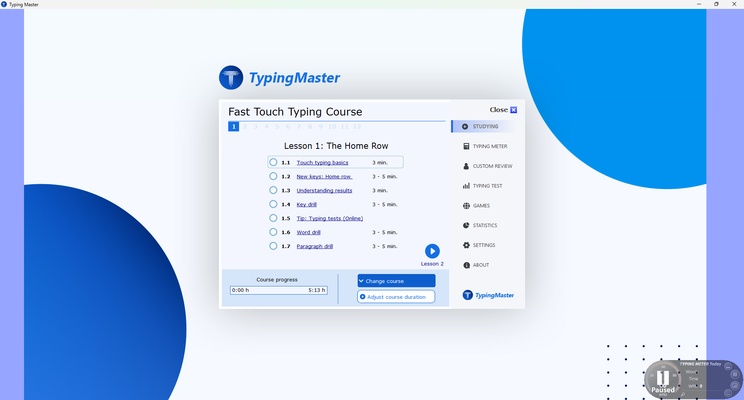
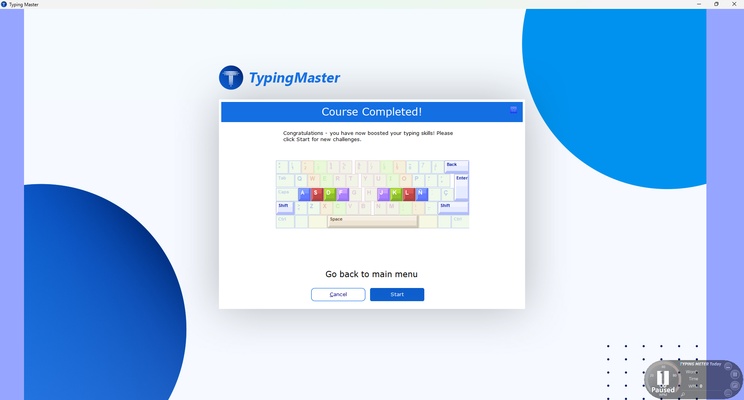
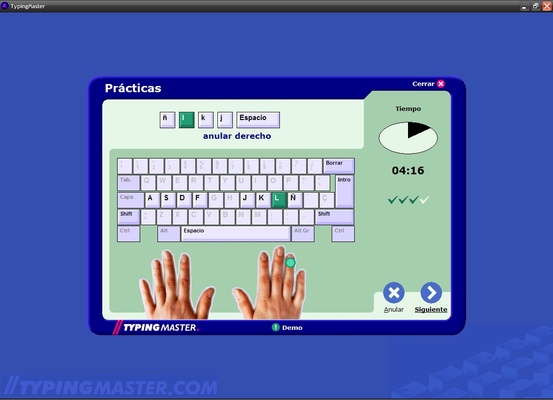
TypingMaster provides a full typing course, with structured lessons that will guide you from beginner to advanced level. These lessons are designed to teach correct finger placement on a keyboard and how to type without looking at the keys. In each lesson, new letters or key combinations will be introduced progressively, allowing you to improve at your own pace.
Tailored training
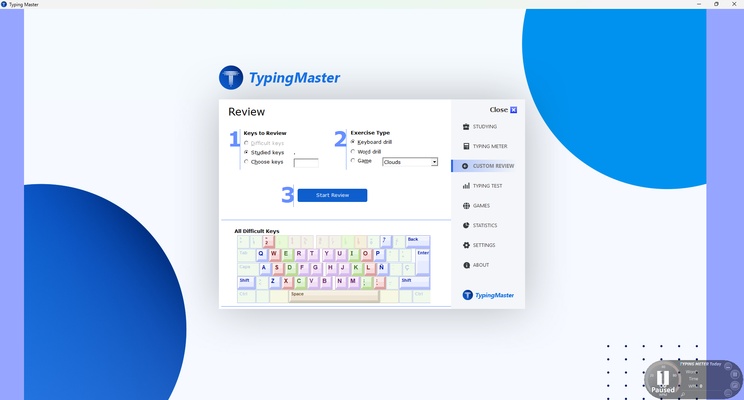
One of the main advantages of TypingMaster is that it adapts its training to the user's needs. Through detailed analysis of each person's speed and accuracy, the program will identify their weaker areas and tailor lessons to focus on those specific weak spots. This ensures a personalized learning experience, which will boost improvement in typing.
Speed and accuracy tests
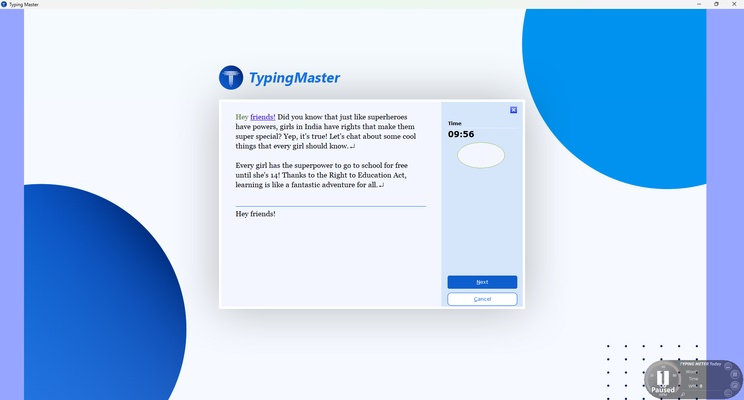
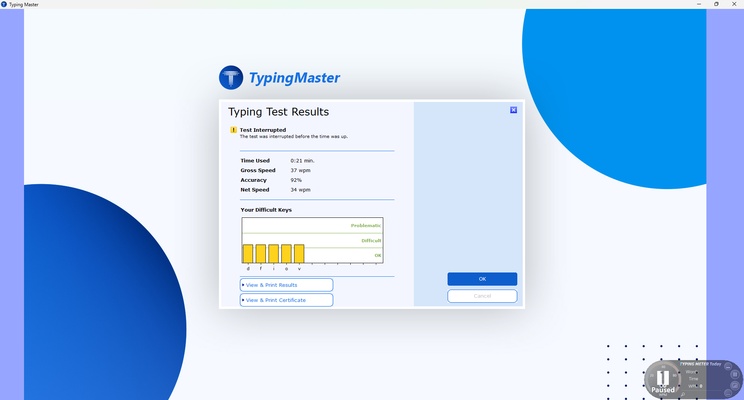
TypingMaster offers speed and accuracy tests that allow you to monitor your progress over time. These tests evaluate how many words per minute (WPM) you can type and how many errors you make during the process. At the end of each test, the program will provide a detailed report displaying your performance, helping you to identify areas for improvement and track your progress.
Typing games
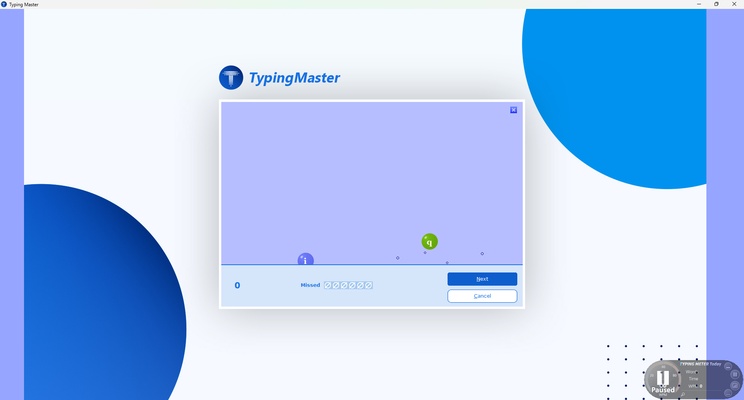
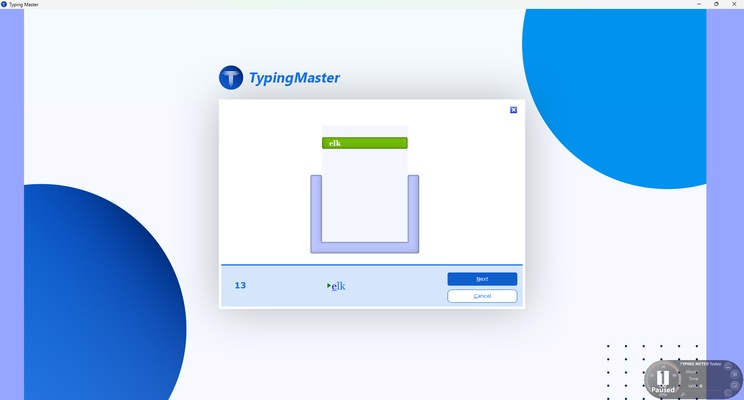
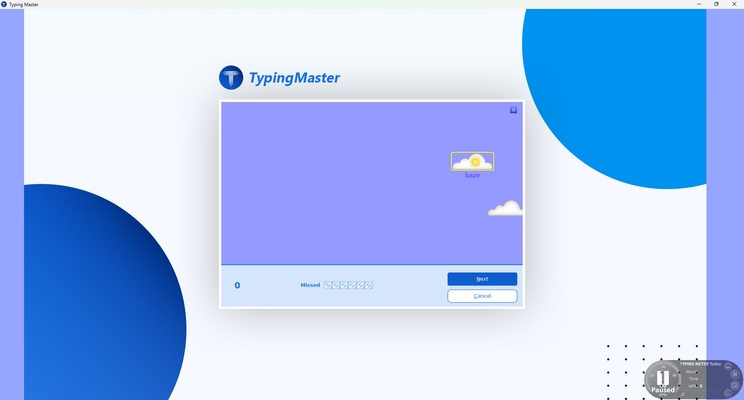
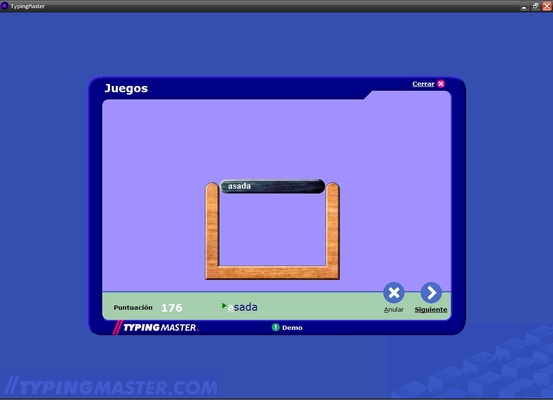
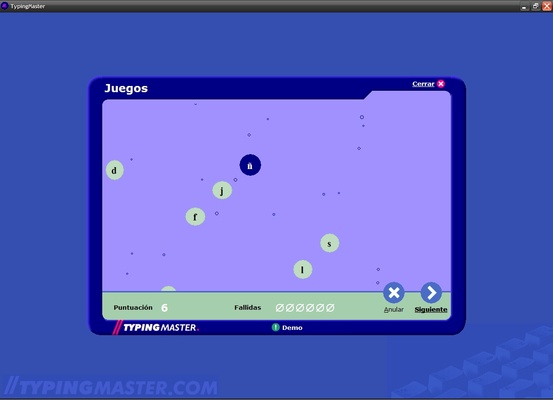
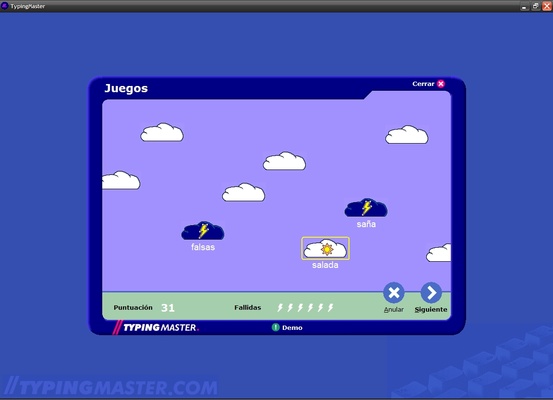
To make learning more dynamic and entertaining, TypingMaster includes several typing games. These games allow you to practice your skills while having fun, making practice a less tedious experience. Through these games, you'll be able to improve your speed and accuracy in an interactive and entertaining way, keeping you interested and motivated to continue training.
Real-time analysis
One of the most advanced features of TypingMaster is the TypingMeter, a tool that analyzes your typing activity in real-time while you're working in other apps. This feature continuously tracks your day-to-day typing and provides valuable feedback on your performance in real-life situations. It also identifies recurring errors and suggests specific exercises to improve in those areas.
Detailed reports and statistics
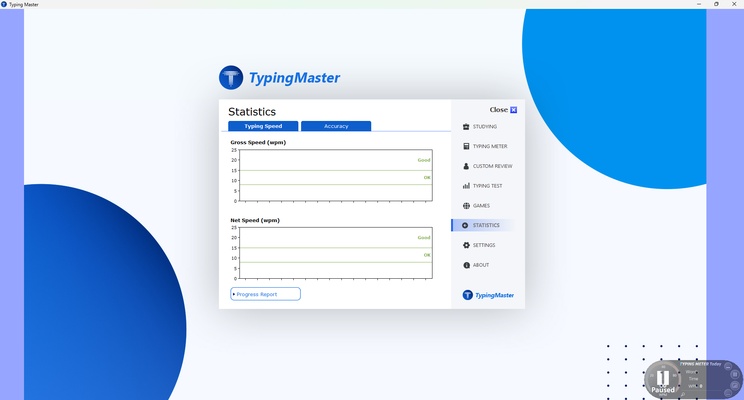
At the end of each lesson or test, TypingMaster generates detailed reports including performance statistics such as typing speed, number of errors made and time spent. These reports are key for users to understand their strengths and weaknesses and adjust their practice sessions accordingly. In addition to this, the program provides graphs showing users' progress over time, allowing them to track their improvement.
In short, if you want to learn to type in a fun and guided way, download TypingMaster for free and enjoy all its features designed to help you type without looking at the keyboard.