

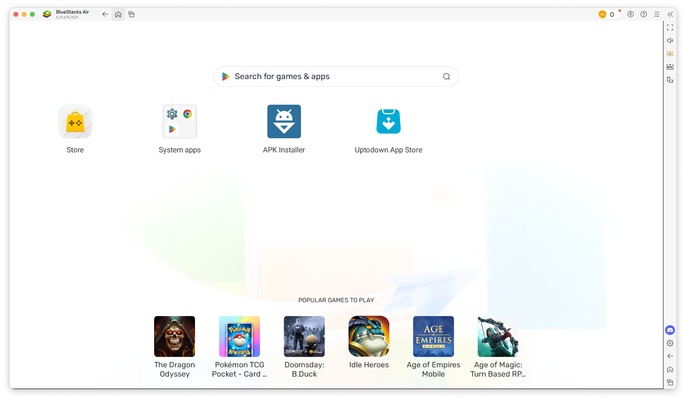
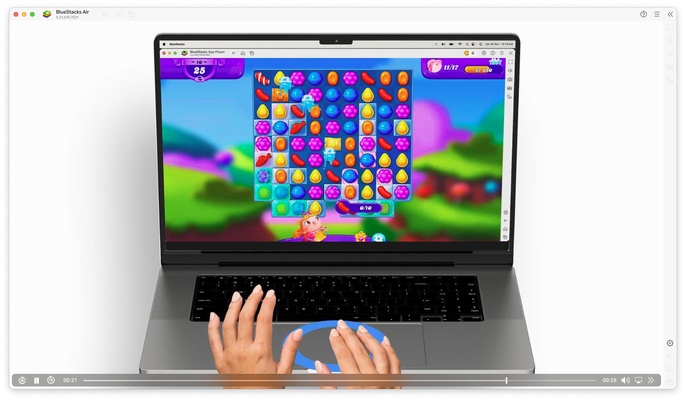
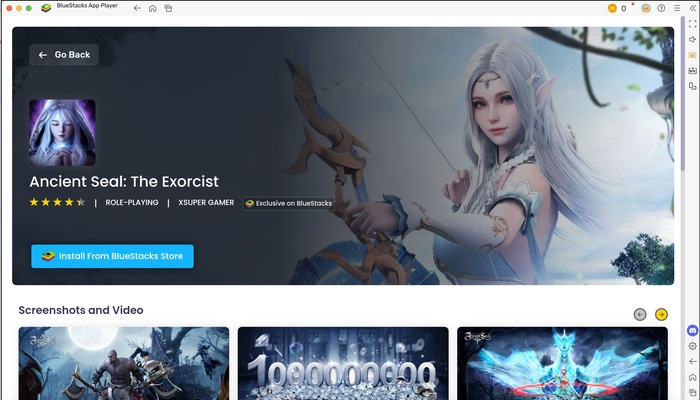
BlueStacks Air is the official BlueStacks emulator for macOS. This emulator allows you to run a virtual Android environment on Apple's desktop operating system, thanks to which you can run Android apps and games. It is also optimized to run at the best resolution on Retina displays, as well as integrating with touch screens.
How to use BlueStacks Air
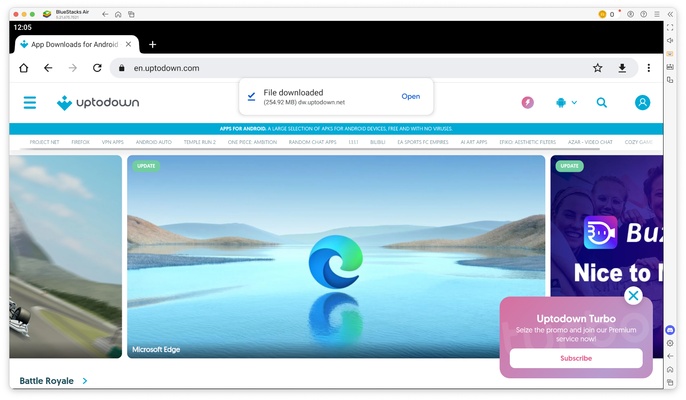
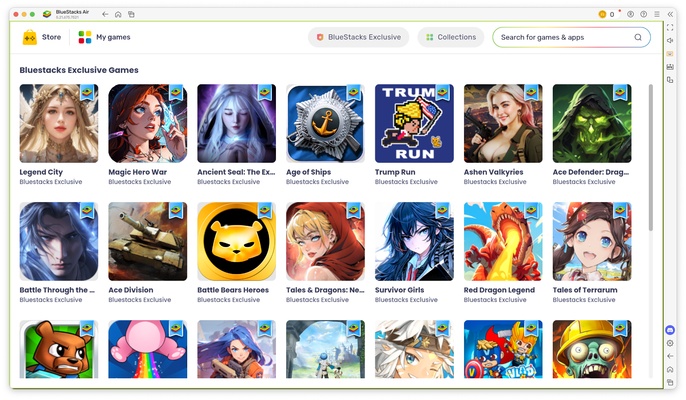
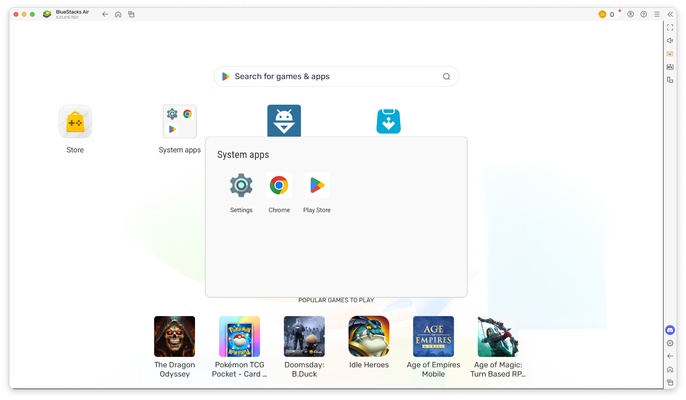
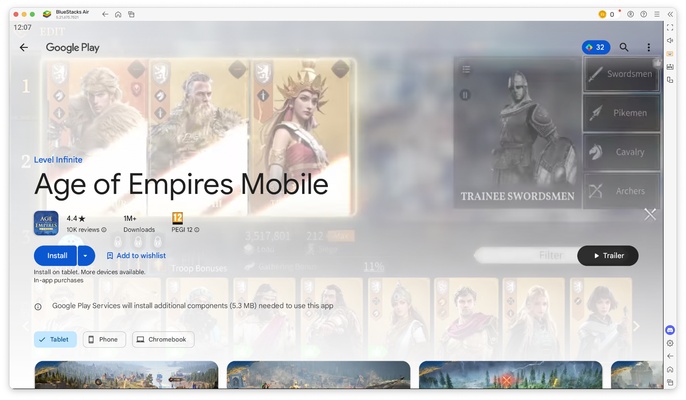
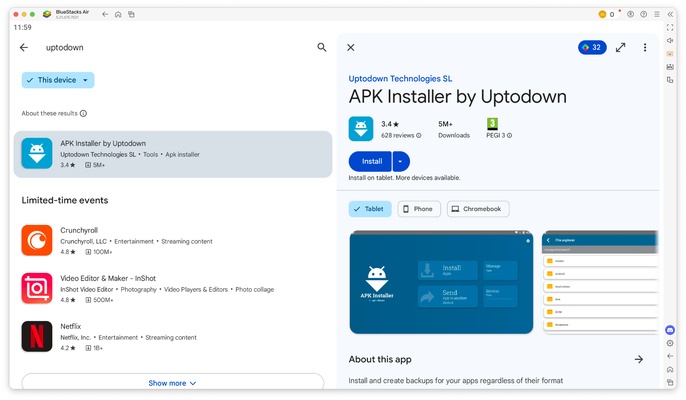
After downloading and installing BlueStacks Air, starting BlueStacks Air for the first time is slower because you have to configure different aspects of the emulator. After that, you can access the emulator and install apps as if it were a normal Android device. You can install any store you want, though the BlueStacks Store and Google Play Store come installed by default.
The BlueStacks Air interface
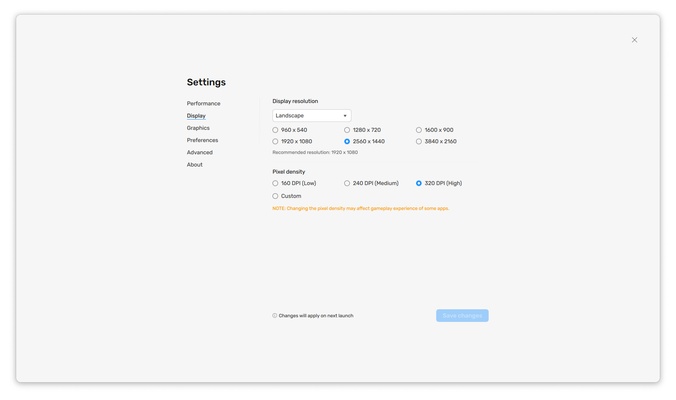
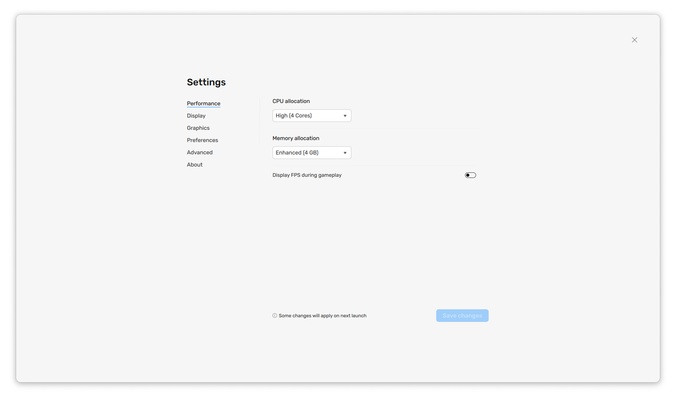
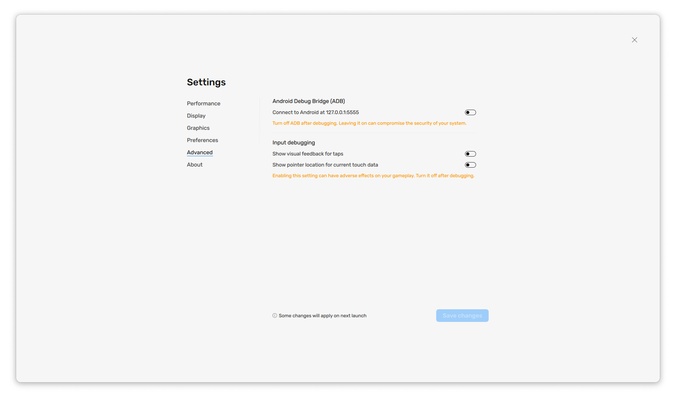
The BlueStacks Air interface is similar to its Windows version. You have a range of buttons to make using the PC easier, including the ability to set the emulator size to full screen, customize keyboard shortcuts, run multiple instances at once, take screenshots, rotate the view, install APK files, and much more. You can also change the language, choose the resolution and rendering quality, customize the device's identity to make the operating system believe you're using another Android device, and much more.
Controls and controllers compatible with BlueStacks Air
BlueStacks Air is compatible with different types of controllers and drivers. In addition to using keyboard and mouse or touch screen, BlueStacks Air is compatible with PlayStation and Xbox controllers, so you can play your favorite games more comfortably. BlueStacks Air automatically detects them, and they appear as compatible devices. There are also game listings that offer native controller support, while others integrate the controls with the keys automatically without you having to do anything else.
Airplane mode to avoid ads
One trick to avoid ads in games is to disable network connectivity. This means that no ads can be downloaded and are therefore not displayed. BlueStacks Air includes an airplane mode that blocks any network connection, which means you won't see ads when running games and apps in the emulator.
Only compatible with Apple Silicon
BlueStacks Air is only compatible with macOS devices using Apple Silicon chips with ARM architecture. This means that you won't be able to use it on a MacBook, Mac Mini, iMac or Mac Pro using Intel x86-64 processors. You must also have macOS 11 or later to run it.
Download the BlueStacks Air emulator for Mac and run Android apps on macOS.