


Evernote is a powerful note-taking and productivity application that helps users capture, organize, and access information across multiple devices. Whether you're creating simple notes, managing projects, collecting research materials, or organizing daily tasks, Evernote provides a centralized workspace that keeps everything synchronized and searchable.
The software supports text notes, to-do lists, images, PDFs, web clippings, audio recordings, and document attachments. Its intelligent search technology can even recognize printed and handwritten text inside images and scanned documents.
Key Features
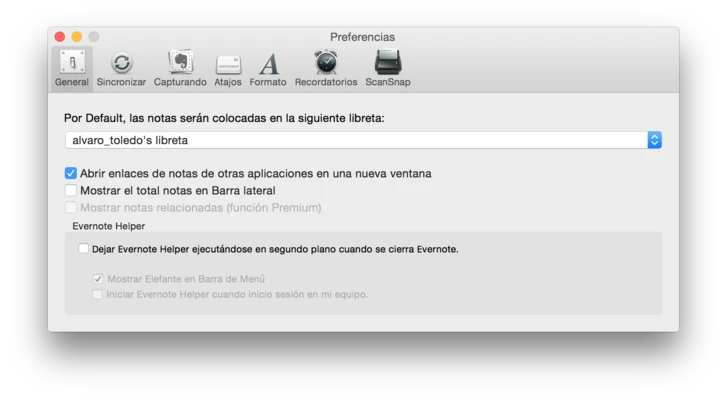
Cross-Platform Synchronization
Automatically sync notes, notebooks, and tasks across Mac, Windows, iPhone, iPad, Android devices, and the web.
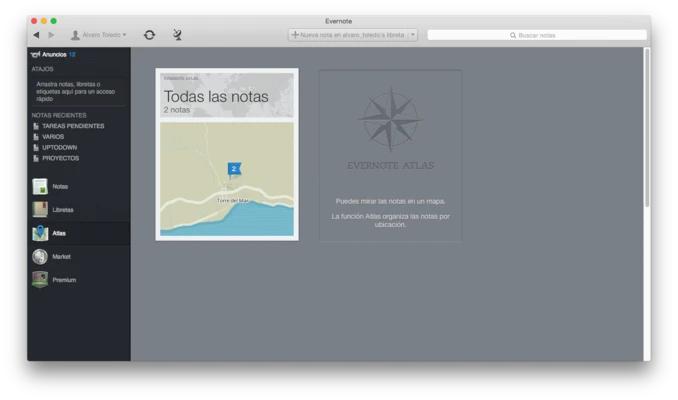
Powerful Note Management
Create notes, notebooks, and stacks to organize personal projects, work documents, research materials, and daily information.
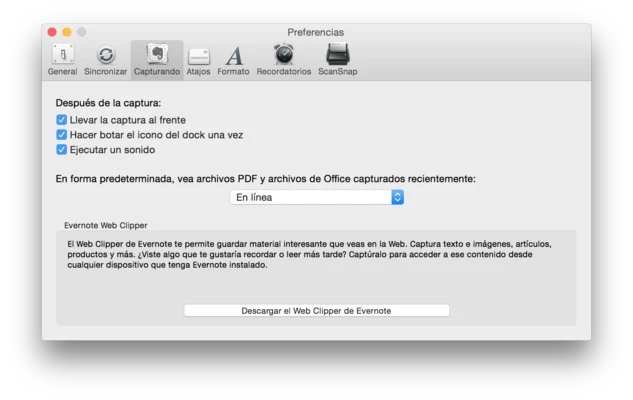
Web Clipper
Save entire webpages, articles, screenshots, and online content directly into your Evernote account for future reference.
Advanced Search
Quickly locate notes, PDFs, images, and documents using powerful search tools, including text recognition inside images.
Task Management
Create to-do lists, reminders, and action items directly within notes to keep projects organized.
Collaboration Tools
Share notes and notebooks with teammates, friends, or family members for real-time collaboration.
Rich Media Support
Attach documents, PDFs, images, voice recordings, and other files to notes for comprehensive information management.
Presentation Mode
Present notes in a clean, distraction-free layout without creating separate slides.
Why Choose Evernote?
Evernote combines note-taking, task management, document storage, and research collection into a single platform. Its powerful search capabilities and seamless synchronization make it an excellent solution for students, professionals, researchers, and anyone who needs quick access to important information.
Best For
- Personal note-taking
- Project management
- Research collection
- Web content clipping
- Meeting notes
- Task organization
- Academic studies
- Knowledge management
Pros
- Seamless synchronization across devices
- Powerful search functionality
- Excellent web clipping tools
- Supports rich media attachments
- Flexible notebook organization
- Reliable cloud backup
Cons
- Limited features in the free plan
- Offline access requires paid plans
- Premium subscription can be expensive
- Large notebooks may sync slowly
- Interface may feel complex for new users
System Requirements
- macOS 11.0 Big Sur or later
- Apple Silicon or Intel processor
- 4 GB RAM or higher recommended
- 200 MB available disk space
- Internet connection for synchronization
Conclusion
Evernote remains one of the most complete note-taking and information management platforms available. With powerful organization tools, advanced search capabilities, web clipping features, and cross-device synchronization, it is an excellent choice for users who need a reliable digital workspace for both personal and professional use.