


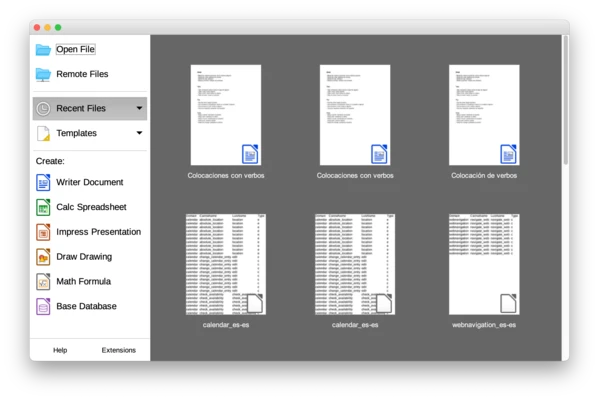
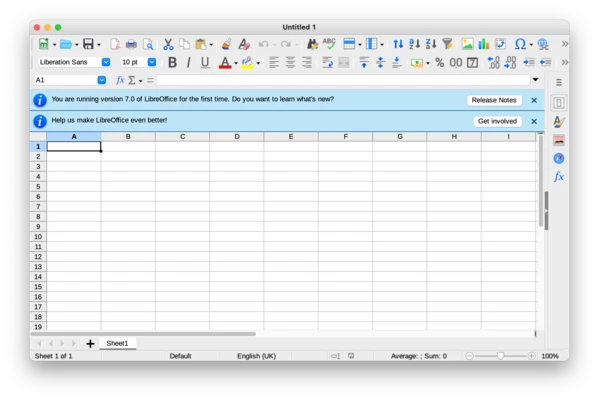
LibreOffice for Mac is a free and open-source office suite for macOS that provides a complete set of productivity tools for creating documents, spreadsheets, presentations, drawings, databases, and mathematical formulas.
As a powerful alternative to Microsoft Office, LibreOffice includes Writer, Calc, Impress, Draw, Base, and Math, offering professional tools for home users, students, businesses, and organizations.
It supports many popular document formats, including Microsoft Word, Excel, and PowerPoint files, while using the open standard OpenDocument Format (ODF) as its default file format.
Features and Highlights
Writer – Word Processor
Create and edit documents, reports, letters, books, and other text-based projects with advanced formatting tools.
Calc – Spreadsheet Application
Analyze data, create formulas, generate charts, and manage complex spreadsheets.
Impress – Presentation Software
Design professional presentations with animations, multimedia elements, and slide effects.
Draw – Diagram and Graphics Tool
Create flowcharts, technical drawings, diagrams, and basic vector graphics.
Base – Database Management
Manage databases and connect with external database systems such as MySQL and PostgreSQL.
Math – Formula Editor
Create mathematical, scientific, and engineering formulas using a dedicated equation editor.
Microsoft Office Compatibility
Open and edit DOCX, XLSX, PPTX, and other common office file formats.
PDF Export
Export documents directly to PDF with built-in export tools.
Extensions Support
Expand functionality with additional extensions, templates, and language packs.
User Interface
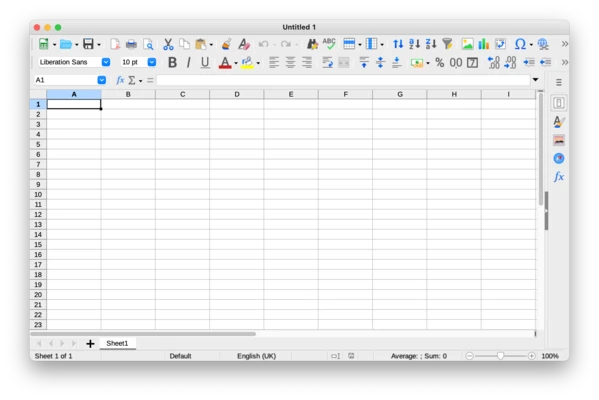
LibreOffice features a traditional desktop office interface with menus, toolbars, and customizable settings.
Each application provides specialized tools for different tasks while maintaining a consistent workflow across the suite.
How to Use
- Download and install LibreOffice for macOS.
- Open the application from the Applications folder.
- Choose Writer, Calc, Impress, or another module.
- Create or edit your files.
- Save documents in ODF format or export them to PDF and Microsoft Office formats.
Pricing
LibreOffice is completely FREE.
It is open-source software with no subscription fees, advertisements, or license restrictions. Users can download and use it without any cost.
System Requirements
- Operating System: macOS 10.15 Catalina or later
- Processor: Intel or Apple Silicon
- RAM: 512 MB minimum (2 GB recommended)
- Storage: 800 MB free space
- Display: 1024×768 resolution or higher
PROS
- Free and open-source
- Complete office productivity suite
- Supports Microsoft Office file formats
- Works offline without subscription
- Includes powerful document, spreadsheet, and presentation tools
- Regular updates and improvements
CONS
- Interface is less modern than Microsoft Office
- Some complex DOCX files may have compatibility issues
- Large documents may load slower
- Limited cloud collaboration features
Alternatives
Microsoft Office for Mac – Professional office suite with advanced collaboration and cloud features.
OnlyOffice Desktop Editors – Free office suite with strong Microsoft Office compatibility.
WPS Office for Mac – Lightweight office package with modern interface and cloud integration.
Google Docs – Web-based productivity suite for online collaboration.
Conclusion
LibreOffice for Mac is one of the best free alternatives to Microsoft Office. With a complete set of office applications, broad file format support, and powerful editing features, it is suitable for students, professionals, and organizations looking for a free productivity solution.
Its open-source nature and offline capabilities make it an excellent choice for users who want a full-featured office suite without subscription costs.