


Typora for Mac is a clean and minimal Markdown editor designed for writing and reading in a distraction-free environment. It provides a live preview editing experience that removes the need for separate preview windows and raw Markdown syntax display.
It is suitable for writers, developers, and researchers who need a simple but powerful tool for document creation and organization.
Overview
Typora is a Markdown editor that focuses on simplicity and readability. It combines writing and preview into a single seamless interface, allowing users to focus entirely on content creation without visual distractions.
Key Features
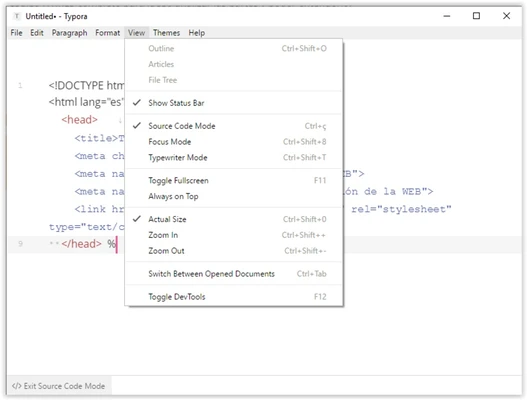
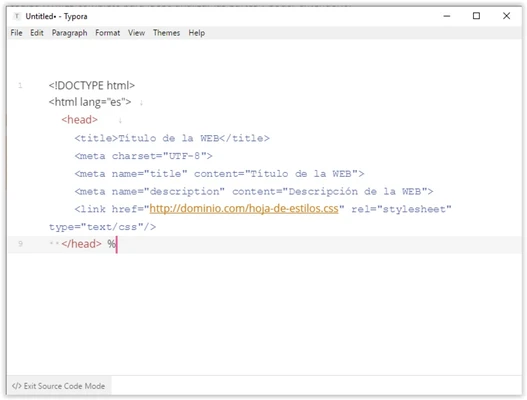
- Live preview editing with no separate preview window
- File tree and document list management
- Outline panel for quick navigation
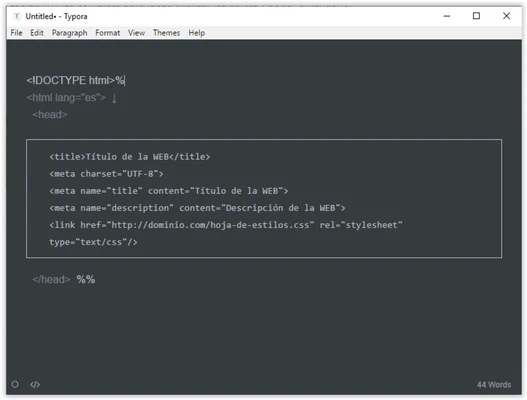
- Focus mode and typewriter mode
- Export support for PDF, HTML, DOCX, LaTeX, EPUB, and more
- Code block syntax highlighting
- Table, math, and diagram support
- Theme and CSS customization
- Image, footnote, and rich content support
- Cross-platform support (macOS, Windows, Linux)
Highlights
- Clean distraction-free writing experience
- Real-time Markdown rendering
- Easy navigation for large documents
- Strong export capabilities
- Developer-friendly formatting support
Best For
- Markdown writing and note-taking
- Technical documentation
- Academic writing
- Blog and content creation
- Developer documentation (README, guides)
Pros
- Simple and clean interface
- Real-time preview rendering
- Strong export options
- Lightweight and fast
- Good for long-form writing
Cons
- Limited collaboration features
- Not a full document publishing system
- Some advanced features require paid version
System Requirements
- macOS 10.13 or later
- Intel or Apple Silicon processor
- 2 GB RAM minimum
- 200 MB available disk space
Conclusion
Typora for Mac is a lightweight and efficient Markdown editor that offers a smooth writing experience with real-time preview and strong export capabilities. It is an excellent choice for users who need a focused writing tool without unnecessary complexity.