

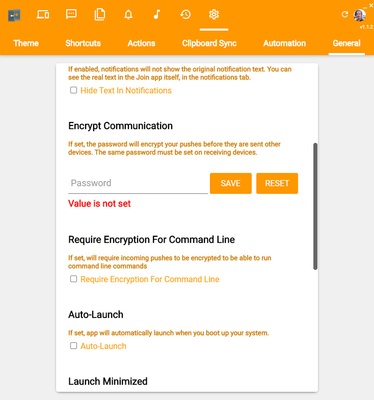
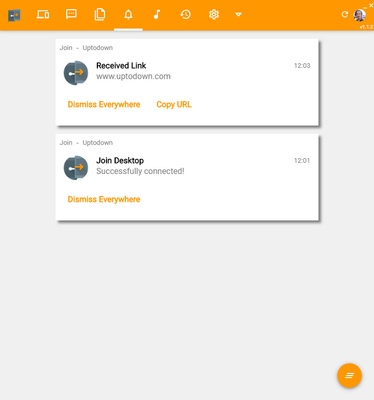
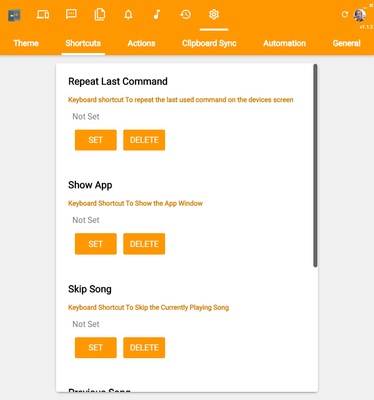
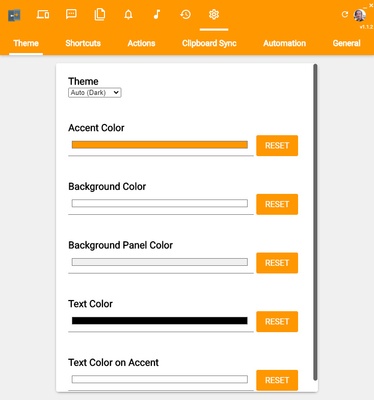
Join Desktop is a free and open source app that allows you to perform lots of different actions remotely on other devices. With this simple desktop app, you can see notifications from other Android devices, as well as listen to music from an open browser on another Mac, or share notes between all these devices. The possibilities are endless.
Setting up Join Desktop is easy enough, although it does require some preparation. First, you'll need a user account that can be shared by all the devices you want to connect. Creating this account is very easy, as you can do so with your usual Gmail address. After this first step, simply identify yourself on all the devices you want to connect. And that's it. It's important to note that if you've opened the desktop app before syncing the Android app, you might need to restart the app.
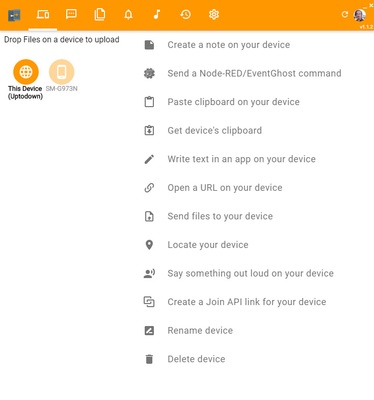
You'll know when you've done it correctly, because when you open Join Desktop, you'll see a complete list of all the different actions that you can carry out directly from this app. The first one, for example, lets you create a text note quickly, easily, and directly from your desktop. Afterwards, you can automatically share this note with the other connected devices. Another similar feature lets you share the clipboard between two apps, something that's very useful for anyone who works on their Mac with their smartphone close at hand.
But the features offered by Join Desktop don't stop there. One of most interesting features offered by this program includes the option to send large files between devices quickly and conveniently. To do so, simply drag a file into the app itself. You can also play music or videos on one of the connected devices while enjoying it from your desktop. You can even read your SMS from the desktop app.
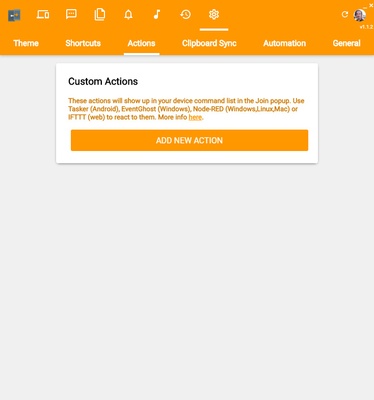
Download Join Desktop to use your Android device and other devices remotely from your Mac desktop. This app is especially useful if you have more advanced knowledge, since if you use it in conjunction with Tasker, you can create automated actions between several devices to save lots of time.