

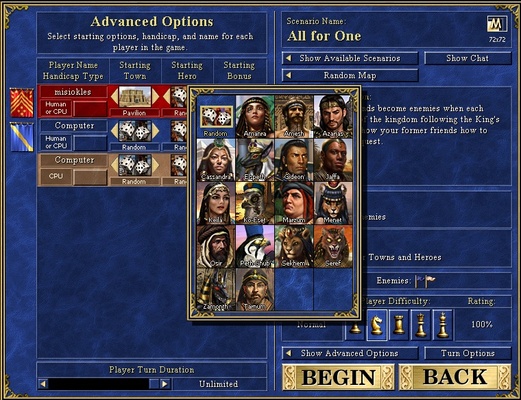
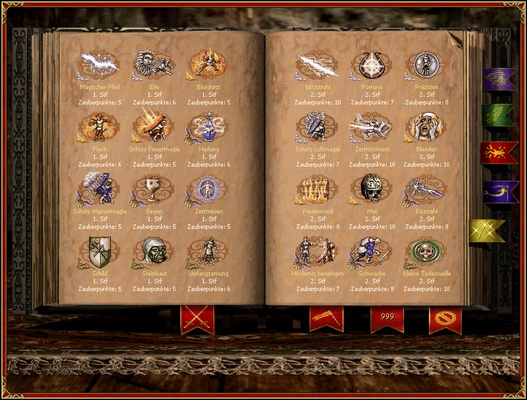
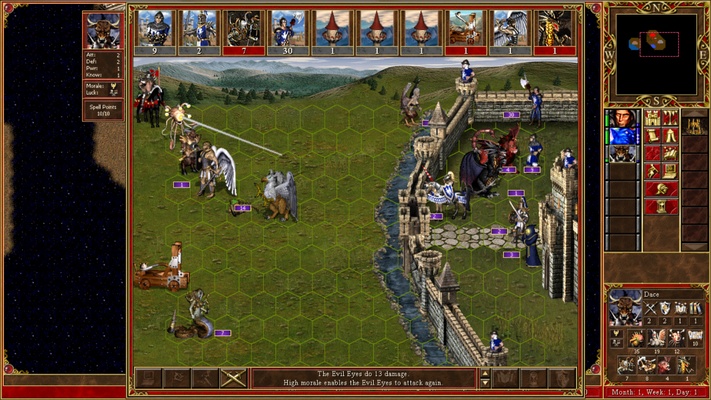
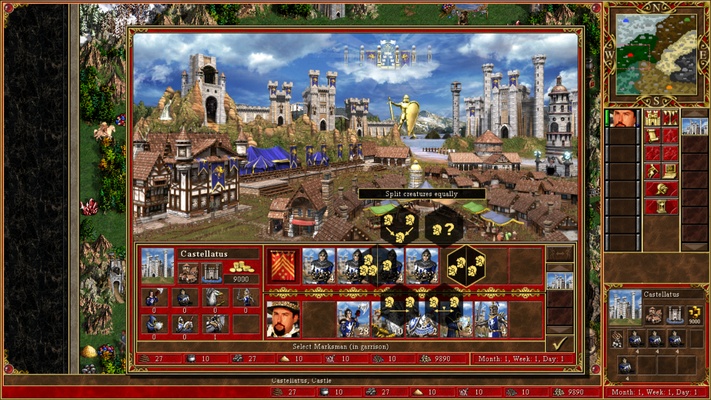
VCMI is an open source recreation of the Heroes of Might and Magic III engine, which allows you to play this game comfortably on your Mac, while also adding a lot of improvements and new features. At your disposal, you'll find various interface improvements, more screen resolution options, support for mods, and much more. This is a real treat for fans of the HoMM saga.
Simple installation
To use VCMI, you'll need the original HoMM 3 files. The first step is installing the app. Once installed, you'll have to run the VCMI_launcher and, from there, choose whichever option is most convenient for you. If you already have Heroes of Might and Magic III installed on your Mac, you can choose that option by simply selecting the original installation directory. Another good option is using GOG's offline installer, in which case you'll only have to select the .BIN and .EXE files to complete the installation. Whichever option you choose, the launcher will take care of everything.
Many more configuration options
One of the great advantages of using VCMI with respect to the original HoMM 3 is that, from the launcher, you'll be able to access many new configuration options. You'll be able to adjust the game's resolution as you wish and even apply scaling filters, making it possible to display the game perfectly on large screens. You'll also be able to choose between different types of artificial intelligence for AI-controlled enemies. You can even activate the autosave option and choose how many slots you want to have available.
Lots of mods to improve the game
In addition to the usual options, in the launcher, you'll also find a tab full of mods. Here, you can download and install any mod with just a click. Some mods allow you to further increase the game's maximum difficulty, while other mods add new settings, new spells, or new monsters. And there are yet other mods to improve the graphics, offer new hero portraits, and much more.
All traditional game modes
As in HoMM 3, in VCMI, you can play online with your friends, solo in the campaign mode, or in any of the many pre-generated settings. In addition, this game includes crossplay. That is, you'll be able to play with other Windows or Android players. The game comes with dozens of settings ready for you to play the way you want. Of course, one of the most fun game modes is still the traditional Hot Seat. In this game mode, two or more friends can play simultaneously on the same Mac.
Play Heroes of Might and Magic III on Mac
Download VCMI to enjoy the classic HoMM 3 once more, as it's well worth returning to. Remember, however, that you'll need the original game files to complete its installation. Without a doubt, this is the best way to play what is still considered one of the best turn-based strategy games in history, no matter how many years go by.