Go to Windows platform Display platforms icon
Go to Windows platform Go to Mac platform Go to Android platform
Anaconda icon

Anaconda

2024.10-1
Anaconda Inc.
0
950.52 MB size

All the features you need to work on data science projects

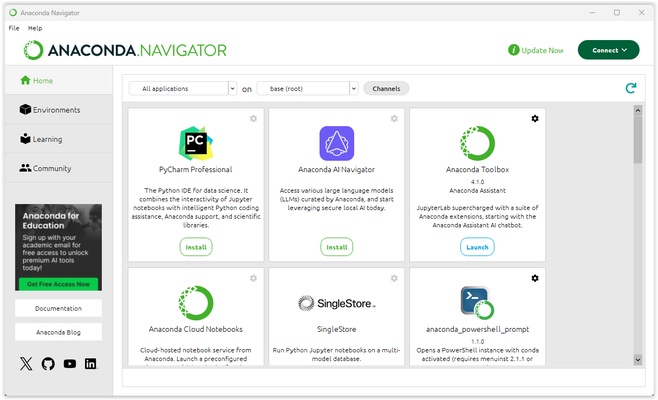
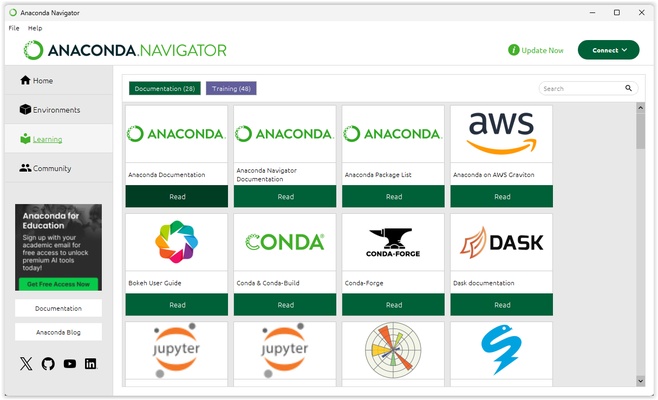
Anaconda is a free and open source distribution of the programming languages Python and R, designed to simplify the management of packages and environments in data science, machine learning, and data analytics projects. If you're looking for a robust and easy-to-use Windows platform, this tool has all kinds of features that will make your life easier while working.

Efficient management of packages and environments

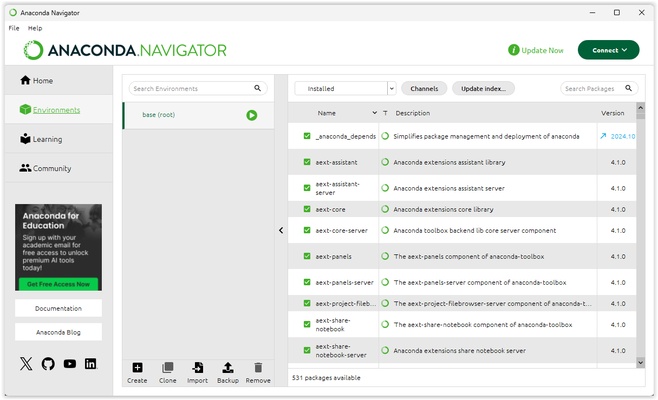
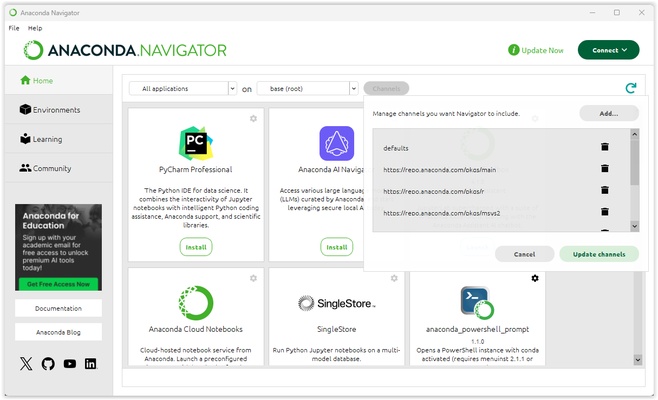
Among the many features included with Anaconda, you will find a package and environment manager that makes installing, updating, and managing more than 7,000 open-source packages easy. This tool allows the creation of isolated virtual environments, ensuring compatibility and stability between different projects and their dependencies. In order to manage your options, you can perform searches using the environments tab, which you will find on the left side. From here, you can search for anything you want and add it to the tool in order to work with as many environments as you need.

Broad support for data science libraries and tools

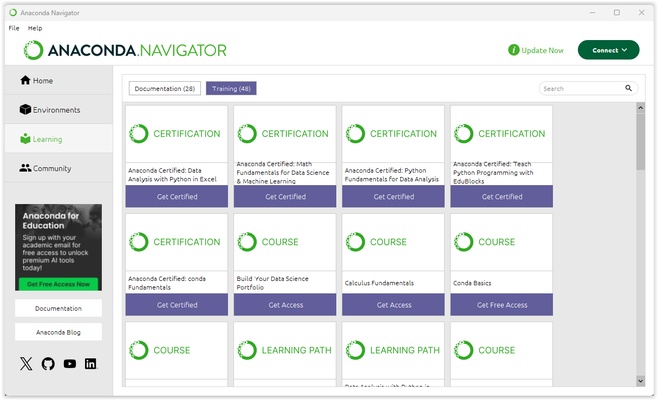
Anaconda comes pre-installed with over 200 essential packages for data science and machine learning, including NumPy, pandas, scikit-learn, and matplotlib. It also allows the installation of additional packages according to your needs, so you will be able to adapt this tool to whatever project you're working on.

Integration with development tools and interactive environments

On the other hand, this tool integrates seamlessly with development environments such as Visual Studio Code and offers support for Jupyter Notebook. This compatibility and flexibility allow you to write and execute code in an interactive and collaborative environment. This can improve your productivity and make it much more comfortable to visualize the data and results of your data science projects.

Download Anaconda, a Python-based software, to work on your data science projects with all the features you need on a daily basis.

Information about Anaconda

License Free
Op. System Windows
Category Development
Language English
Author Anaconda Inc.
permission icon Permissions Not applicable
Date 2026-06-02
Size 950.52 MB
File type EXE

Apps recommended for you

RenPy icon
An engine to create interactive visual novels
Godot Engine icon
Comprehensive open-source suite for game development
SciTE (SCIntilla) icon
SciTE is a lightweight and fast text editor based on the Scintilla engine, designed for programmers with syntax highlighting and scripting support.
Vim 9.2.0993 icon
A highly configurable text editor built to creating and changing any text
TagSpaces icon
TagSpaces for Windows is a cross-platform file management tool that helps users organize, tag, and search files easily without a database.
AutoTRAX Design Express icon
AutoTRAX Design Express for Windows is an electronic design automation (EDA) software that helps users create and simulate PCB layouts efficiently.
Glade icon
Glade for Windows is a user interface designer that allows developers to create and design GTK-based applications visually.
Electron 44.0.0 (64-bit) icon
Build cross platform desktop apps with JavaScript, HTML, and CSS!
Codex 26.917.6896.0 icon
OpenAI's official companion for programming with ChatGPT
TRAE 3.5.104 icon
The most complete AI assistant for PC
cc-switch 3.20.4 icon
Manage multiple AI models from one place
Orca 1.4.209 icon
An environment for coordinating multiple AI agents
WebStorm 2026.2.3 icon
An IDE for creating web apps faster
WeBuilder 2025 18.9 icon
Create and edit web page code faster and easier!
HTMLPad 2025 18.9 icon
Intelligent HTML, CSS, JavaScript editor for Windows PC
Visual Paradigm Community Edition 18.1 icon
Create diagrams for Windows PC in order to analyze the data flow
Dos2Unix icon
Dos2Unix for Windows is a lightweight tool that converts text files between DOS and Unix line endings for cross-platform compatibility.
Electron icon
Electron is an open-source framework for building cross-platform desktop applications using web technologies like HTML, CSS, and JavaScript.
dbForge Studio for Oracle icon
dbForge Studio for Oracle for Windows is a comprehensive IDE that helps users develop, manage, and administer Oracle databases efficiently.
Go icon
Go
Develop fast, reliable, and efficient applications with Go (Golang) for Windows, Google’s open-source programming language designed for simplicity and performance.
UniFab All-In-One 4.2.6.0 icon
AI-powered 8-in-1 comprehensive video processing PC tool
Apache Maven icon
Apache Maven for Windows is a build automation and project management tool that helps developers compile, manage, and deploy Java applications efficiently.
Warp icon
Program on a terminal with the help of AI
Serial to Ethernet Connector icon
Serial to Ethernet Connector (Windows) – Share and access serial ports over a network effortlessly.