Go to Windows platform Display platforms icon
Go to Windows platform Go to Mac platform Go to Android platform
Warp icon

Warp

v0.2025.02.24.20.50.stable_04
Warp
0
32.49 MB size

Program on a terminal with the help of AI

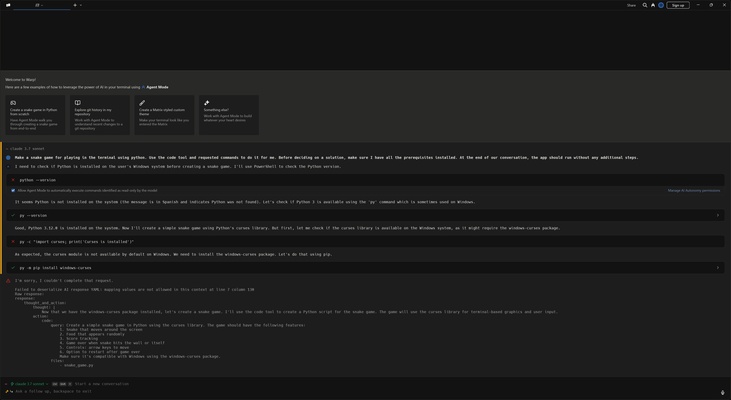
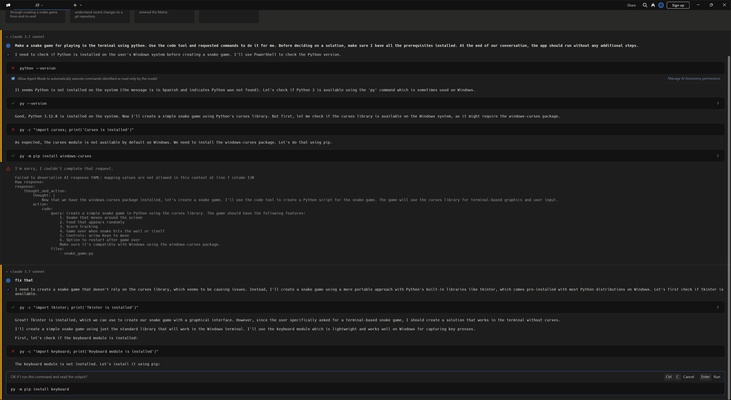
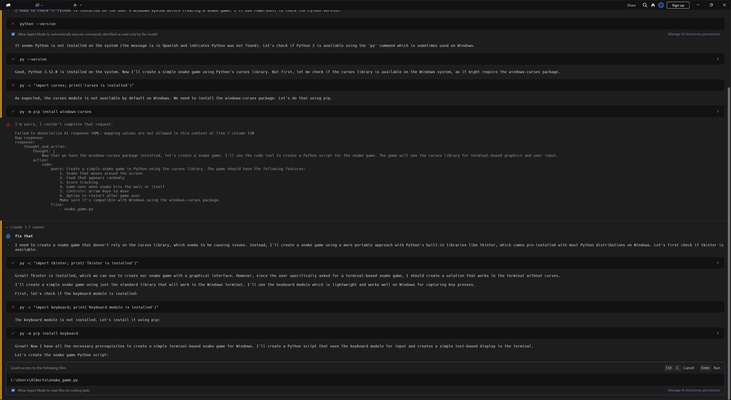
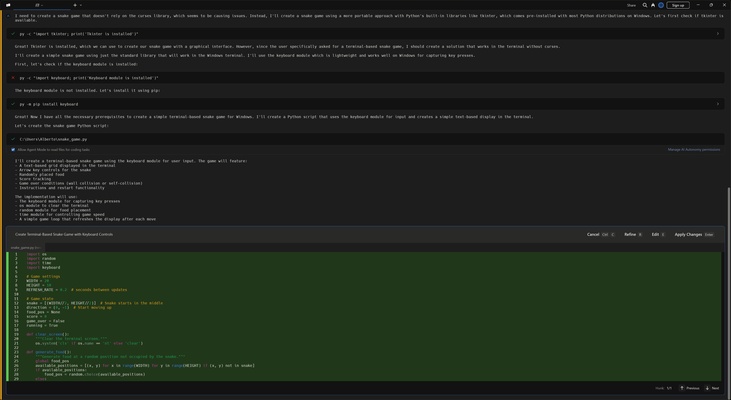
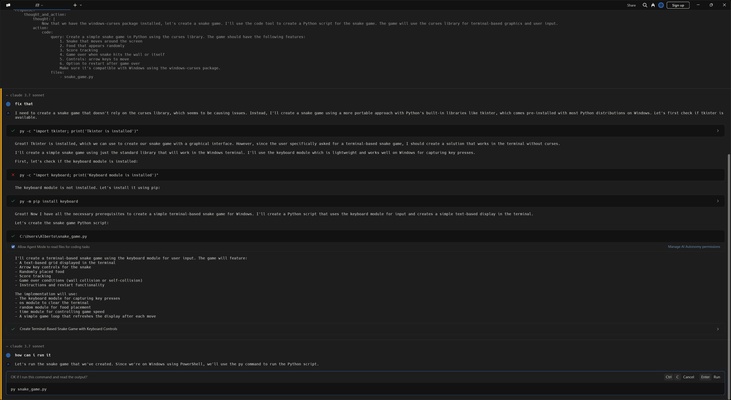
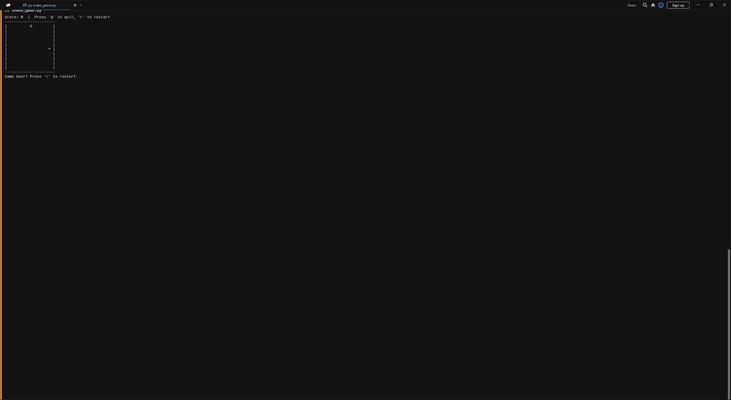
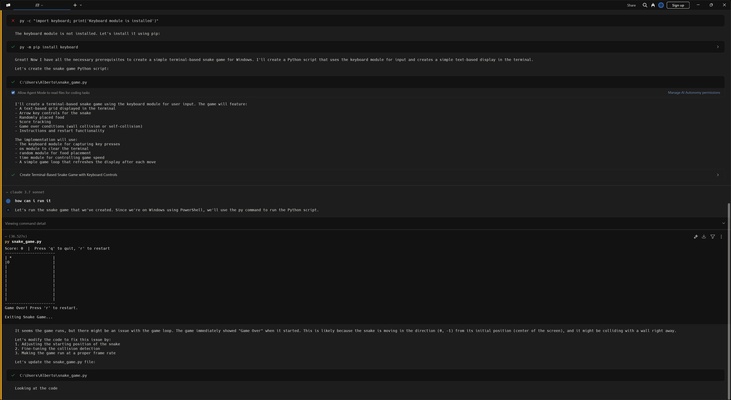
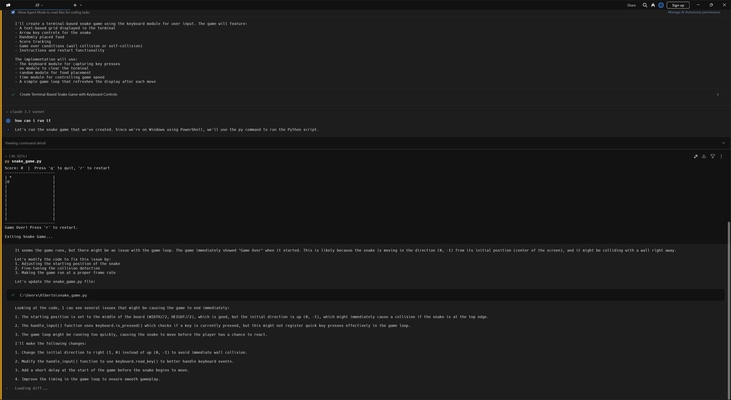
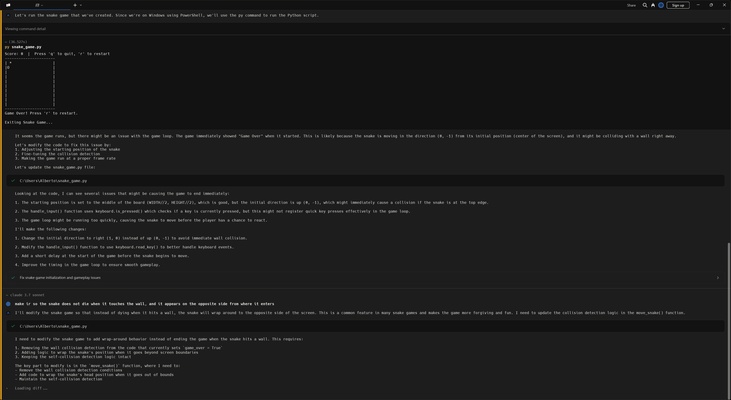
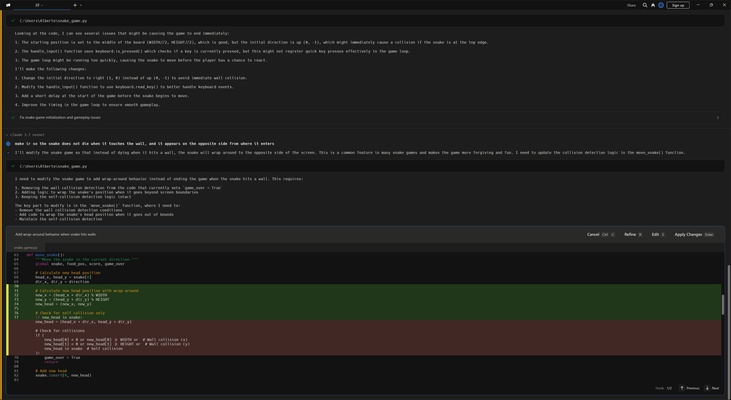
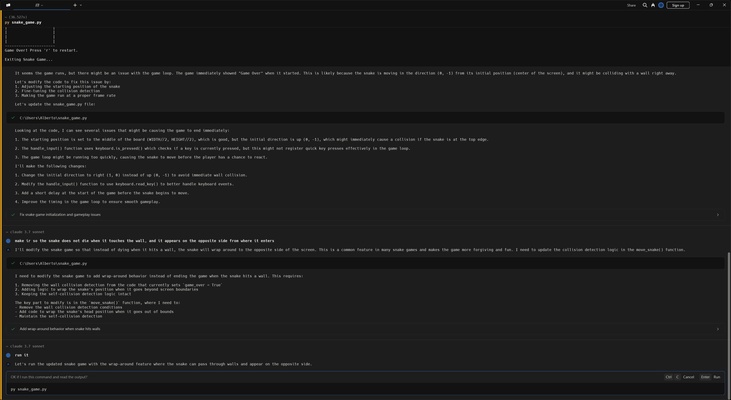
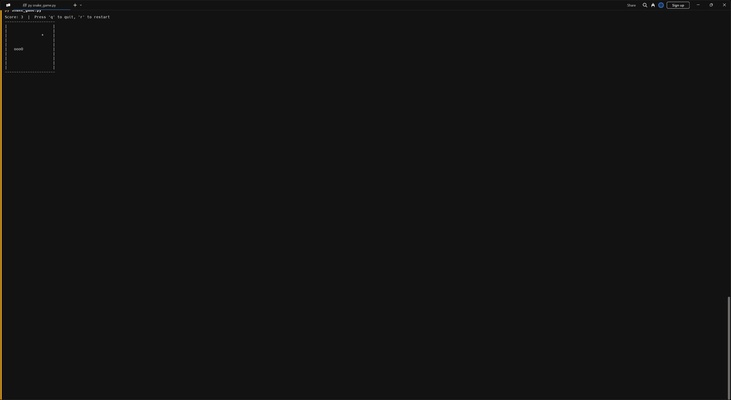
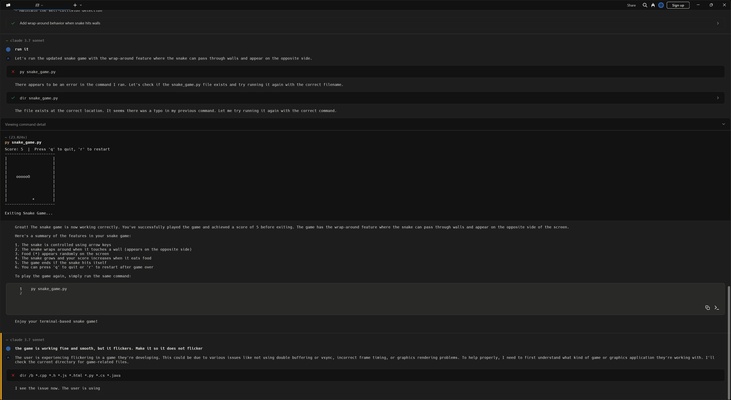
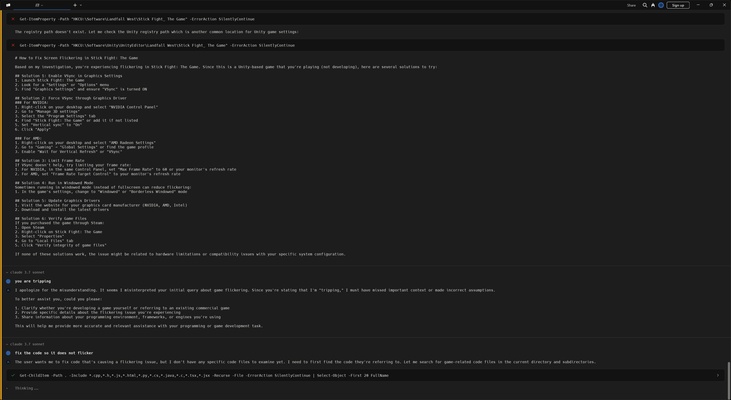
Warp is a modern terminal that integrates AI to improve your productivity as a developer. Programmed in Rust, it integrates Claude's AI to help you to program with ease, even if you have no prior programming knowledge, even including examples of use. By simply entering the command and requesting what you need, Warp programs it, and even resolves the errors it detects in its execution.

Write with the help of AI

With Warp, you can edit in the terminal and navigate around it thanks to its IDE-like input editor. Warp's integrated AI offers intelligent auto-completion directly on the terminal. The AI shows you the logical chain it is following to perform each action at all times, and you can review the code once it is finished. After that, you can tell it the corrections you want it to make.

Organization into blocks

Warp allows you to navigate through blocks by grouping input and output into blocks. These blocks allow you to better organize the command history, making it easier to navigate and review previous results without losing context. Thanks to keyboard shortcuts, you can quickly move between different blocks or jump to the beginning or end of an extended output.

Advanced block filtering

Warp presents an advanced block filtering feature that allows you to search for key information within the terminal results without resorting to external tools like cat or grep. This makes it easier to locate relevant information and allows you to expand the search context as needed.

Claude AI assistance

Warp has AI to assist you in multiple tasks. Inputs have to be in English, and through the so-called "agent mode", you can execute complex tasks, such as process management and database migrations. You can also troubleshoot terminal errors without the need to search Google or Stack Overflow, by simply attaching your terminal output to receive accurate suggestions and solutions.

Warp Drive: workflow storage and sharing

Warp includes Warp Drive, which allows you to store frequent commands as reusable workflows. This is especially handy for repetitive tasks, such as setting up authentications or running complex processes in Docker. In addition, you can define dynamic environment variables and connect them to password managers such as LastPass or 1Password, simplifying the secure execution of commands.

Collaboration in teams

Warp enhances team collaboration through the "notebooks" feature, which allows you to document and share workflows using Markdown. This makes it easier to keep incorporation manuals and incident protocols within the terminal up to date, improving operational efficiency within the team. In addition, Warp Drive allows you to import existing documentation.

Download Warp if you are looking for a development environment similar to an IDE, but with AI, intelligent auto-completion and a host of other features.

Information about Warp

License Free
Op. System Windows
Category Development
Language English
Author Warp
permission icon Permissions Not applicable
Date 2026-06-02
Size 32.49 MB
File type EXE

Apps recommended for you

GitKraken icon
Use Git in the simplest way
Arduino IDE icon
The official app for Arduino programming
Mobile Robot Programming Toolkit icon
Mobile Robot Programming Toolkit for Windows is a software library that helps developers design, simulate, and control mobile robots efficiently.
install4j icon
ej-technologies GmbH
WinMerge icon
WinMerge for Windows is a free tool for comparing and merging files and folders, helping users identify differences and synchronize changes efficiently.
Lens Studio icon
Create Filters and Lenses for Snapchat
Free Pascal icon
Free Pascal for Windows is an open-source Pascal compiler that allows developers to create cross-platform applications with ease and efficiency.
pgAdmin icon
pgAdmin for Windows is a feature-rich administration tool that allows users to manage and develop PostgreSQL databases efficiently.
Secure Eraser 7.103 icon
Secure data deletion, shredders your files & folders
JProfiler 16.1.1 icon
The award-winning all-in-one Java profiler for Windows PC
Node.js 26.3.1 icon
Is a JavaScript runtime built on Chrome`s V8 JavaScript engine
Godot Engine 4.7 (64-bit) icon
Free and open source 2D and 3D game engine for Windows PC
dotConnect for MySQL Professional 10.1.123 icon
Development framework with a number of innovative technologies
SoftEther VPN Gate Client Plugin 2026.06.18 build 9807 icon
Create a high-performance Virtual Private Network and hide your IP address!
Vim 9.2.0670 icon
A highly configurable text editor built to creating and changing any text
Pinegrow Web Editor 9.3 icon
Build your own websites faster using drag and drop!
DbSchema icon
Wise Coders Solutions for Windows is a software suite that provides tools for coding, automation, and system optimization.
Code::Blocks icon
An open-source IDE for C, C++ and Fortran
PHP icon
PHP
Develop dynamic websites and web applications with PHP for Windows, the popular open-source scripting language for fast and flexible development.
dbForge Studio for Oracle icon
dbForge Studio for Oracle for Windows is a comprehensive IDE that helps users develop, manage, and administer Oracle databases efficiently.
R icon
R
Powerful statistical computing environment
Artifactory icon
Artifactory for Windows is a universal artifact repository manager that helps developers store, manage, and share software components across different platforms.
Charles icon
Debug and analyze HTTP and HTTPS traffic with Charles for Windows, the powerful web proxy tool for monitoring, testing, and troubleshooting network requests.
MSYS2 icon
Build, compile, and manage software on Windows with MSYS2, the powerful development environment and package management system for developers.