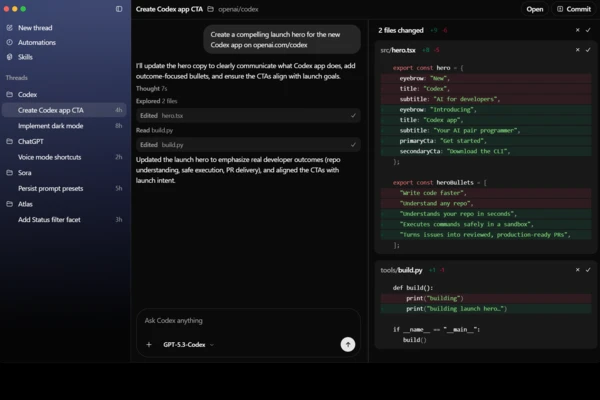
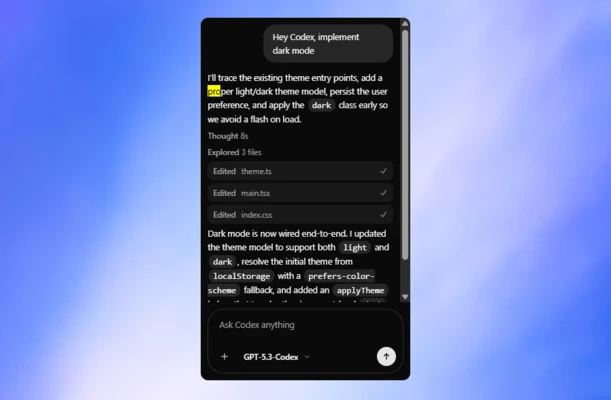
Codex is an AI coding agent from OpenAI that helps developers write, edit, test, and review code. It can work with existing repositories to implement features, fix bugs, refactor code, add tests, and propose changes for review.
How Codex works with your code
Codex understands natural-language instructions, allowing you to describe what you want to change or build. It can inspect a codebase, find relevant files, modify code, run commands and tests, and review the results. Depending on the workflow, tasks can run in isolated environments so changes can be made without directly affecting your local working environment.
When working with a repository, Codex can follow project-specific instructions and use the existing code and configuration as context. This allows it to make changes that fit the structure and requirements of the project.
Tasks you can delegate to Codex
Codex can handle different parts of the software development process, including writing new functions, refactoring code, fixing bugs, adding tests, updating dependencies, and reviewing code changes. It can also work with Git repositories and help prepare changes for review.
Codex is available through the ChatGPT desktop app, Codex CLI, IDE extensions, and supported web workflows. The CLI allows developers to work with Codex from a terminal, while the IDE extension integrates Codex into supported code editors such as VS Code and other VS Code-based environments.
Integration with ChatGPT and other environments
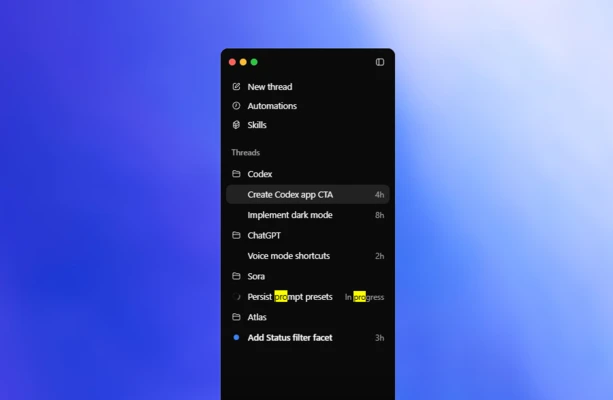
Codex can be used with a ChatGPT account through supported Codex clients, including the desktop app, CLI, IDE extension, and web. The desktop application can work with local folders and repositories, while Codex Cloud can run coding tasks in OpenAI-managed environments.
The Codex CLI provides a terminal-based workflow, while the IDE extension allows developers to use Codex directly inside supported editors. These options make it possible to use the same coding agent across different development environments and workflows.