

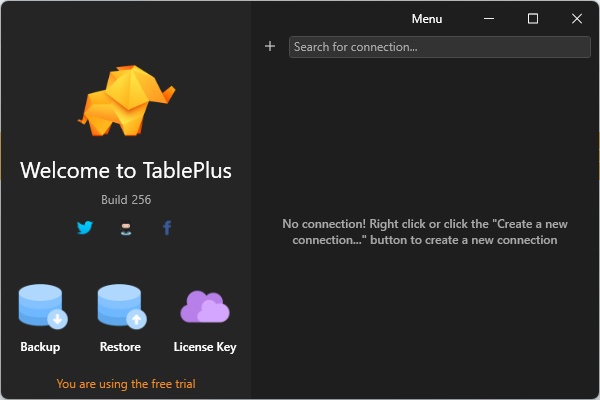
TablePlus for Windows Download – The Ultimate Database Management Tool
TablePlus for Windows is a powerful, user-friendly database management tool designed to help developers and database administrators efficiently manage their databases. Whether you're working with MySQL, PostgreSQL, SQLite, or other popular database systems, TablePlus offers a clean, intuitive interface and a range of advanced features to streamline your database management tasks. From quick SQL querying to detailed schema management, TablePlus provides the tools you need to get your database work done faster and more effectively.
With support for multiple database types and built-in advanced features, TablePlus is the ideal solution for both beginner and experienced database users.
Multi-Database Support
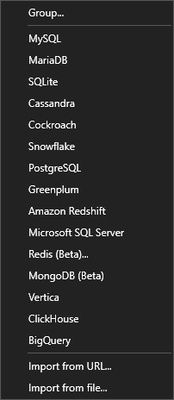
TablePlus is compatible with a wide range of databases, including MySQL, PostgreSQL, SQLite, SQL Server, MariaDB, Oracle, and more. This makes it an ideal tool for developers and database administrators who work with multiple database types across different projects. TablePlus allows you to connect to and manage all of these databases from a single, unified interface, making it easy to switch between different environments and keep track of all your database connections.
Clean and Intuitive User Interface
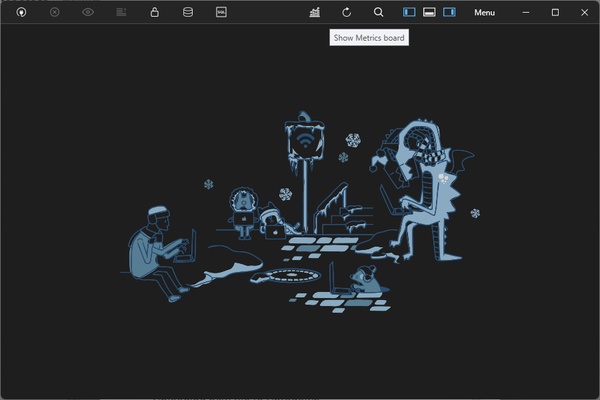
TablePlus offers a clean and modern interface that is easy to navigate. With its tabbed design, you can manage multiple database connections at once and quickly switch between them without losing your work. The software is designed to maximize productivity, providing fast and efficient tools for querying, editing, and managing your databases. Whether you're executing queries, viewing results, or editing tables, the interface is sleek and straightforward, making it easy to focus on your work.
SQL Query Editor and Advanced Features
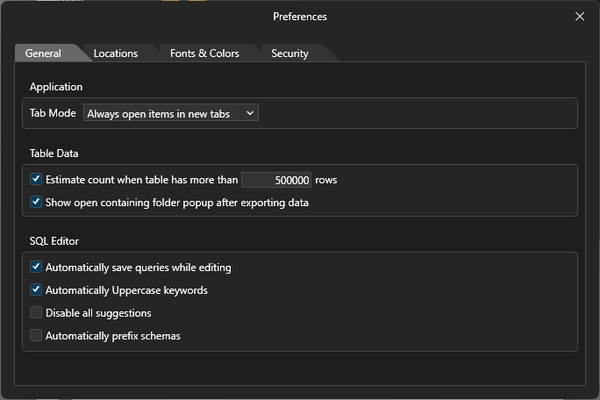
The SQL query editor in TablePlus provides a highly customizable experience, allowing you to write and execute SQL queries with ease. The software includes features like syntax highlighting, auto-completion, query history, and query formatting, ensuring that your queries are written and executed correctly every time. TablePlus also supports visual query building, making it easy for users to create complex queries without needing to write them manually.
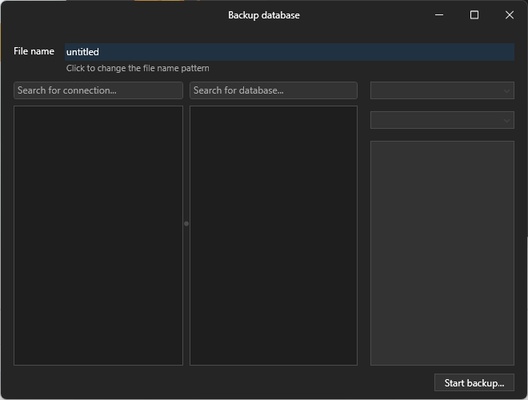
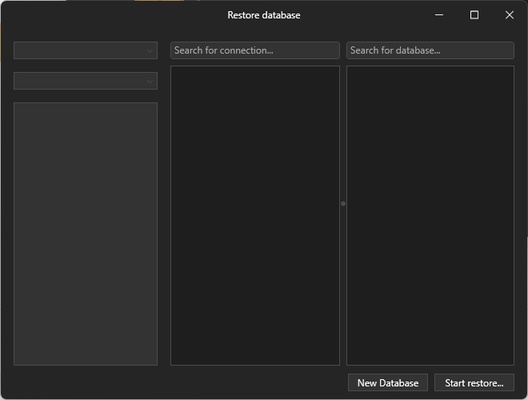
In addition to SQL editing, TablePlus offers a variety of advanced features including database schema management, data export/import, and the ability to backup and restore databases.
Secure and Fast Database Management
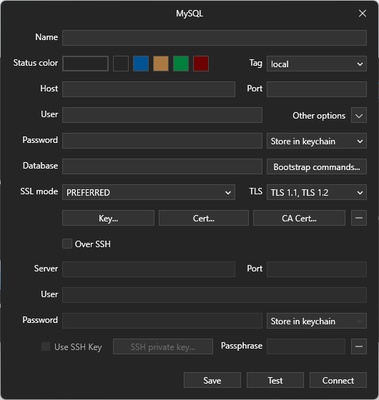
TablePlus prioritizes security, ensuring that your database credentials and connections are protected. It uses SSH and SSL encryption to secure your connections to remote databases, ensuring that your data is transmitted safely. TablePlus also allows you to connect to databases through local, SSH, and HTTP tunneling, providing flexibility and ensuring secure access to your databases, no matter where they are hosted.
Data Editing and Visual Tools
TablePlus makes database management more intuitive with its data editing tools. You can easily edit rows, add new records, and modify table structures directly within the app. The software also includes powerful visual tools for inspecting data, managing foreign keys, indexes, and relations between tables. This makes it ideal for users who need to interact with their database visually and make quick, in-place changes.
Cross-Platform Support
TablePlus works seamlessly on Windows, macOS, and Linux, allowing you to manage databases from any platform. The consistent interface and features across different operating systems ensure that you can easily transition between devices and continue your work without any interruptions. Whether you're working from your PC or switching to a different platform, TablePlus keeps your database management experience smooth and uninterrupted.
Final Overview
TablePlus for Windows is a powerful and versatile database management tool designed for professionals who need to handle databases efficiently and securely. With support for multiple databases, a clean and intuitive interface, advanced SQL editing tools, and robust security features, TablePlus simplifies the complexities of database management. Whether you're a developer, database administrator, or simply looking to manage your databases more effectively, TablePlus is the ideal tool for the job. Download it now and take your database management to the next level!