

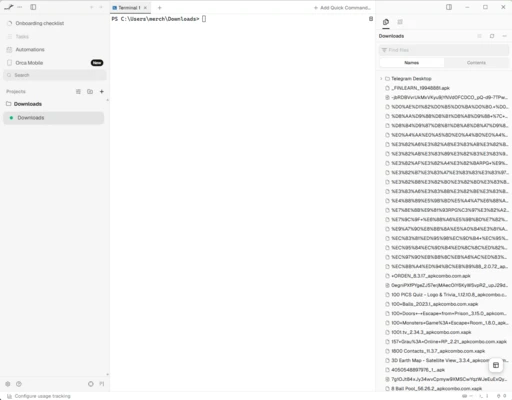
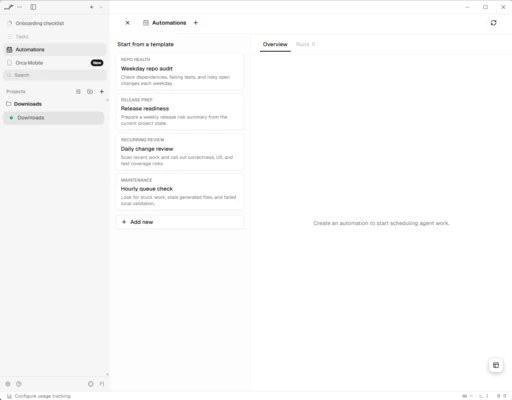
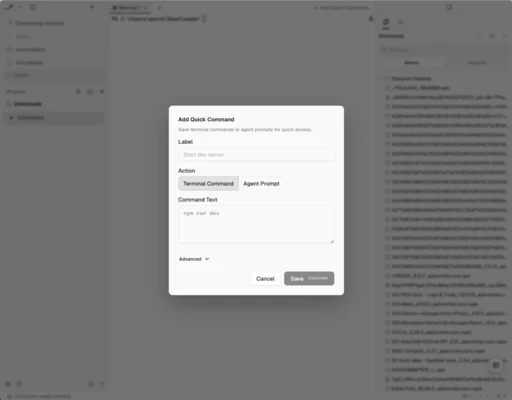
Orca is a development environment designed for developers who use AI-powered programming assistants such as Claude Code, Codex, Gemini, OpenCode, and GitHub Copilot. Rather than focusing on a single agent, Orca coordinates multiple assistants simultaneously, allowing each to work on an independent task without interfering with the others. Its goal is to integrate AI into the development workflow while keeping developers in control of the code and final decisions.
Work with several agents at once without mixing changes
Orca's main feature is its use of Git worktrees. Each new task automatically gets an isolated working environment where an agent can develop a feature, fix a bug, or test a solution without affecting the rest of the project. You can run multiple implementations of the same problem in parallel and compare their results before deciding which changes to integrate.
Compatible with numerous programming assistants
Orca supports multiple command-line AI agents, provided you have the necessary subscriptions or credentials. This lets you combine different models according to each project's requirements. You can use them to generate code, review implementations, fix errors, automate repetitive tasks, and handle other development work.
My impressions after trying Orca
Orca makes it easier to coordinate several AI assistants without the confusion that can come from managing multiple Git branches and separate conversations. Although it requires some familiarity with Git and modern development tools, it offers a flexible workflow for developers who regularly use AI assistants.
The best and worst of Orca
-
What I liked the most was its ability to run multiple AI agents in parallel, each working in an independent Git worktree.
-
What I liked least was its focus on experienced developers. Beginners and users looking for a simple code editor may find it difficult to use its full range of features.