

Typora for Windows Free Download
Typora is a modern Markdown editor and writing software for Windows that combines a clean interface with powerful document creation tools. Designed for writers, developers, bloggers, students, and content creators, Typora offers a distraction-free writing environment with real-time Markdown rendering and advanced export capabilities.
Unlike traditional Markdown editors that require separate editing and preview panels, Typora provides a seamless WYSIWYG (What You See Is What You Get) experience, allowing users to focus entirely on writing and formatting content without interruptions.
Whether you're creating technical documentation, blog posts, academic papers, programming notes, or personal knowledge bases, Typora delivers a fast, elegant, and highly productive writing workflow.
Key Features
Real-Time Markdown Preview
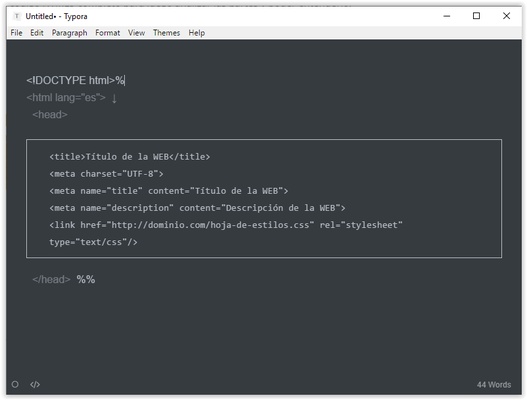
Write and edit documents with instant Markdown rendering, eliminating the need for a separate preview window and creating a true distraction-free writing experience.
Clean & Minimalist Interface
Enjoy a modern, clutter-free workspace designed to maximize focus and productivity for long-form writing projects.
Advanced Markdown Support
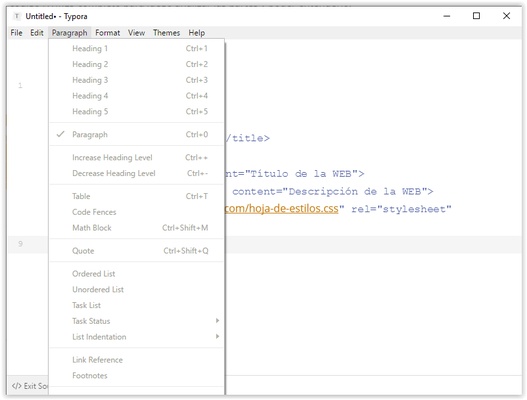
Supports headings, tables, code blocks, task lists, footnotes, blockquotes, diagrams, flowcharts, and mathematical formulas using LaTeX syntax.
Code Syntax Highlighting
Perfect for developers and technical writers, with support for multiple programming languages and beautifully formatted code blocks.
Document Outline Navigation
Automatically generate document outlines for quick navigation through large projects and structured content.
Export to Multiple Formats
Convert Markdown documents to PDF, HTML, Word DOCX, OpenOffice, LaTeX, EPUB, and other popular formats with a few clicks.
Focus & Typewriter Modes
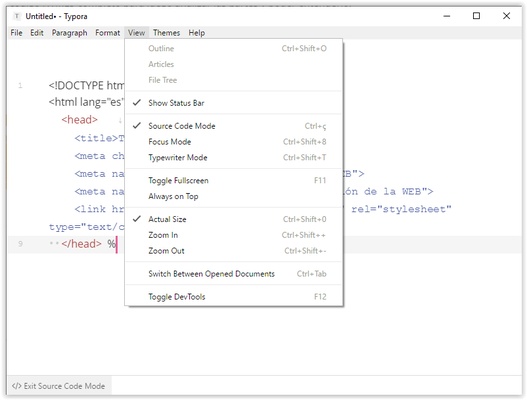
Stay productive with writing modes that highlight the current line or paragraph while minimizing visual distractions.
Custom Themes & Styling
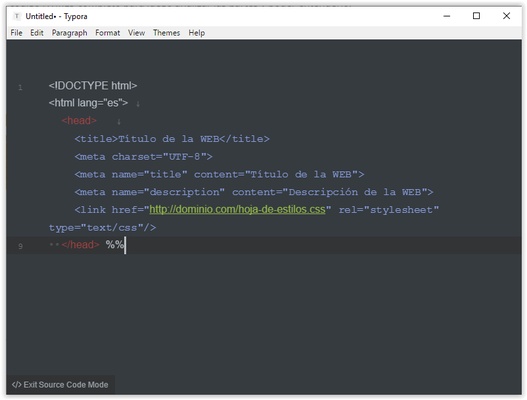
Personalize your workspace with built-in themes or create custom CSS styles to match your workflow and preferences.
Image & Media Support
Insert images, links, diagrams, and multimedia elements directly into your documents for richer content creation.
Cross-Platform Compatibility
Available for Windows, macOS, and Linux, ensuring a consistent writing experience across multiple devices.
Why Choose Typora?
Typora has become one of the most popular Markdown editors thanks to its intuitive design, lightweight performance, and professional writing capabilities. Unlike many traditional text editors, Typora combines Markdown simplicity with live visual formatting, making it ideal for both beginners and advanced users.
Content creators appreciate its clean interface, developers value its code support, and students rely on its organization and export tools for academic writing and research projects.
User Interface
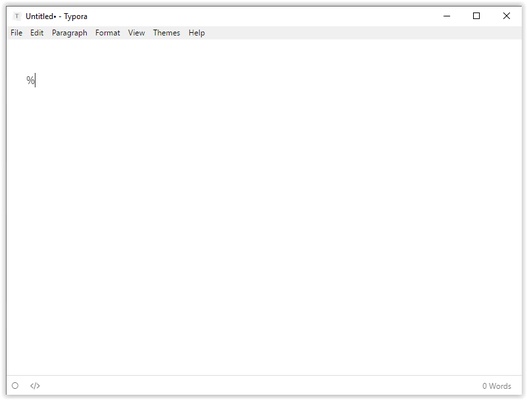
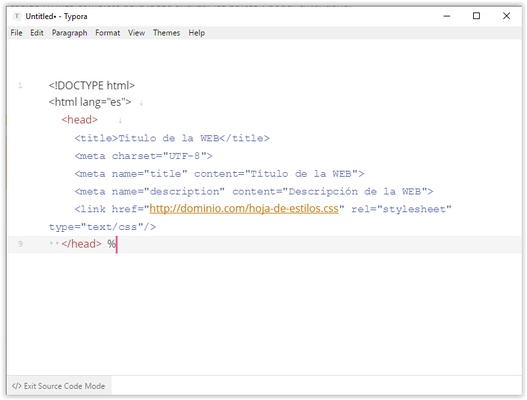
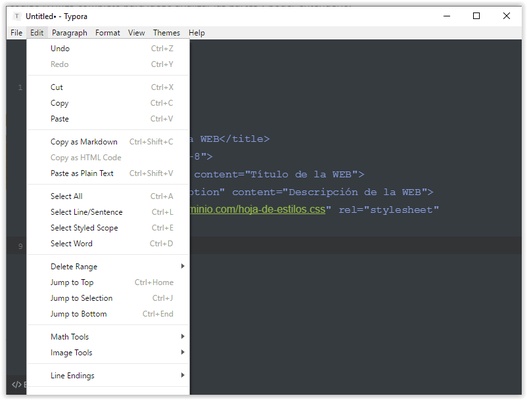
The Typora interface is intentionally minimal, helping users focus on content instead of menus and toolbars. The live preview system displays formatting instantly while maintaining a smooth and natural writing experience.
The built-in file manager and outline panel make it easy to organize projects, browse documents, and navigate lengthy files without losing productivity.
How to Use Typora
- Download and install Typora for Windows.
- Launch the application and create a new document.
- Start writing using standard Markdown syntax.
- Insert tables, images, code blocks, or mathematical formulas as needed.
- Use the Outline panel to navigate large documents.
- Customize themes and appearance settings.
- Export finished documents to PDF, HTML, DOCX, EPUB, or other supported formats.
System Requirements
- Operating System: Windows 7, Windows 8, Windows 10, Windows 11 (64-bit)
- Processor: Intel or AMD Processor
- RAM: 2 GB minimum (4 GB recommended)
- Storage: 200 MB available disk space
- Internet Connection: Required for updates and license activation
Advantages
- Real-time Markdown rendering
- Elegant and distraction-free interface
- Multiple export formats
- Excellent code syntax highlighting
- Supports diagrams and LaTeX formulas
- Customizable themes and styling
- Lightweight and fast performance
- Cross-platform compatibility
Limitations
- Requires a paid license after trial period
- No built-in cloud synchronization
- No real-time collaboration features
- Limited project management functionality
Final Verdict
Typora is one of the best Markdown editors available for Windows, offering a perfect balance between simplicity and powerful document creation features. Its live preview technology, clean interface, and broad export support make it an excellent choice for writers, programmers, students, bloggers, and professionals.
If you're searching for a fast, reliable, and beautifully designed Markdown writing software, Typora remains one of the top choices for creating technical documentation, notes, articles, and professional documents on Windows PCs.