Go to Windows platform Display platforms icon
Go to Windows platform Go to Mac platform Go to Android platform
Audacity icon

Audacity

3.7.3
Audacity Team
4.3
16.17 MB size

Record and edit all types of audio files

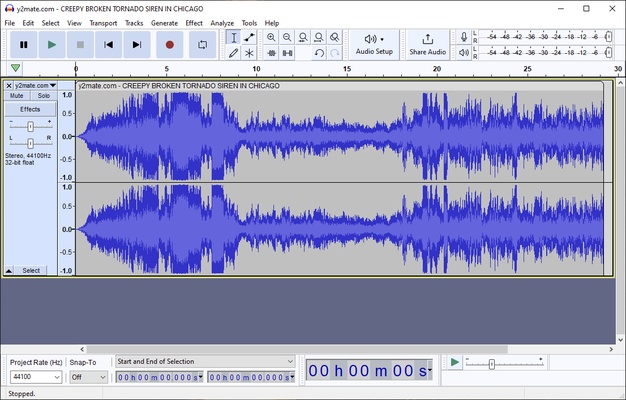
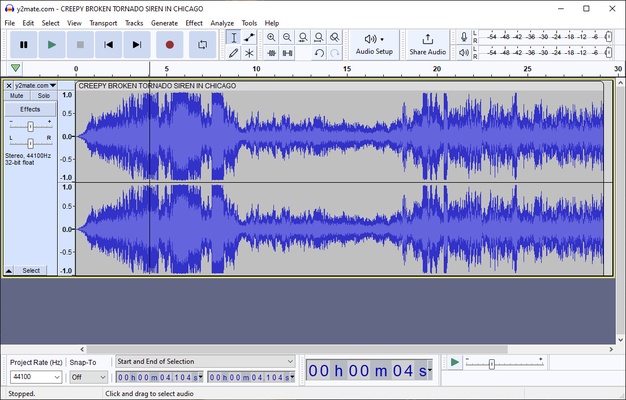
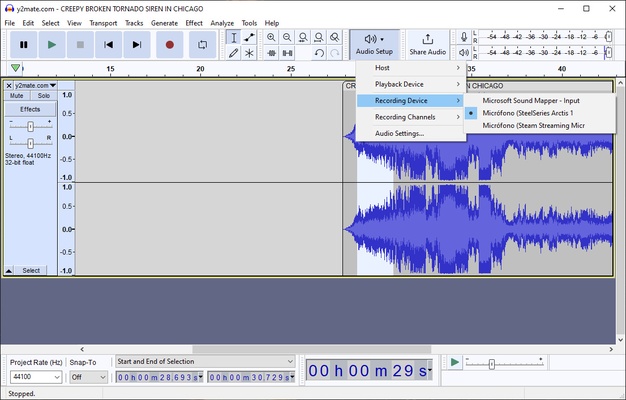
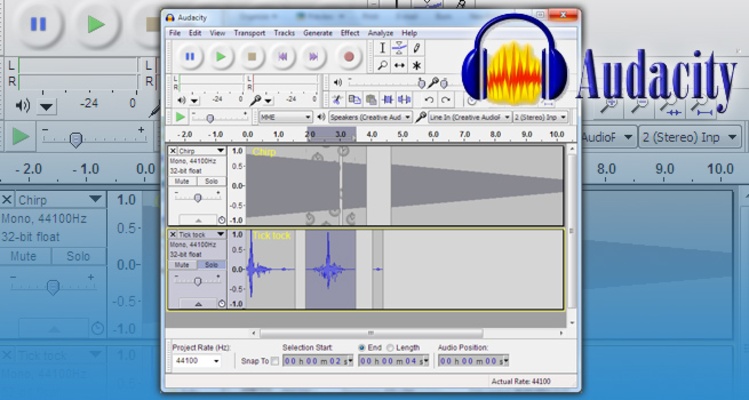
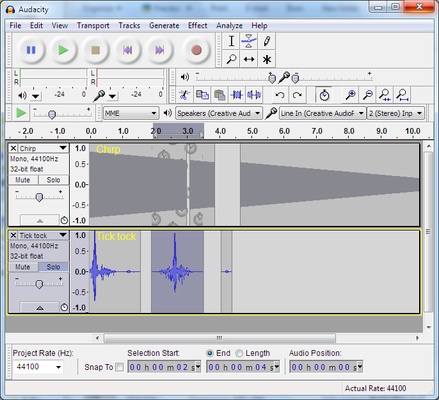
Audacity is a completely free and open source program under the GNU license that you can use to record and edit audio in a convenient and intuitive way. You can work directly on a graphic of the waveform for the file in question, with which you can interact using the mouse or any other piece of editing hardware connected to your PC.

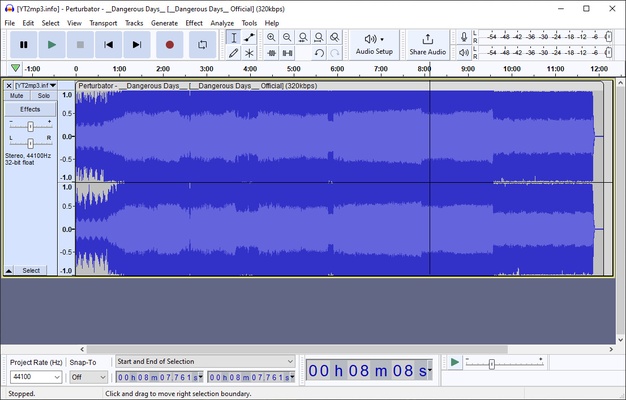
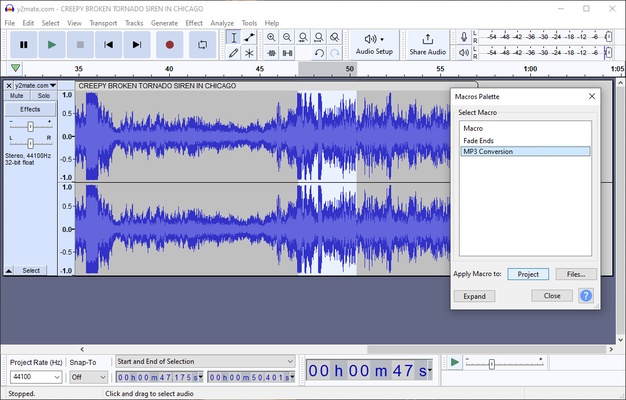
Audacity supports the vast majority of audio file formats, including wav, mp3, Ogg, wma, ac3, flac, and aiff. Thanks to this, you can import practically any audio file you have on your PC; even more importantly, you can export your project in any of the aforementioned formats when you're done working on it.

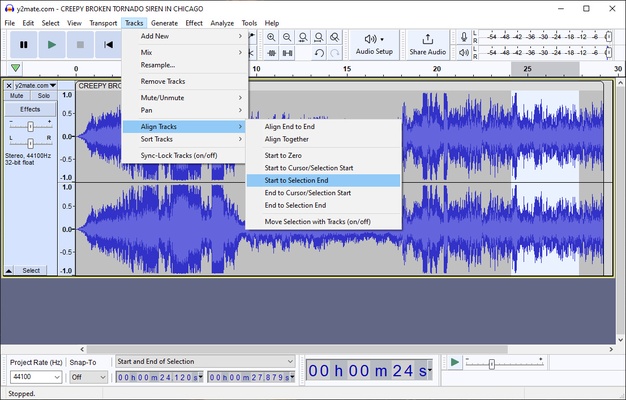
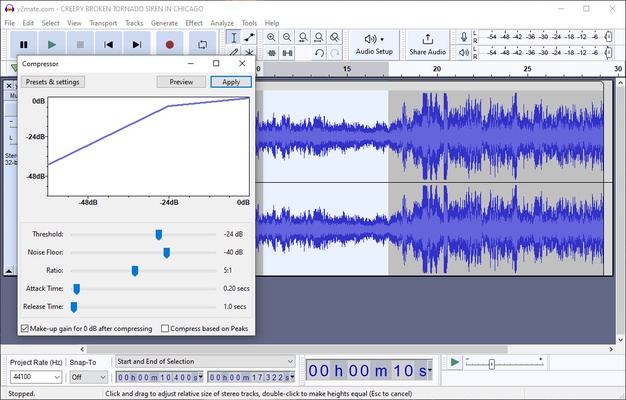
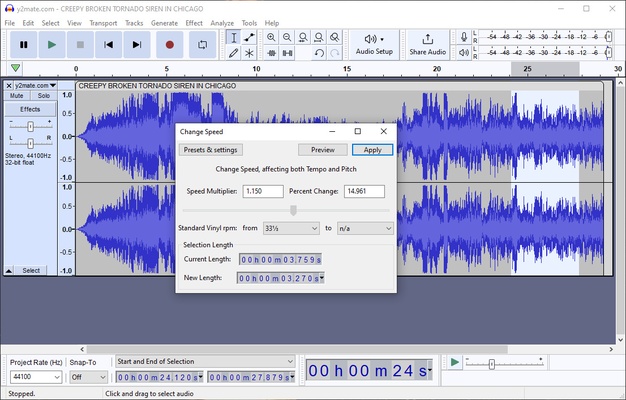
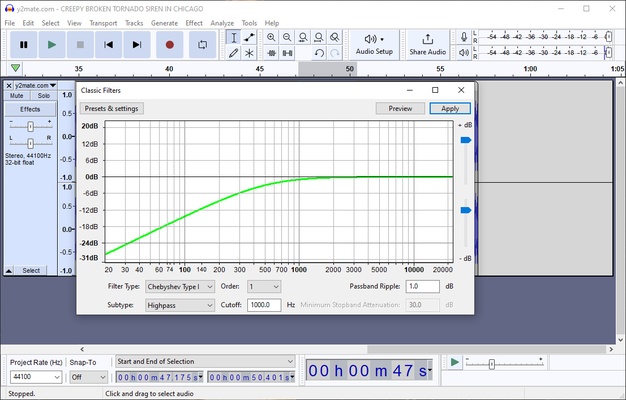
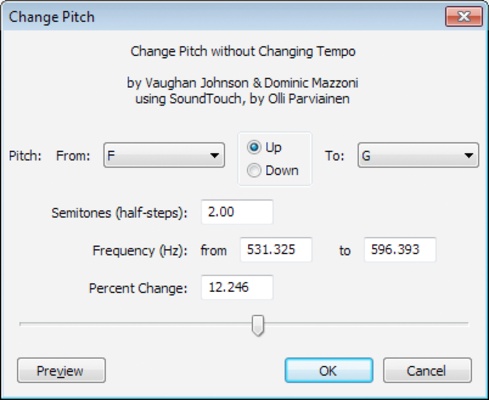
The range of tools and options offered by Audacity can be overwhelming at first. You can crop, zoom, paste, speed up, slow down, duplicate, and much more. All these basic actions are just a couple of clicks away. However, in the upper tabs, you can find lots of additional effects and tools for carrying out more advanced but very useful actions, such as reducing the noise on a file.

One of the strengths of Audacity is its popularity, since this means that you can find hundreds of tutorials in virtually any language, no matter what you're trying to do. Some of these tutorials can be found on the program's official website, while others are hosted on other websites and platforms.

Audacity is one of the most complete audio-editing apps available for Windows and has been since its release in May 2000. With it, you can edit and convert practically any audio file you have on your computer in a matter of minutes, and without any headaches. Best of all, it only takes up 60 MB of your hard drive. What more could you ask for?

Frequent questions

Is Audacity free?

Yes, Audacity is free and open-source software. That said, the program has a donation system that you can use to support the project, which has been active since 2000 thanks to the selfless work of a multitude of volunteers.

Is Audacity on Android?

No, Audacity is not on Android, nor does it ever plan to be released on mobile devices. Even so, the Audacity developers recommend some alternatives for iOS and Android users: TapeMachine Recorder, VC Audio Pro, Hokusai and iSaidWhat.

Which Audacity tutorial should I use?

On the official Audacity website, you can find a tutorial explaining all the tools and basic concepts of the program. It is an extensive tutorial with many screenshots- perfect for beginners.

Is Audacity safe?

Yes, Audacity is 100% safe. The program shows zero positives in VirusTotal and, since its release in 2000, has never been involved in controversy due to security flaws. It is also open-source software.

Information about Audacity

License Free
Op. System Windows
Category Audio
Language English
Author Audacity Team
permission icon Permissions Not applicable
Date 2026-06-02
Size 16.17 MB
File type EXE

Apps recommended for you

Metatogger icon
Recognise and tag your music collection
mp3DirectCut icon
Cut, fade, split and record compressed mpeg audio
GOM Audio icon
GOM & Company
Spotube icon
A free client for listening to music
Soundop icon
Edit, mix, and record, all with the same application
Mp3TagsForTracks icon
Manuel & Florian Scholz
AIMP Portable icon
The portable version of this powerful audio player
Zortam Mp3 Media Studio icon
Organize your Cds and edit their ID tags
Ocenaudio icon
Ocenaudio is a user-friendly audio editing software that offers powerful features for recording, editing, and analyzing audio files with ease.
TIDAL Desktop icon
Listen to high-fidelity music and manage your playlists with TIDAL Desktop for Windows, the premium streaming service offering lossless audio and exclusive content.
MP4 Player icon
MP4 Player is a simple media player that allows users to play MP4 video files with ease and high-quality playback.
ProgDVB icon
ProgDVB for Windows is a versatile software that allows users to watch and record satellite, cable, and IPTV broadcasts on their PC.
ASIO4ALL icon
ASIO4ALL for Windows is a universal audio driver that improves sound quality and reduces latency for audio applications on systems without native ASIO support.
Pianoteq icon
Create realistic piano sounds and virtual instruments with Pianoteq for Windows, the advanced physically modeled piano software for musicians and producers.
Balabolka Portable icon
Convert text to speech effortlessly with Balabolka Portable for Windows, the lightweight text-to-speech software with support for multiple voice engines and audio formats.
Deezer Desktop icon
Deezer Desktop for Windows is a music streaming app that lets users listen to millions of tracks, create playlists, and enjoy personalized music recommendations.
Wave Editor icon
Wave Editor
AIMP Skin Editor icon
Artem Izmaylov
Soundop icon
Edit, mix, and record, all with the same application
REAPER icon
Mindomo Desktop for Windows is a mind mapping tool that helps users visually organize ideas, tasks, and projects with interactive diagrams.
Karaoke Mugen icon
Enjoy the best karaoke on your PC
EF Duplicate MP3 Finder icon
Get rid of all the duplicate songs in your music library
Karaoke 5 icon
Sing and have fun with your friends
Spicetify icon
Modify Spotify's interface and features on your PC