


Google Chrome is Google's web browser, known for its speed, security, and ease of use. Its intuitive interface and optimized rendering engine provide a smooth browsing experience across different devices. It also supports a wide range of extensions, integrates with Google services, and includes various privacy and security controls.
Speed and performance in one: An optimized engine for agile browsing
One of Google Chrome's main strengths is its fast page-loading performance. Powered by the Blink rendering engine, it processes web content efficiently and supports modern web applications. Its multi-process architecture separates tabs and browser components, helping prevent problems on one page from affecting the entire browser. Chrome also includes tab management and performance features to help keep browsing responsive.
Security and protection online with constant updates
Security is one of Google Chrome's priorities. It includes protection against malicious websites, phishing attempts, and suspicious downloads. Automatic updates provide the latest security fixes and improvements, while site isolation helps prevent malicious processes from accessing data belonging to other websites.
Privacy and data controls thanks to advanced tools
Google Chrome provides several tools for managing browsing privacy. Incognito mode prevents browsing history, cookies, and site data from being saved locally after the session ends, although it does not make browsing activity completely anonymous. You can also manage website permissions, control third-party cookies, and adjust security settings to limit unwanted tracking.
Synchronization with your Google account
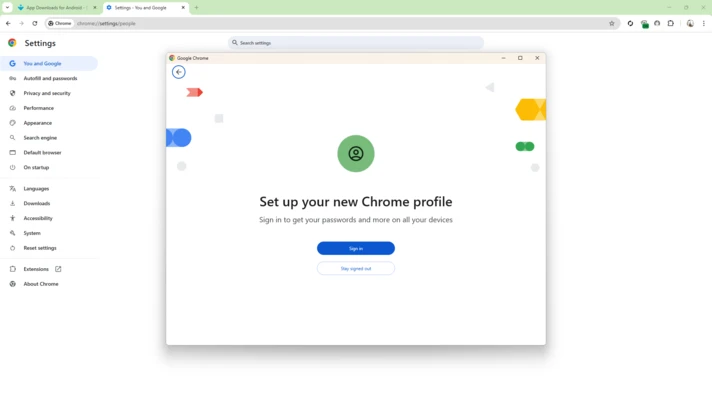
Google Chrome integrates with your Google account to synchronize bookmarks, browsing history, passwords, and settings across supported devices. Once you sign in and enable synchronization, you can access your saved browsing data from computers, tablets, and smartphones.
Extensions and customization options to enhance the browsing experience
Google Chrome supports a large collection of extensions through the Chrome Web Store. These add-ons let you customize the browser with tools for productivity, security, communication, and entertainment. Available options include ad blockers, password managers, translation tools, and other utilities.
Data saving mode and optimized performance for mobile devices
Chrome includes performance and data-management features designed to improve browsing on mobile devices. Depending on the platform and version, these may include memory optimizations, faster page loading, and settings that help control data usage. Feature availability can vary between desktop and mobile versions.
Support for the latest web technologies and advanced development
Google Chrome supports modern web technologies and standards, including HTML5, WebGL, and CSS3. It also provides developers with Chrome DevTools, a collection of built-in tools for inspecting websites, debugging code, analyzing performance, and testing web applications.