

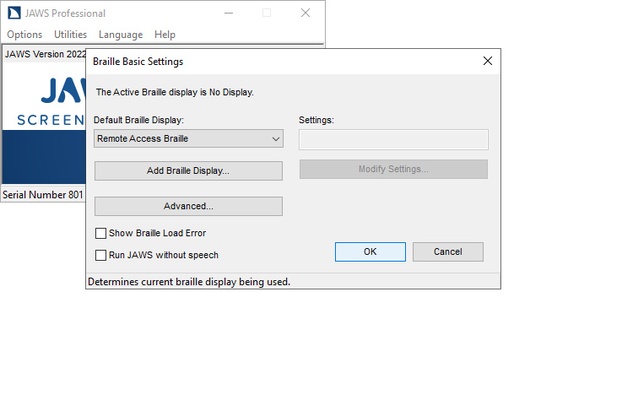
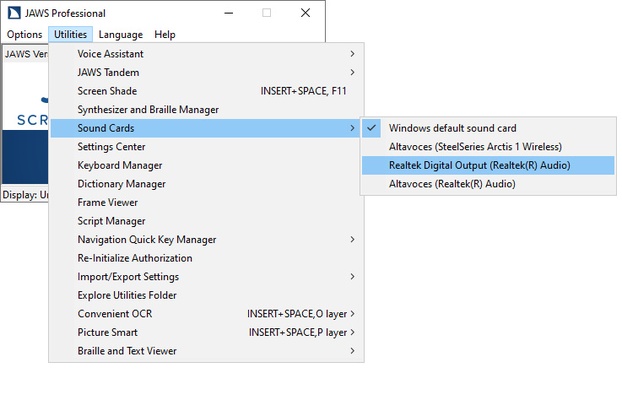
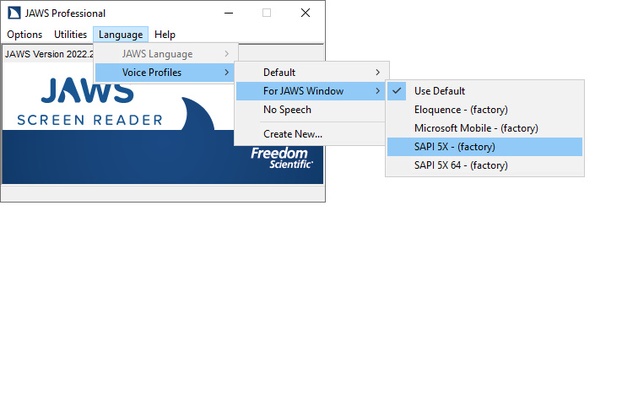
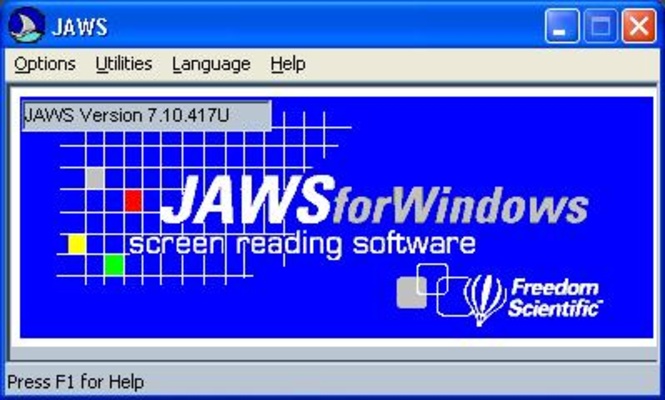
Jaws is a software developed by Freedom Scientific, specially created to help blind or visually impaired people. They will be able to listen to a narration of everything that happens on the computer screen. The program will automatically convert all content being displayed on the screen —whether it is the text of a full web page or a Windows pop-up window— into sound or text for a braille terminal (an electronic device attached to the computer, developed for people who are blind or have low vision).
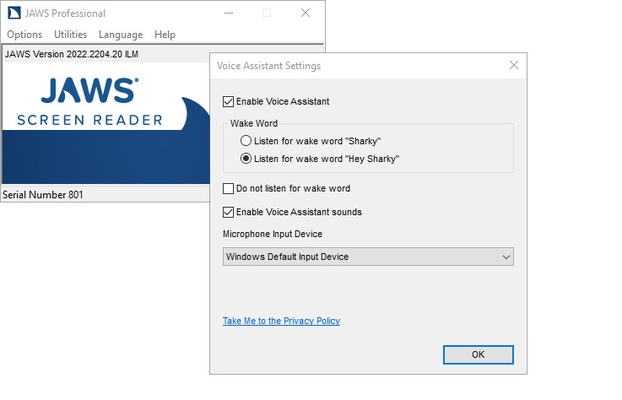
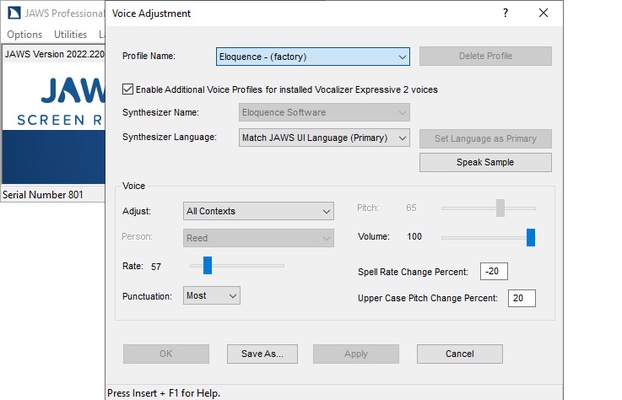
When installing Jaws, you will be able to choose the languages you want. It always comes in English by default, but you will find dozens of additional languages that you can install with a single click. It is also important to note that in order to start using the program correctly, you must first restart the computer. Only after this first restart will you be able to begin listening to all the actions you perform on your PC. A voice will dictate every click or keystroke you make by default, although you can customize this in the program settings.
Among the programs with which Jaws's effectiveness has been fully demonstrated are Microsoft Office, Google Docs, Chrome, Edge, Firefox, and Brave. What does this mean? You will be able to read the screen of any browser, such as Chrome, regardless of your vision problems. You will be able to listen to all the web pages or read their content using a braille terminal. Similarly, you can read or listen comfortably to any text document you have in Office or Docs. You can even read documents in PDF format.
Jaws software requirements are not particularly demanding, but they are not low either. You will need at least 8 GB of RAM, as well as 2 GB of free hard disk space (SSD recommended) and a 2 GHz i5 processor. The program also fully supports Windows 11, Windows 10, and some earlier versions of Microsoft's operating system. In short, any mid-range desktop or laptop computer will have no problem running it correctly.
Download Jaws free of charge to test how it works and if it is the ideal accessibility tool for you. This free version, however, only works in forty-minute sessions. If you want to unlock the program, you will need to purchase one of the multiple licenses available on the official website, which have different prices, ranging from $90 per year to $1285 for a full professional license (although the program is completely free if you are affiliated to ONCE).