Go to Windows platform Display platforms icon
Go to Windows platform Go to Mac platform Go to Android platform
Media Player Classic - Home Cinema (MPC-HC) icon

Media Player Classic - Home Cinema (MPC-HC)

2.4.1
MPC Home Cinema Team
4.6
21.31 MB size

An all-round great multimedia player

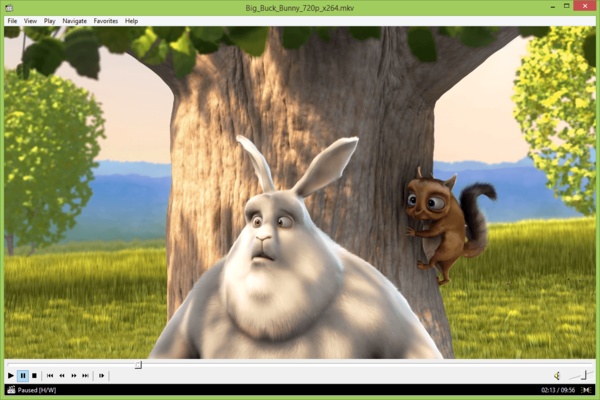
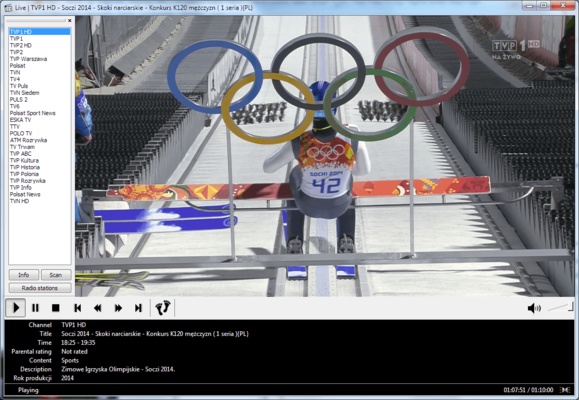
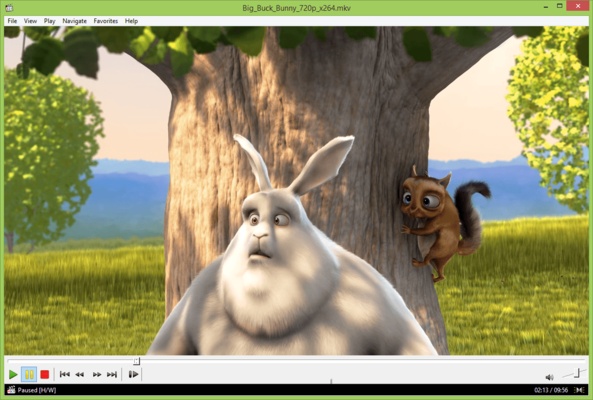
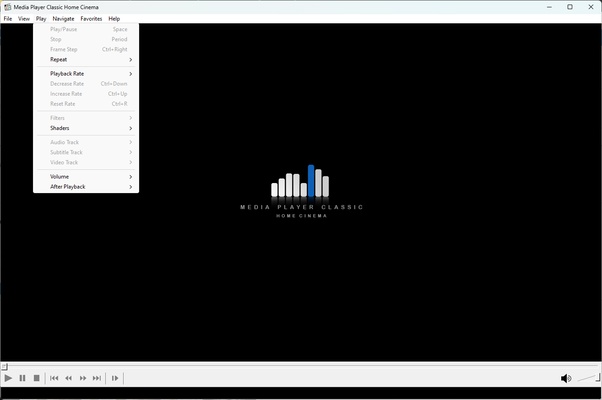
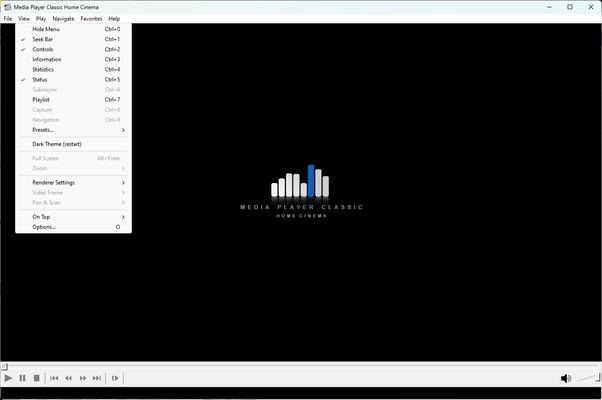
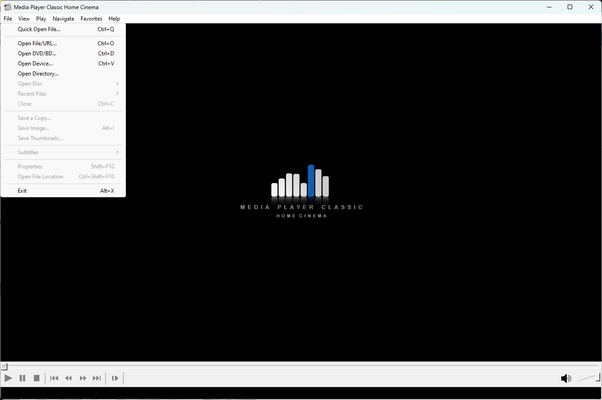
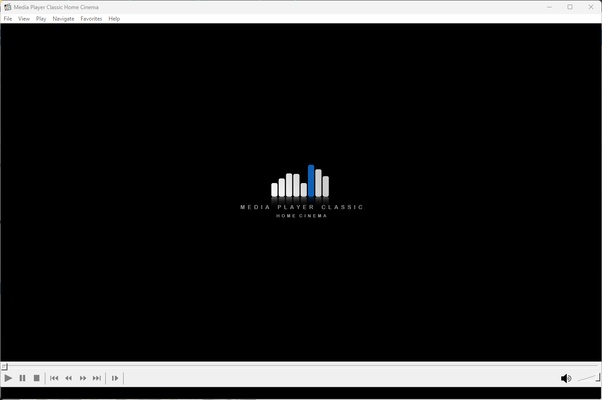
Media Player Classic - Home Cinema (MPC-HC) is an extremely lite and versatile media player for Windows. Its simplicity and efficiency make it the perfect choice for those looking for a hassle-free media playback experience. With a design reminiscent of the classic players, Media Player Classic - Home Cinema (MPC-HC) has modern features and a high performance that outperforms many of its competitors.

This player is known for its ability to play a wide variety of multimedia file formats. Whether they are video files, audio files, CDs, DVDs or even more uncommon formats, Media Player Classic - Home Cinema (MPC-HC) can handle them easily. No additional codec downloads are required, as it has its own internal codecs. This ensures that you'll be able to play your favorite media files immediately after installation.

Media Player Classic - Home Cinema (MPC-HC) also has several advanced features not found in most common media players. These include hotkey customization, a full-screen mode option with zoom controls, support for subtitles, and many more. It also supports 4K and 8K video playback, putting it at the forefront in terms of video quality.

The best part of Media Player Classic - Home Cinema (MPC-HC) is its commitment to user privacy and security. The program is open source, which means that its code is accessible to the public, ensuring that there are no hidden features or spyware. What's more, Media Player Classic - Home Cinema (MPC-HC) doesn't collect user data, so you can be confident that your privacy is protected. In short, if you're looking for a lite but powerful media player that can handle any file format and respects your privacy, Media Player Classic - Home Cinema (MPC-HC) is definitely worth a go.

Frequent questions

Is Media Player Classic - Home Cinema (MPC-HC) an alternative to VLC?

Yes, Media Player Classic - Home Cinema (MPC-HC) is the same type of program as VLC. While VLC gives you good volume control, Media Player Classic - Home Cinema (MPC-HC) is generally faster in terms of certain features, and it also supports 4K.

Can Media Player Classic - Home Cinema (MPC-HC) play MKV files?

Yes, Media Player Classic - Home Cinema (MPC-HC) can play MKV files without any issues or requiring add-ons.

Information about Media Player Classic - Home Cinema (MPC-HC)

License GNU
Op. System Windows
Category Video
Language English 10 more
Author MPC Home Cinema Team
permission icon Permissions Not applicable
Date 2026-06-02
Size 21.31 MB
File type EXE

Apps recommended for you

Winxvideo AI icon
Enhance, upscale, compress, and convert videos with Winxvideo AI for Windows, the AI-powered video processing software for high-quality media editing.
WonderFox DVD Ripper Pro icon
WonderFox Soft, Inc
Iriun Webcam icon
Turn your smartphone into a high-quality webcam with Iriun Webcam for Windows, the easy-to-use app for video calls, streaming, and online meetings.
Movavi Video Editor Plus 2026 26.17.0 icon
Powerful yet easy-to-use video processing program for Windows
scrcpy icon
Control your smartphone and tablet from your computer
FFMPEG Audio Encoder icon
A powerful and easy-to-use video and audio encoder
Clipchamp icon
Create stunning videos for YouTube, Instagram, and TikTok
Free Video to JPG Converter icon
Automatically extract hundreds of images from your videos
UltraMixer 6.4.8 icon
Mix & Enterain with Audio, Video, Visual & live camer for PC!
VSDC Free Video Editor 11.2.1.720 (64-bit) icon
Amazing program that allow you to create and edit video for Free!
Streamlabs OBS 1.21.4 icon
Fast Feature-Packed Broadcast Software Designed by Pro Streamers!
Wondershare Filmora 15.6.4 icon
Easy video editor everyone can use, support 800+ effects & 50+ formats!
Any Video Converter Free icon
Convert and edit videos easily with Any Video Converter Free for Windows, the versatile tool for fast video format conversion and basic video processing.
Streamlabs OBS icon
Stream, record, and broadcast high-quality content with Streamlabs OBS for Windows, the powerful live streaming and recording software for gamers and creators.
DVDFab icon
DVDFab for Windows is a versatile media software that allows users to copy, rip, convert, and burn DVDs and Blu-rays easily.
Iriun Webcam icon
Turn your smartphone into a high-quality webcam with Iriun Webcam for Windows, the easy-to-use app for video calls, streaming, and online meetings.
HandBrake icon
Modify formatting and features for any DVD
DVDVideoSoft Free YouTube to MP3 Converter icon
Download only audio from Youtube videos
myFFmpeg icon
OSBytes
Secret Video Downloader icon
Secret Video Downloader for Windows allows users to download videos from various websites anonymously and securely for offline viewing.
Vidyard for Chrome icon
Vidyard for Chrome is a video recording and sharing extension that allows users to create, share, and track videos directly from their browser.
CapCut icon
Incredibly powerful and easy-to-use video editor
Streamlabs OBS 1.21.4 icon
Fast Feature-Packed Broadcast Software Designed by Pro Streamers!
Cyberlink PowerDirector icon
Edit video clips and create complete original DVD's