

Any good research work needs a substantial bibliography, so luckily Mendeley Reference Manager is here to help you manage your references and organize your research. You can also use it to collaborate with other people over the Internet and discover the latest findings in your field of study.
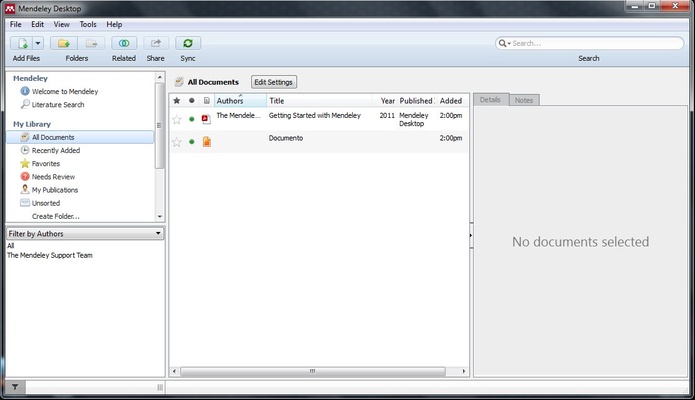
Mendeley Reference Manager is a useful tool for creating a good bibliography, and it's not out-of-date or difficult to use. In fact, it will organize the materials that you've used in a simple, fast, convenient way.
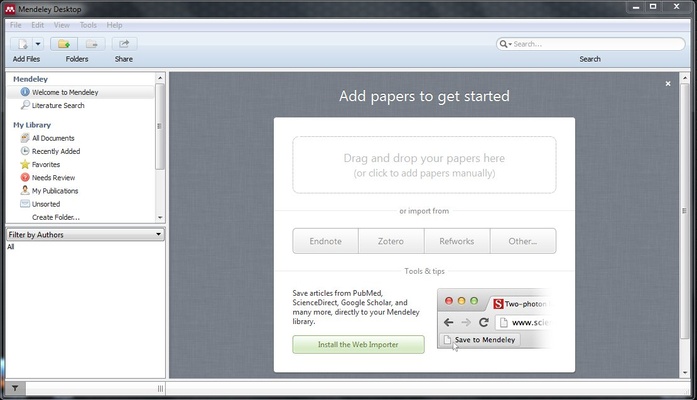
Automatically creating bibliographies, collaborating with your teammates, and inserting citations into your Microsoft Word, OpenOffice, and LaTeX documents has never been easier. With this app, you can open your PDF files and add notes and reminders that you'll be able to see in the future when you're browsing the Mendeley Reference Manager database.
Starting a research project can be overwhelming, but thanks to this tool you'll be able to simplify many of the steps of the process, from the initial search to the discovery of reading material and even the analysis.
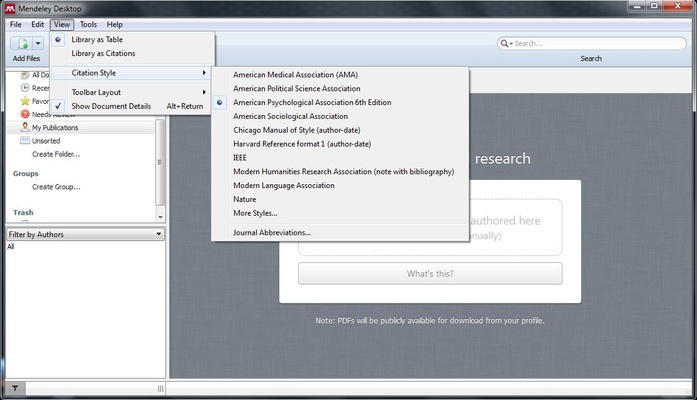
And you'll save valuable time creating citations and bibliographies with the correct format because now instead of manually checking your work for errors, you can do it all automatically with just a few clicks.
Another great thing about using Mendeley Reference Manager is that it identifies other researchers. Just by launching the program, you'll have access to more than a million other researchers around the world with whom you can synchronize and share your work.
Frequent questions
What's the difference between Mendeley Desktop and Mendeley Reference Manager?
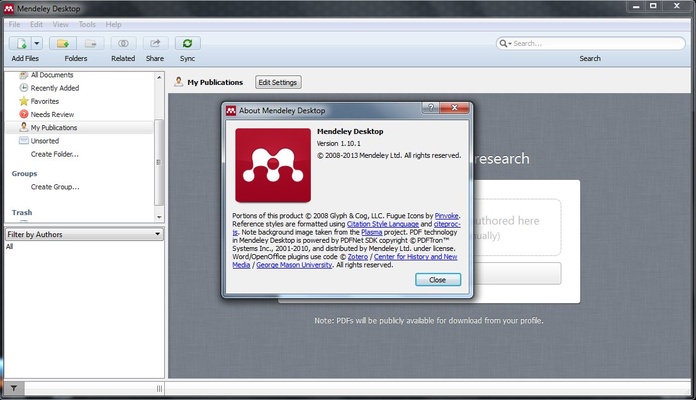
The difference between Mendeley Desktop and Mendeley Reference Manager is that the former refers to an obsolete version of the program that's no longer updated, while the latter, Mendeley Reference Manager, is the current version and receives regular support from its developers.
Is Mendeley Reference Manager free?
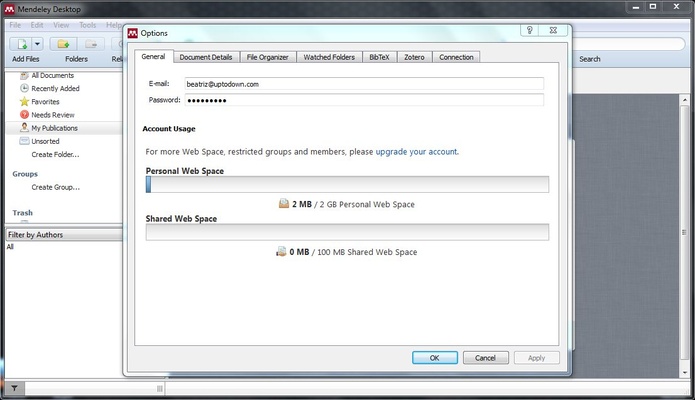
Yes, Mendeley Reference Manager is free. It's possible to sign up for an account on the official Mendeley website completely free of charge. With this account, you can easily sync all of your work.
Is it possible to use Mendeley Reference Manager together with Word?
Yes, you can use Mendeley Reference Manager together with Word. All you have to do is install the corresponding plugin, a process that takes just a few seconds. After this, you can comfortably use Mendeley and Word together.
What is the Premium version of Mendeley Reference Manager?
Mendeley Reference Manager does not have a Premium version. Mendeley, the developer, offers a series of Premium plans that provide you with additional cloud storage when using all its products. But no, there is no Mendeley Reference Manager Premium.