Go to Windows platform Display platforms icon
Go to Windows platform Go to Mac platform Go to Android platform
Nuclear Music Player icon

Nuclear Music Player

0.6.46
nukeop
4.4
131.78 MB size

Play music from various online sources

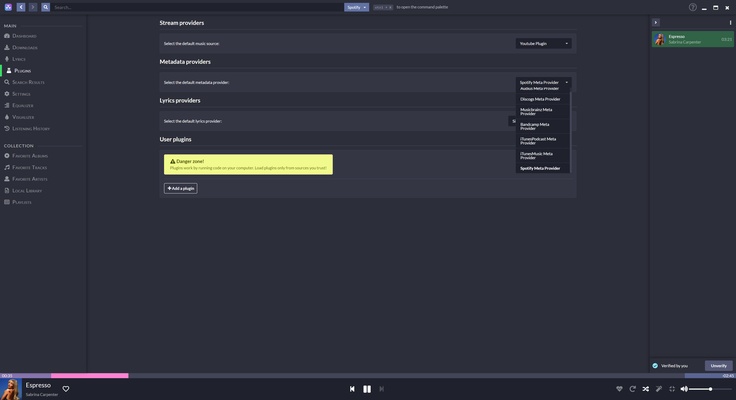
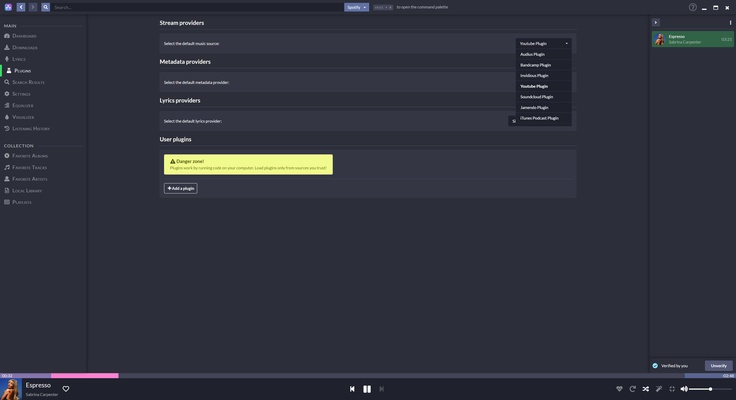
Nuclear Music Player is a free music player that allows you to listen to music from different sources online. Thanks to this, you can combine songs from a multitude of streaming platforms, as well as add the music you have stored on your PC.

A modern and sleek interface

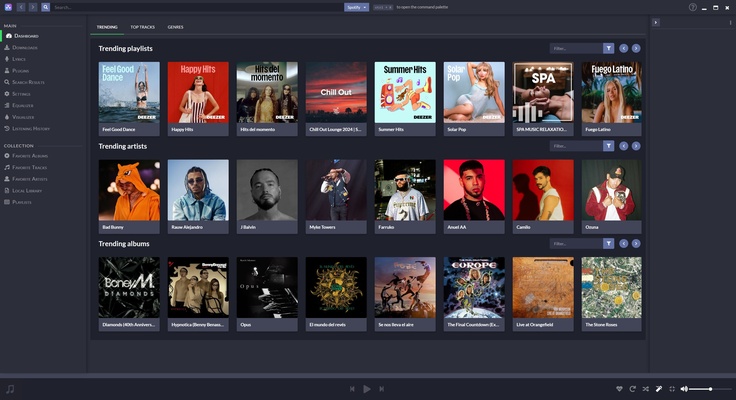
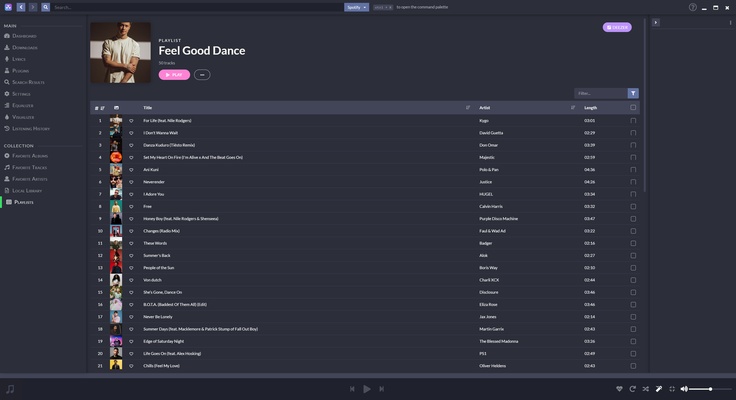
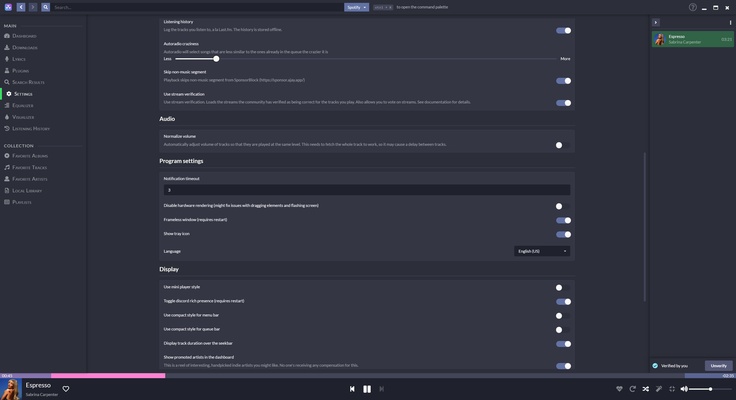
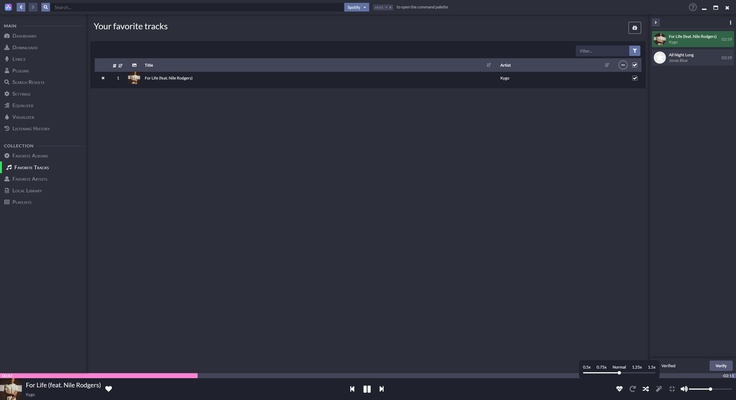
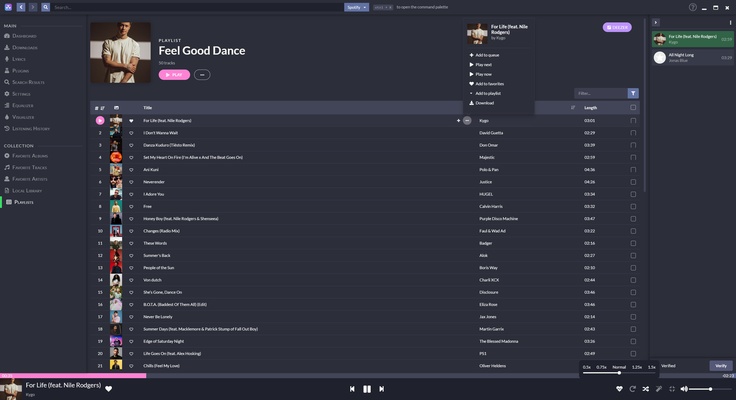
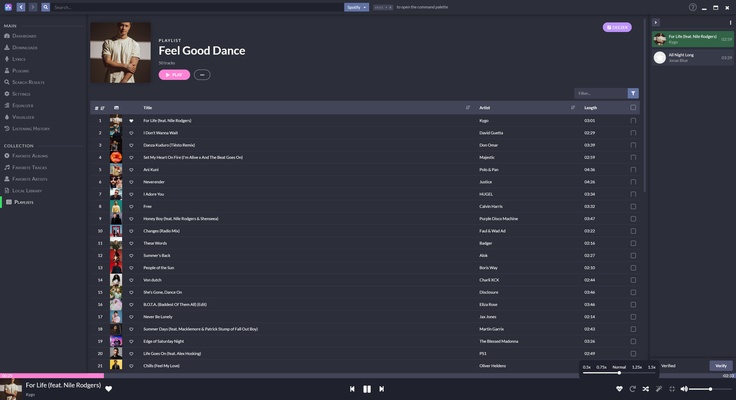
Nuclear Music Player's interface is organized in a similar way to other music streaming platforms. When you open the main panel, you'll find the most popular playlists of the moment, as well as the most listened-to artists and albums in your country. In addition to popular playlists, you can create your own playlists or put all the songs you like in the "favorites" section by just giving them a "like." There is also a section for your favorite artists and albums.

Download music in MP3 format

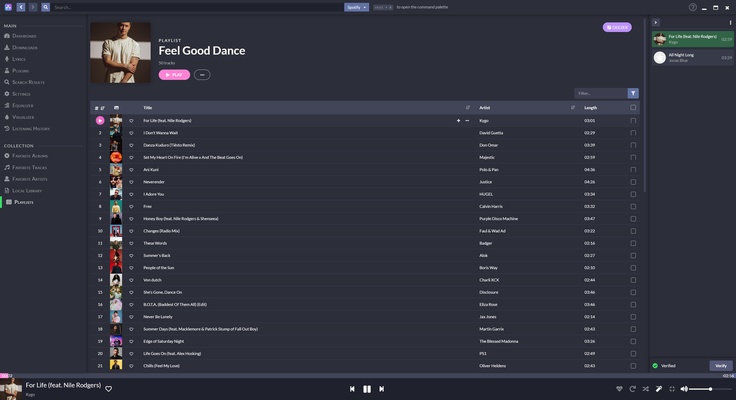
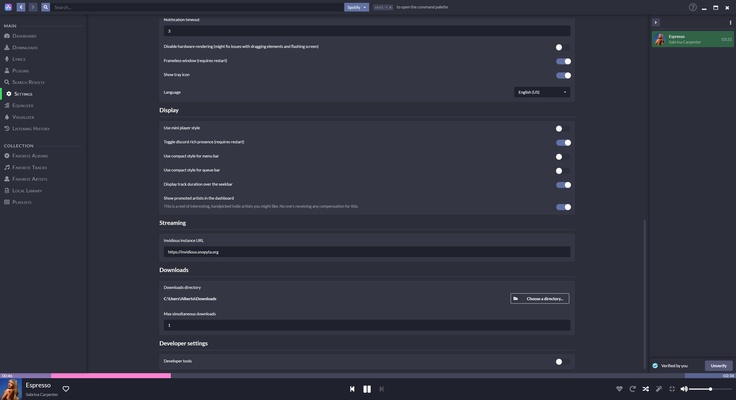
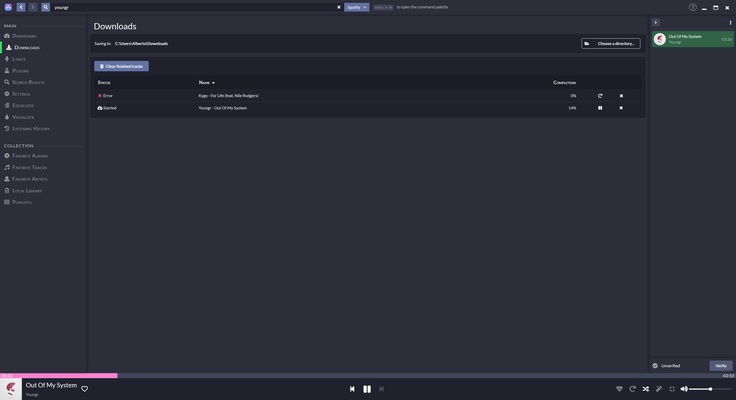
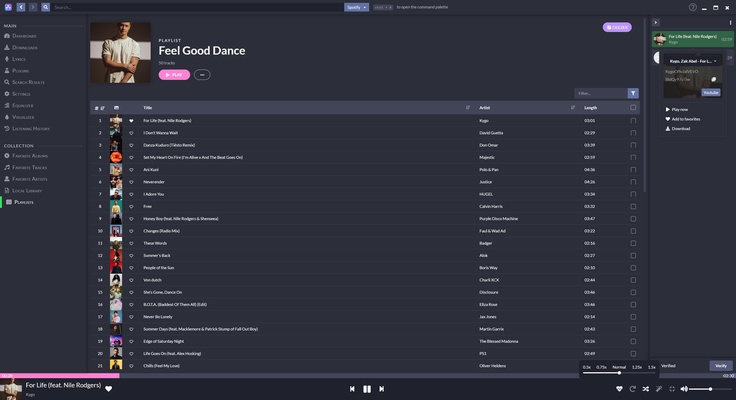
Nuclear Music Player also gives you the option to download songs from the source of your choosing. These songs will be stored locally in the folder of your choice in MP3 format. The sound quality of the song may vary depending on the source. To play a song, simply find it on the bar on the right, click it, and choose from several different sources. This way, you can choose the version you like the most or the one with the best quality. You can also add songs to the queue, and you'll always be able to see the next song on the list.

Song lyrics

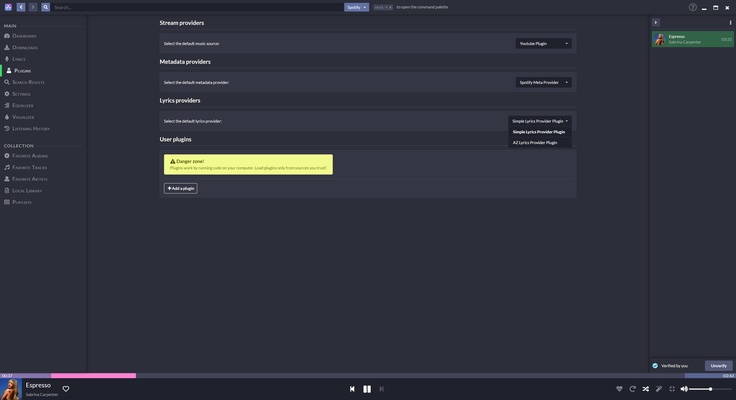
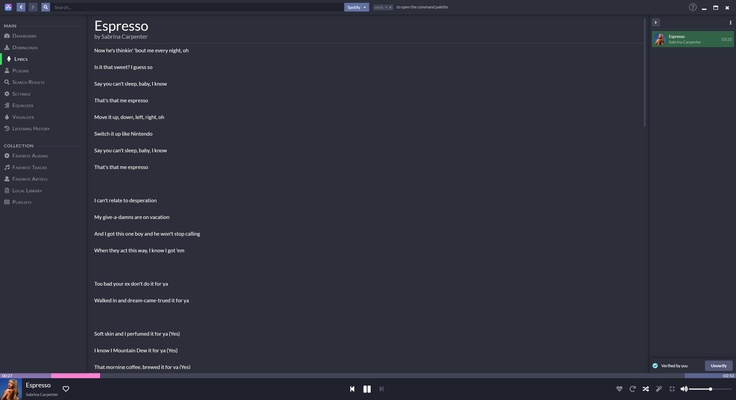
Like most popular music players, Nuclear Music Player has a lyrics section. The lyrics are obtained from websites like AZLyrics and, when available, are automatically loaded for each song.

No ads or tracking

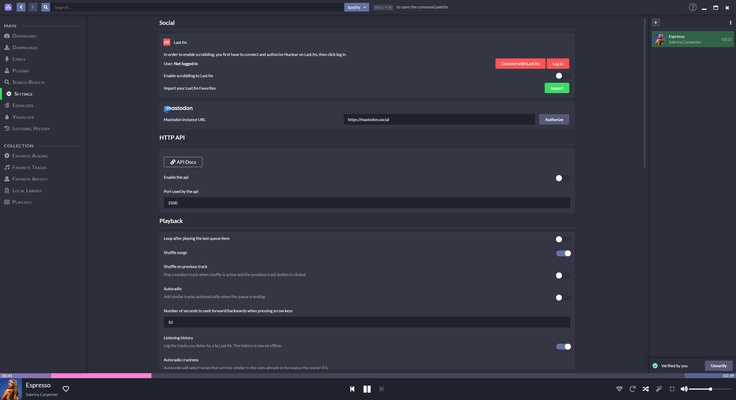
Nuclear Music Player has no ads or tracking of any kind. That means there are no discovery lists or recommendations based on your tastes. All the content you see is based on the number of plays by this platform's users, or by what you've given a "like." You can also import playlists from other platforms such as Spotify, Deezer, or YouTube. Choosing a single song will play the "radio" for that song, with a mix of similar tracks.

Download Nuclear Music Player to listen to free music on Windows.

Information about Nuclear Music Player

License Free
Op. System Windows
Category Audio
Language English 47 more
Author nukeop
permission icon Permissions Not applicable
Date 2026-06-02
Size 131.78 MB
File type EXE

Apps recommended for you

Audials One icon
Download and play music, videos, podcasts,...
Pianoteq 9.2.4 icon
Virtual Windows Desktop Piano and Physically Modelled Acoustic
Windows Sound Recorder icon
The official Windows Sound Recorder app
Dopamine icon
Listen to music with this minimalist player
X Radio Stream Finder icon
X Radio Stream Finder for Windows is a tool that allows users to discover, play, and record online radio streams from around the world.
iTop Easy Desktop icon
Organize and optimize your Windows desktop
Wavepad icon
Full featured audio editor for free
XRecode II icon
XRECODE is a versatile audio converter that supports a wide range of formats, allowing users to easily convert and manage audio files.
Ableton Live 12.4.6 icon
A software music sequencer and digital audio workstation for Windows
Dolby Access 3.27.12250 icon
Spectacular sound for all your entertainment!
VoiceMeeter Standard 1.1.3.0 icon
To mix your voice and video game audio on Skype and more!
JRiver Media Center 36.0.38 (64-bit) icon
Allows the user to play and organize various types of media!
Deezer Desktop 7.1.340 icon
Introducing the new Deezer desktop app for Windows PC!
REAPER 7.80 (64-bit) icon
Multitrack audio and MIDI recorder for your Windows PC
XRECODE 1.189 (64-bit) icon
Great audio converter which supports most of the common audio formats!
Bitwig Studio 6.1.1 icon
Multi-platform music creation system for production, performance and DJing!
muffon icon
Listen to your favorite music from any source
ft2-clone icon
ft2-clone for Windows is a free and open-source music tracker that allows users to create and compose music with a classic, retro interface.
Audacity Portable icon
Take your Audacity with you and edit audio wherever you are
FxSound 1.2.13.0 icon
Boost the sound quality of your music with FxSound Enhancer powered by DFX
GoldWave icon
Audio player, editor and converter, all together
Clementine icon
Easily play and organize your music
Universal Media Server icon
Turn your PC into a multimedia center
Ultimate Vocal Remover icon
Separate the vocals in any song