


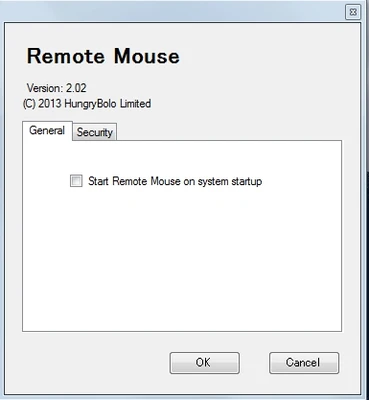
Remote Mouse is a desktop application that lets you turn an Android or iOS device into a wireless mouse and keyboard for your PC. By installing the corresponding mobile app, you can control your computer remotely using your phone or tablet.
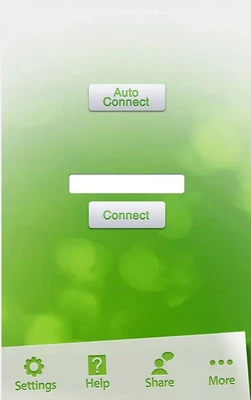
To get started, connect your mobile device and computer to the same Wi-Fi network and synchronize them. You can establish the connection by scanning a QR code or entering the computer's IP address. The setup process usually takes only a few minutes.
Once connected, your mobile device can function as a wireless mouse or keyboard, making Remote Mouse a convenient tool for controlling your computer from a distance without needing to sit directly in front of it.