Go to Windows platform Display platforms icon
Go to Windows platform Go to Mac platform Go to Android platform
ReWASD icon

ReWASD

9.1.1
Disc Soft Ltd
5
48.75 MB size

Use and configure any gamepad on your PC

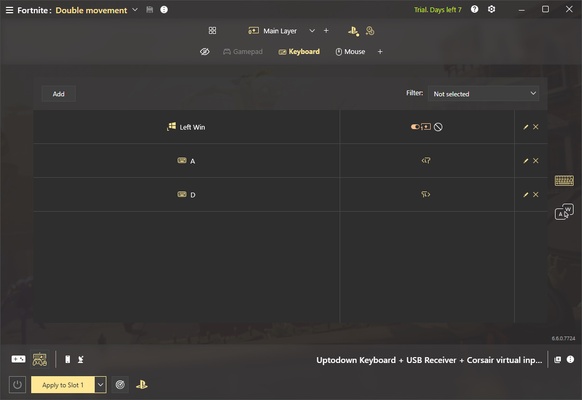
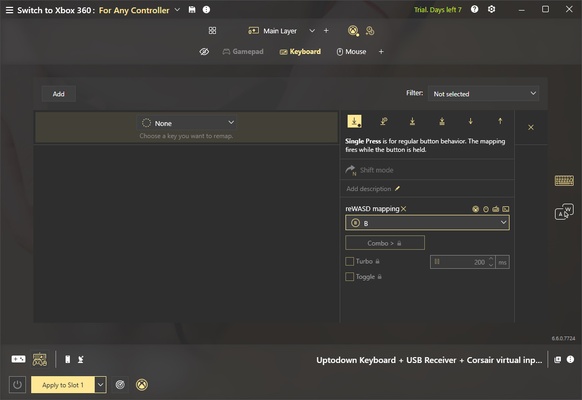
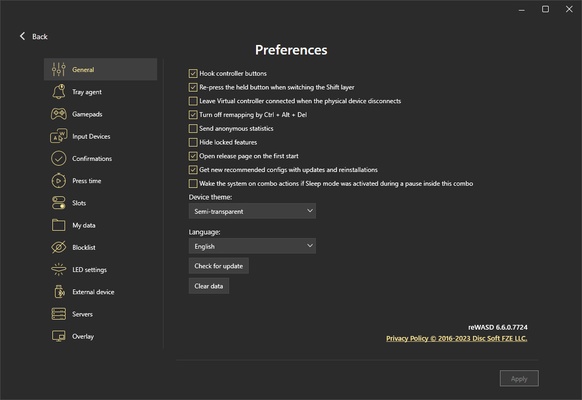
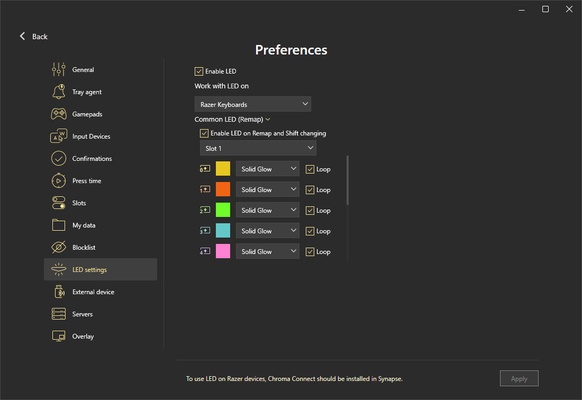
ReWASD is a program that will allow you to use and configure any type of controller on your PC. The app is fully compatible with all official Nintendo controllers, as well as Sony Dualshock controllers and, of course, all Xbox controllers, including the Elite line. It is also compatible with third-party gamepads and other joysticks. In short, it will recognize any device you can connect to the PC.

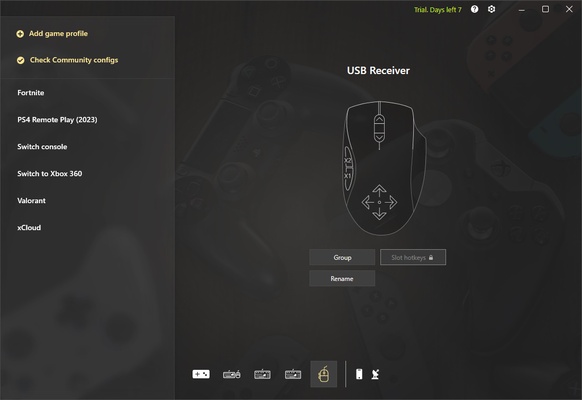
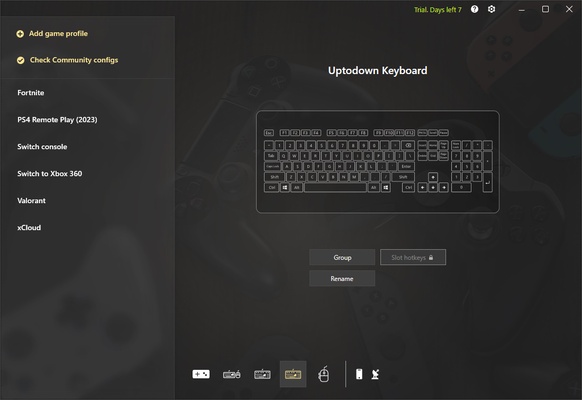
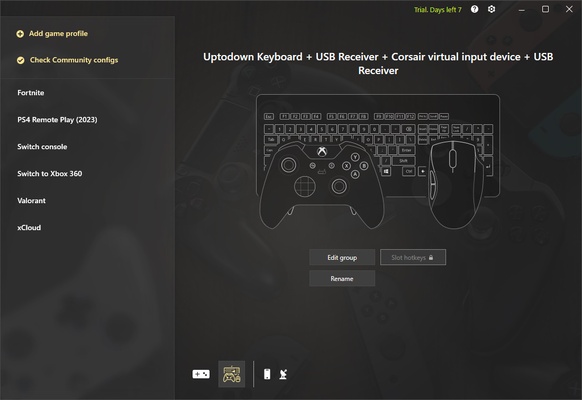
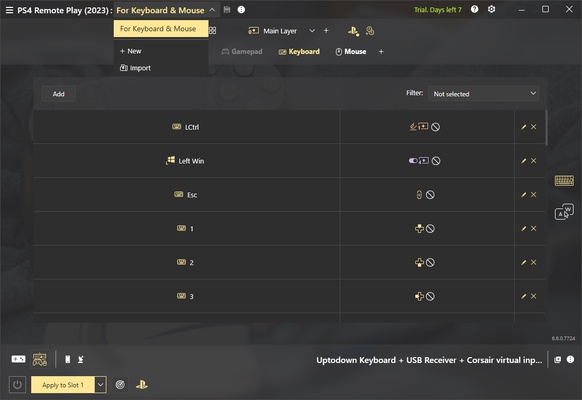
The first thing you will see when you start ReWASD for the first time will be a list of all the devices recognized by the program. This includes the keyboard, mouse and any other gamepad or joystick you currently have connected to the PC. From here you can rename each device and create groups. By creating a group, for example, of keyboard and mouse, you will be able to configure and map them together, thus customizing your experience with any game.

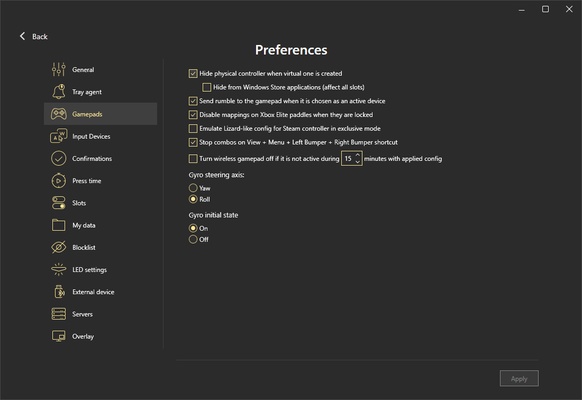
One of the most interesting features of ReWASD is undoubtedly the ability to configure an Xbox Elite controller with complete freedom. What does that mean? It means you can do much more than with the official Xbox app, such as mapping the rear levers of the controller, so that you can activate them with the keyboard. Also, few games make real use of the four rear levers, but thanks to ReWASD you will be able to configure them for any video game, even if they are not natively supported.

Another interesting feature included in ReWASD is the one that allows you to configure the Dualshock 4 touch screen. Yes, you will be able to customize exactly what you want to happen when you touch different areas of the controller screen in different games. Each game with its own configuration.

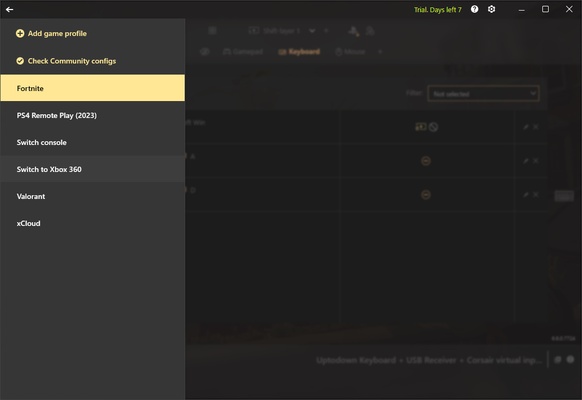
Download ReWASD and start getting the most out of your PC gaming accessories. On the developer's official website, you will also find tips and community settings for many popular video games, such as Call of Duty: Modern Warfare 2, Valorant and Grand Theft Auto 5. Downloading all these configurations is completely free of charge.

Information about ReWASD

License Free
Op. System Windows
Category Games
Language English 47 more
Author Disc Soft Ltd
permission icon Permissions Not applicable
Date 2026-06-02
Size 48.75 MB
File type EXE

Apps recommended for you

PCSX2 icon
PCSX2 for Windows is an open-source PlayStation 2 emulator that allows users to play PS2 games on their PC with enhanced graphics.
Mad Birds icon
Shooting The Birds, but in 3D
Blitz icon
The ideal partner to play League of Legends
Bingo Las Vegas icon
DESOF Software
Rockstar Games Launcher icon
Rockstar Games Launcher for Windows is a gaming platform that allows users to access, manage, and play Rockstar games like Grand Theft Auto and Red Dead Redemption.
Block Blast! icon
Challenge your mind with highly addictive puzzles
Microsoft Minesweeper icon
The classic minesweeper revamped in this official version
3DMark icon
Benchmark and test your PC performance with 3DMark for Windows, featuring advanced GPU, CPU, and gaming benchmark tools.
Epic Games Launcher 20.1.0 icon
All Epic Games titles in one desktop app for Windows PC!
RPCS3 icon
MySQL Workbench for Windows is a powerful database management tool that enables users to design, query, and administer MySQL databases with ease on Windows.
Hearthstone Deck Tracker icon
The companion app to help you play better in Hearthstone
ExtraMAME icon
Play and manage classic arcade games on Windows with ExtraMAME, the enhanced MAME emulator offering improved performance and game compatibility.
LabyMod icon
LabyMod for Windows is a Minecraft launcher that adds mods, enhancements, and customizable features to improve gameplay.
FlightGear icon
Experience realistic flight simulation with FlightGear for Windows, the free open-source flight simulator featuring advanced aircraft and global scenery.
PCSX2 2.7.394 icon
Free and open-source PlayStation 2 emulator for Windows PC
3DMark icon
Benchmark and test your PC performance with 3DMark for Windows, featuring advanced GPU, CPU, and gaming benchmark tools.
3DMark icon
Benchmark and test your PC performance with 3DMark for Windows, featuring advanced GPU, CPU, and gaming benchmark tools.
Prism Launcher icon
Manage different Minecraft accounts and mods
EDuke32 icon
EDuke32 Community
FlightGear icon
Experience realistic flight simulation with FlightGear for Windows, the free open-source flight simulator featuring advanced aircraft and global scenery.
GTA: San Andreas – NETFLIX icon
The king of GTA is back in style
Block Blast! icon
Challenge your mind with highly addictive puzzles
Unleashed Recompiled icon
PC port of Sonic Unleashed for Xbox 360
Blitz icon
The ideal partner to play League of Legends